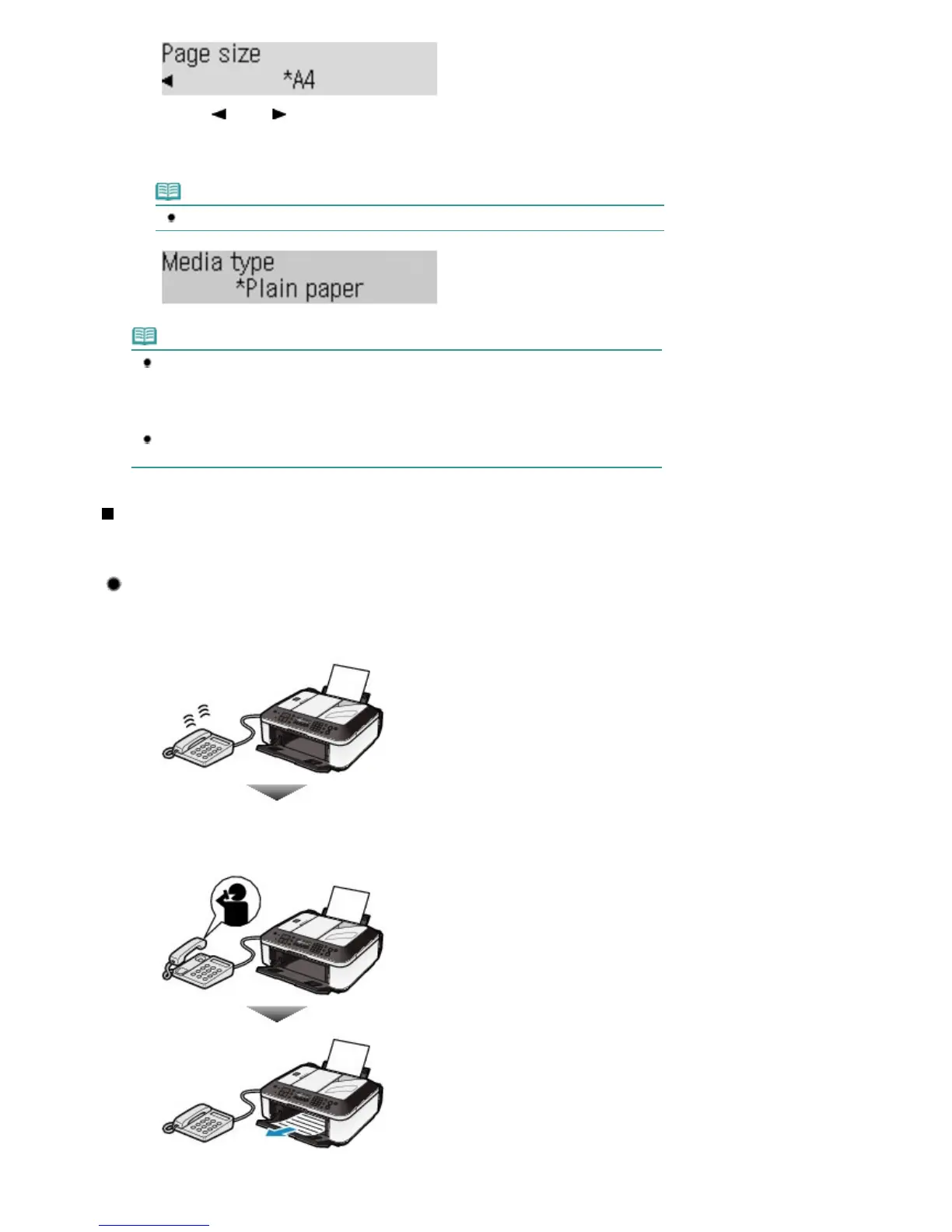
(2)
Use the
(-) or (+) button to specify Page size, and press the
OK
button.
You can specify A4, Letter, or Legal.
(3)
Confirm that Plain paper is selected for Media type, and press the
OK
button.
Note
If a media type other than Plain paper is selected, select Plain paper.
Note
The paper settings are shared among the copy mode, fax mode, and template print. After
printing in other modes, confirm or change the paper settings.
If a page size other than A4, Letter, or Legal, or a media type other than Plain paper is
selected, faxes or reports cannot be printed.
See Receiving a Fax Temporarily in the Machine's Memory (Memory Receiving)
.
Set ECM RX in Adv. communication to ON to receive a color fax.
For details, refer to the on-screen manual:
.
Receiving a Fax
Depending on the selected receive mode, the receive operation varies.
For the receive mode, see
Setting the Receive Mode
.
When TEL priority mode is selected:
When the call is a fax:
The telephone will ring when a call incomes.
(1)
Pick up the handset. If you hear the fax tone, wait for at least 5 seconds after it
stops, then hang up the handset.
The machine will receive the fax.
Seite 39 von 922 SeitenReceiving Faxes















 To Next Page