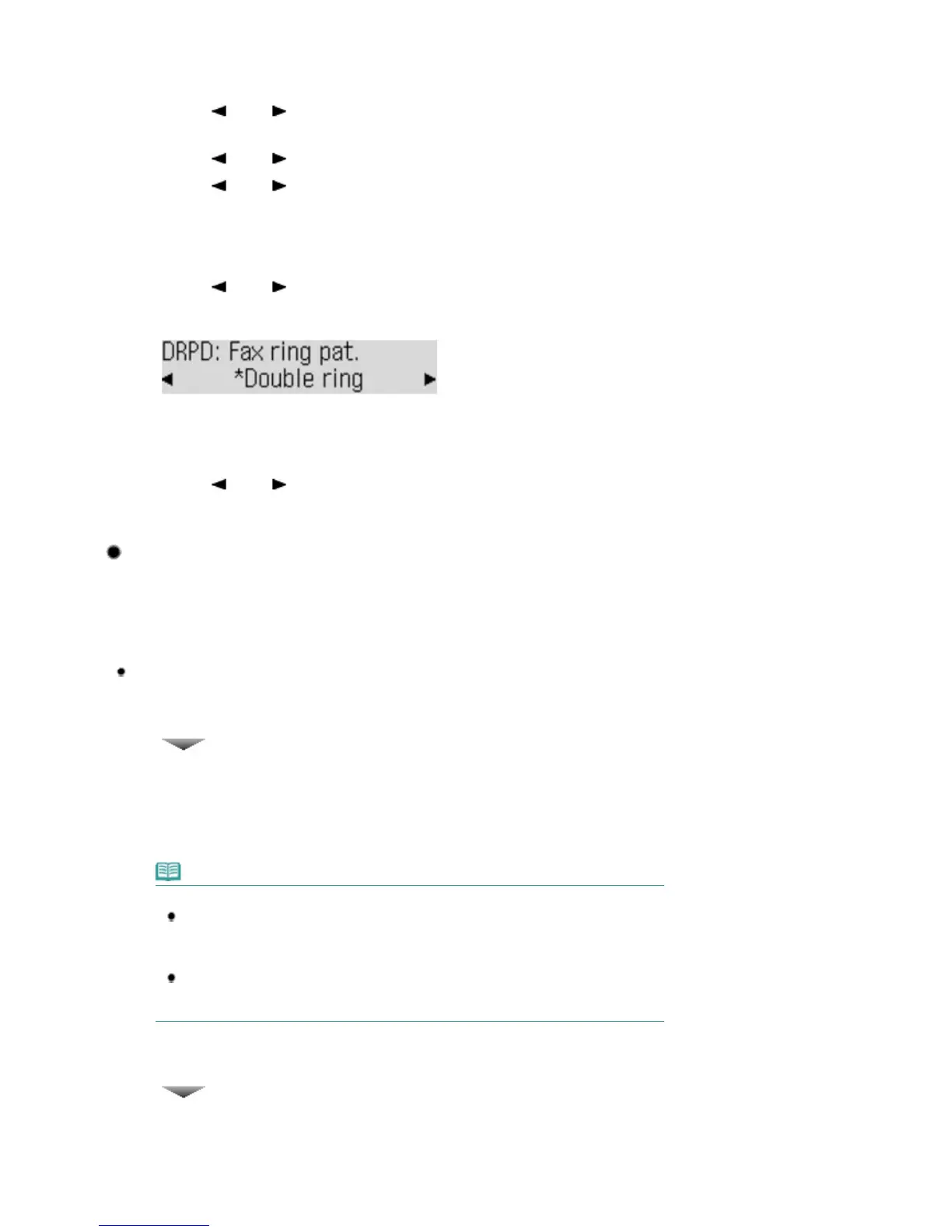
Display the DRPD: Fax ring pat. screen.
(1)
Press the
FAX
button, and press the
Menu
button.
(2)
Use the
(-) or (+) button to select Receive mode set. in the Fax settings
menu, and press the
OK
button.
(3)
Use the
(-) or (+) button to select DRPD, and press the
OK
button.
(4)
Use the
(-) or (+) button to select Yes, and press the
OK
button.
(5)
Make sure that DRPD: Fax ring pat. is selected, and press the
OK
button.
2.
Select the ring pattern.
(1)
Use the
(-) or
(+) button to select the ring pattern that your telephone
company assigned to your fax number.
Select from Normal ring, Double ring, Short-short-long, or Short-long-short.
(2)
Press the
OK
button.
The Incoming ring screen will appear.
(3)
Press the
OK
button.
(4)
Use the
(-) or (+) button to specify the number of times to ring the
telephone, and press the
OK
button.
The screen will return to the fax standby screen.
Selecting a Receive Mode
You can select a receive mode suitable for your fax use conditions, such as whether you connect a
telephone or answering machine to the machine, whether you use a dedicated line for fax, etc.
Select the receive mode according to the following procedure.
Each mode has the option settings. Specify those settings if necessary.
For details, refer to the on-screen manual:
Advanced Guide
.
When receiving voice calls (with a telephone or answering machine
connected to the machine):
When mainly receiving a voice call:
TEL priority mode
When a call incomes, the telephone will ring.
*1
- If the call is a voice call, pick up the handset.
- If the call is a fax, pick up the handset. When the machine starts receiving the fax, hang up the
handset.
Note
Available advanced settings for the TEL priority mode
*2
Manual/auto switch: Sets the machine to receive a fax automatically without the handset
being picked up. RX start time allows you to set the number of seconds until the machine
switches to fax reception. After the machine switches to fax reception, you cannot talk
on the telephone even if you pick up the handset.
User-friendly RX: Sets the machine to receive a fax automatically when you pick up the
handset or when the answering machine answers a call that is a fax. If the machine
unexpectedly switches to fax reception during telephone calls, set this to OFF.
When subscribing to a ring pattern detection service provided by your
telephone company:
DRPD or Network switch
When a call incomes, the telephone will ring.
*1
The machine detects a fax call by the fax ring
pattern.
- If the call is a fax, the machine will receive the fax automatically.
Seite 29 von 922 SeitenSetting the Receive Mode















 To Next Page