Advanced Guide
>
Printing from a Computer
>
Printing with Other Application Software
>
Various Printing
Methods
> Printing an Envelope
P406
Printing an Envelope
If you are using the XPS printer driver, replace "Canon IJ Status Monitor" with "Canon IJ XPS Status
Monitor" when reading this information.
For details on how to load an envelope into the machine, refer to "Loading Paper" in the manual: Basic
Guide.
The procedure for performing envelope printing is as follows:
1.
Fold down the paper support
2.
Load an envelope into the machine
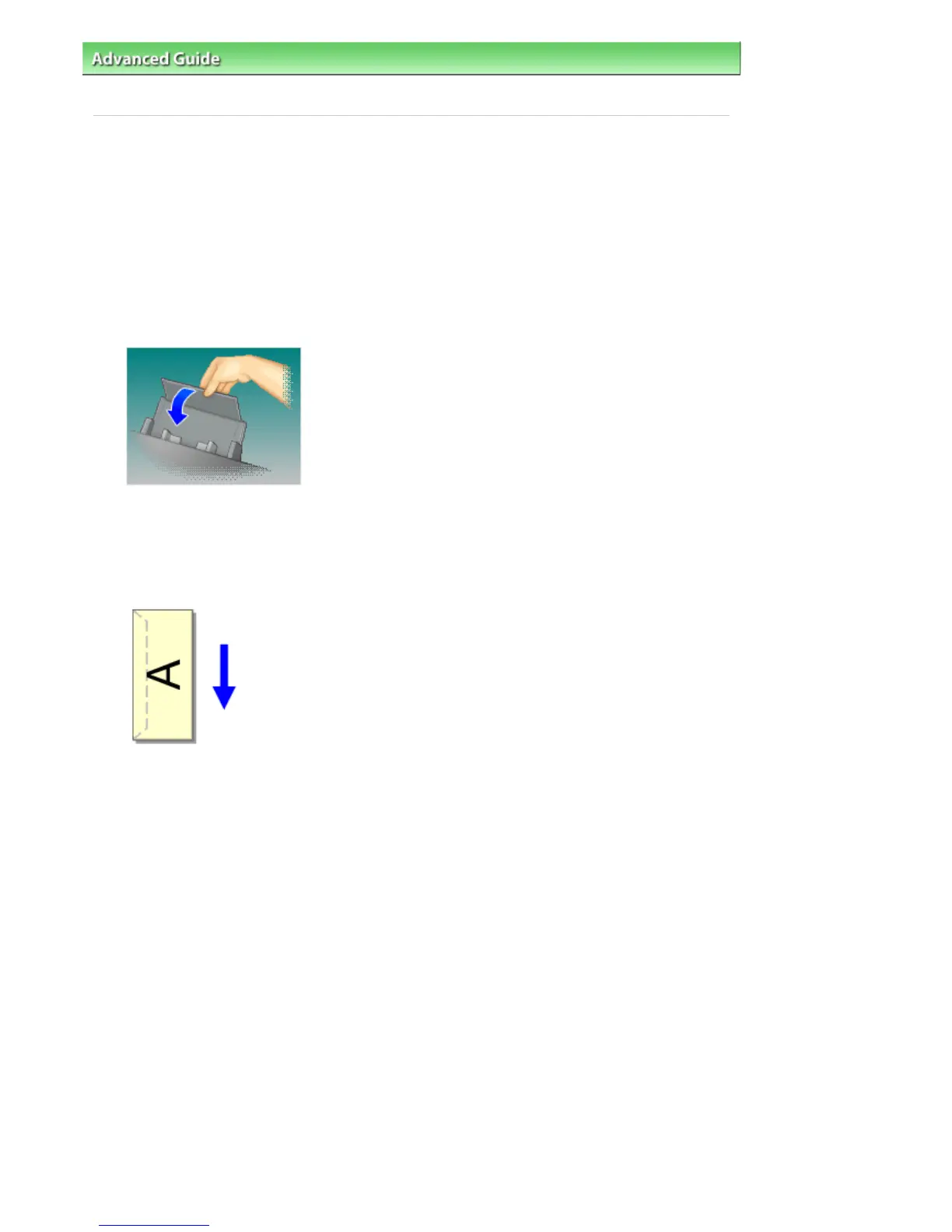
Fold down the envelope flap.
Orient the envelope so that the address side is on top and the flap is on the left, and then load the
envelope vertically in the rear tray.
3.
Open the
printer driver setup window
4.
Select the media type
Select Envelope from Commonly Used Settings on the Quick Setup tab.
Seite 302 von 922 SeitenPrinting an Envelope















 To Next Page