Advanced Guide
>
Printing from a Computer
>
Printing with the Bundled Application Software
>
Photo Print
Settings
> Printing an Index
A077
Printing an Index
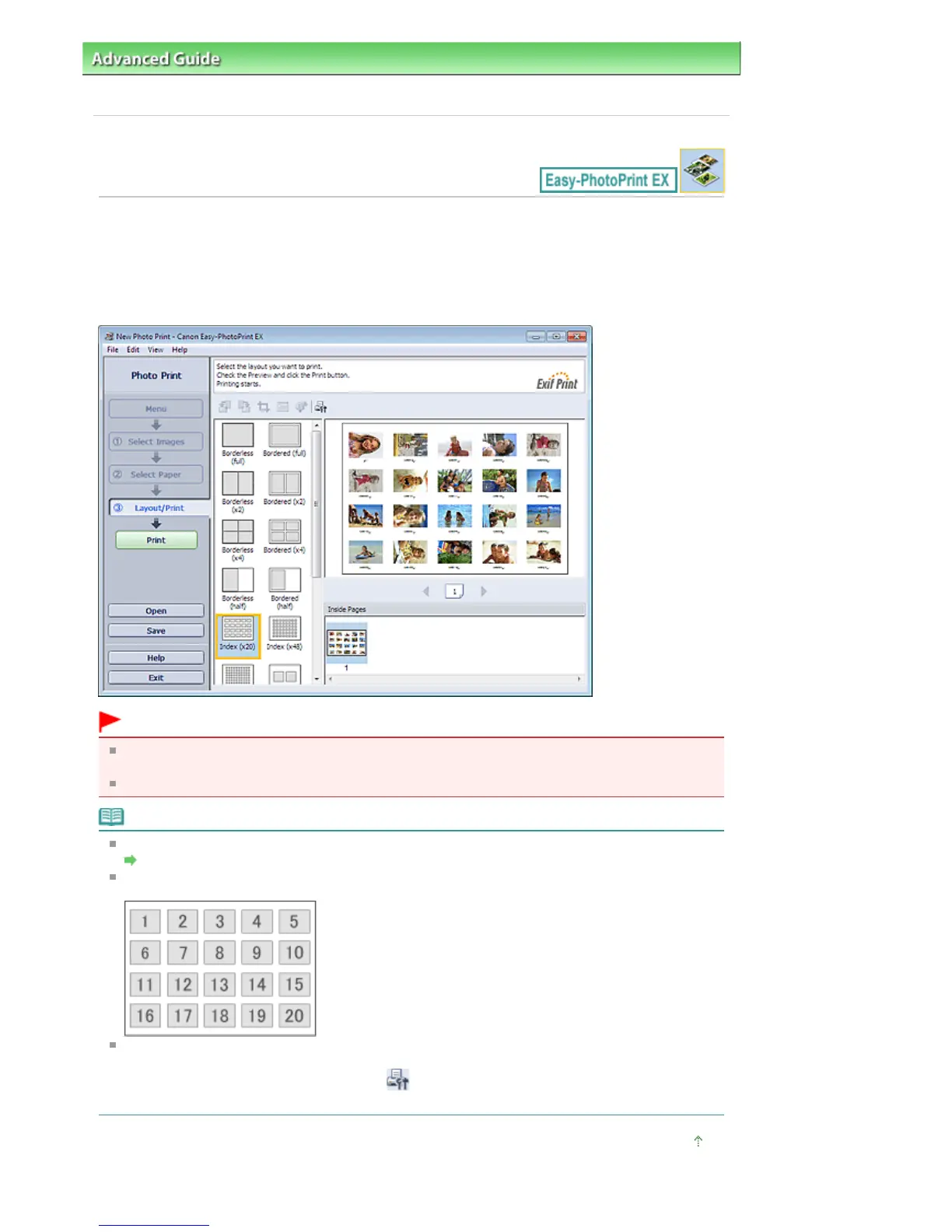
You can print an index of selected photos. An index print shows the thumbnails of the photos in one
page. It is convenient for managing your photos.
To print an index, select Index from the layouts in the Layout/Print screen.
Important
Index cannot be printed if you select any of the following paper sizes.
- Credit Card
You can print up to 80 images on one page.
Note
Refer to the following section for details on how to select photos.
Selecting a Photo
Photos are arranged in the following order.
Example: Index (x20)
You can change the printing order in Printing Order on the Print tab of the Preferences dialog box.
You can select the printing order from By Date, By Name, and By Selection.
To display the Preferences dialog box, click (Settings) or select Preferences... from the File
menu.
Page top
Seite 241 von 922 SeitenPrinting an Index















 To Next Page