Advanced Guide
>
Printing from a Computer
>
Printing with the Bundled Application Software
>
Photo Print
Settings
> Printing Photo Information
A079
Printing Photo Information
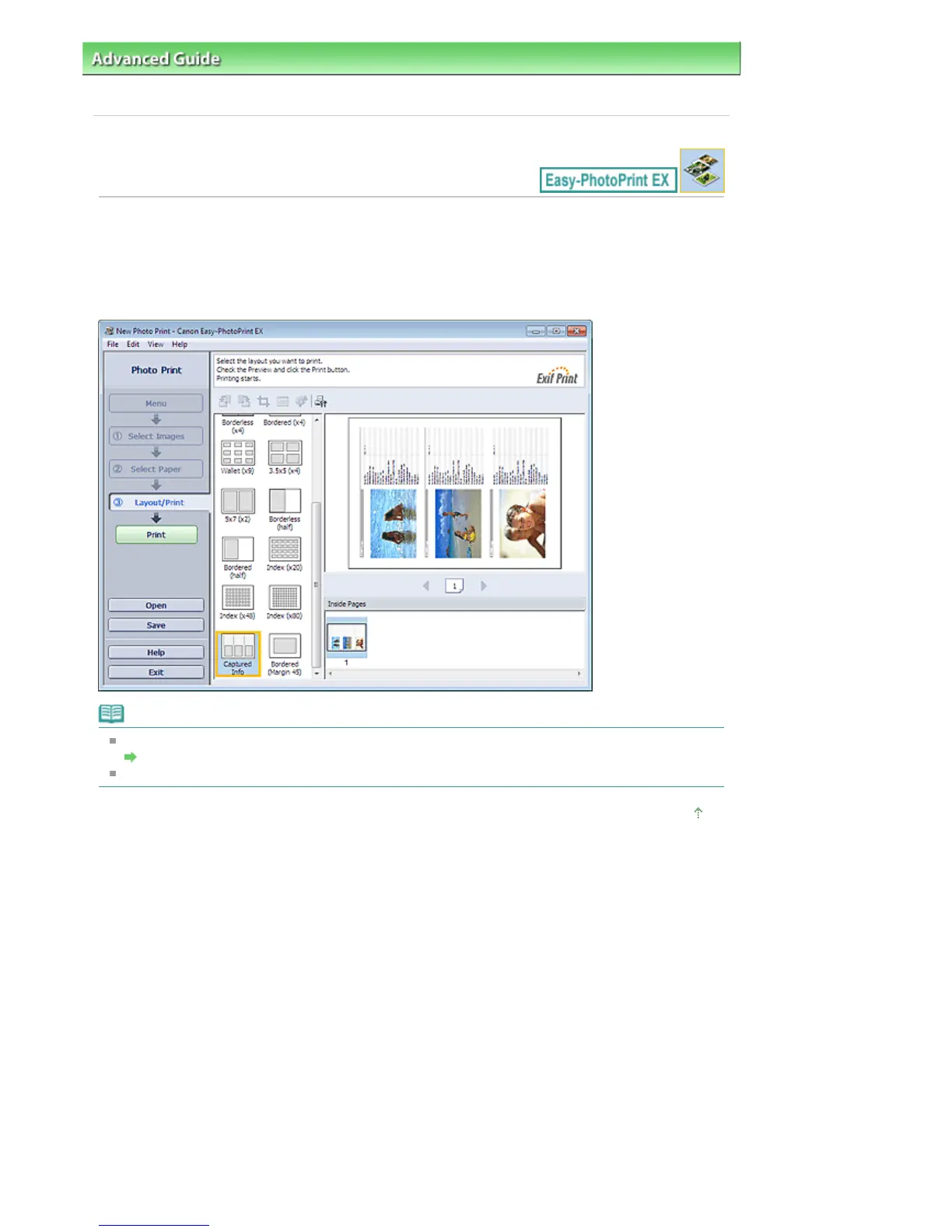
You can print the photo and the Exif information side by side.
To print them, select Letter 8.5"x11" or A4 for Paper Size in the Select Paper screen, and select Captured
Info from the layouts in the Layout/Print screen.
Note
Refer to the following section for details on how to select photos.
Selecting a Photo
This function is available only on paper sizes Letter 8.5"x11" and A4.
Page top
Seite 244 von 922 SeitenPrinting Photo Information















 To Next Page