Use the Numeric buttons to enter characters.
Press the button repeatedly until the character you want to enter appears.
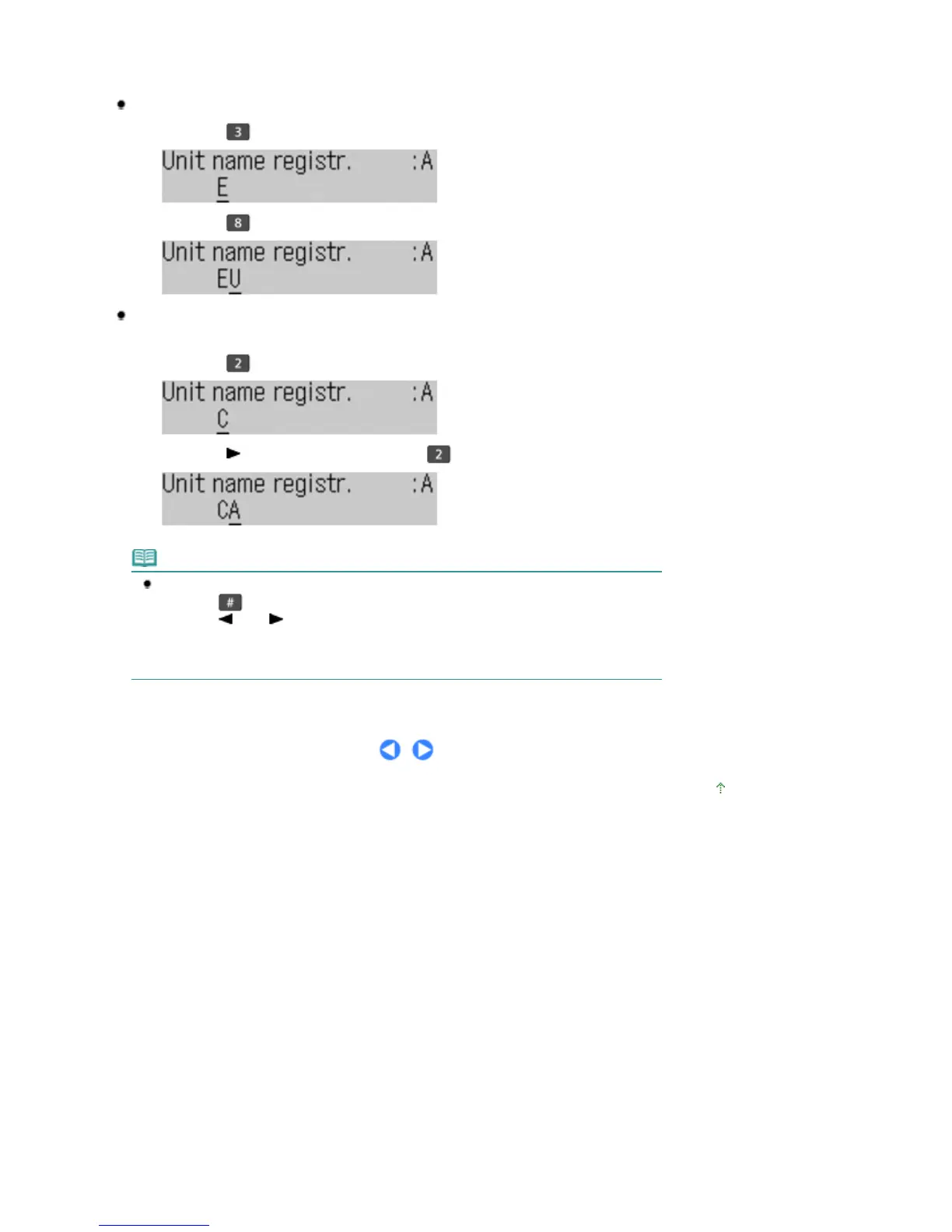
To enter characters (ex., to enter "EU"):
(1)
Press the
button twice.
(2)
Press the
button twice.
To enter a character that is assigned to the same button as the
previous entry (ex., to enter "A" after "C"):
(1)
Press the
button three times.
(2)
Press the
(+) button, and press the
button again.
Note
The following operations are available when entering a character.
- Press the
button three times to enter a space.
- Press the
(-) or
(+) button to move the cursor.
- To insert a character, move the cursor under the character to the right of the insertion
position, then enter the character.
- To delete a character, move the cursor under the character, then press the
Back
button.
Page top
Seite 27 von 922 SeitenEntering Numbers, Letters, and Symbols















 To Next Page