Advanced Guide
>
Printing from a Computer
>
Printing with the Bundled Application Software
> What Is
Easy-PhotoPrint EX?
A000
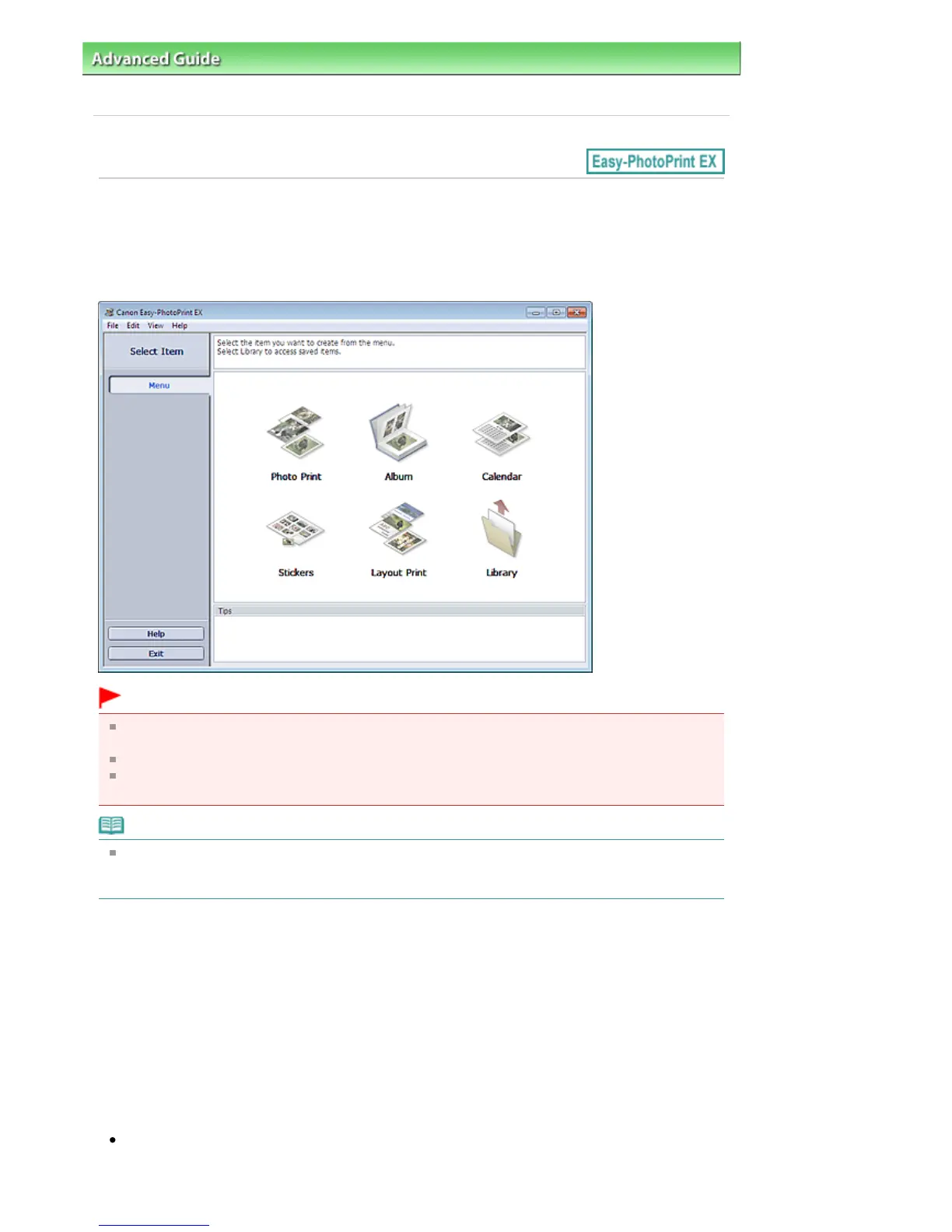
What Is Easy-PhotoPrint EX?
Easy-PhotoPrint EX allows you to create albums, calendars and stickers easily using photos taken with
digital cameras.
You can also print borderless photos easily.
Important
Easy-PhotoPrint EX can only be used with Canon inkjet printers. It does not support some Canon
compact photo printers, including SELPHY CP series.
If a printer that supports Easy-PhotoPrint EX is not installed, you cannot print items you create.
If Easy-PhotoPrint EX is installed on a computer that already has Easy-LayoutPrint installed, Easy-
LayoutPrint will be replaced by Easy-PhotoPrint EX.
Note
See Help of Easy-PhotoPrint EX for descriptions of Easy-PhotoPrint EX screens.
Click Help in a screen or dialog box, or select Easy-PhotoPrint EX Help... from the Help menu. Help
appears.
About Exif Print
Easy-PhotoPrint EX supports "Exif Print." Exif Print is a standard for enhancing the communication
between digital cameras and printers.
By connecting to an Exif Print-compliant digital camera, the image data at the time of shooting is used
and optimized, yielding extremely high quality prints.
Starting Easy-PhotoPrint EX from Other Applications
Easy-PhotoPrint EX can be started from other applications.
Refer to the application's manual for details on the procedure for starting.
MP Navigator EX Ver.1.00 or later supports the following functions.
- Photo Print
- Album
Seite 143 von 922 SeitenWhat Is Easy-PhotoPrint EX?















 To Next Page