Advanced Guide
>
Printing from a Computer
>
Printing with the Bundled Application Software
>
Printing
Photos
> Starting Easy-PhotoPrint EX
A011
Starting Easy-PhotoPrint EX
1.
From the Start menu, select All Programs > Canon Utilities > Easy-PhotoPrint EX >
Easy-PhotoPrint EX.
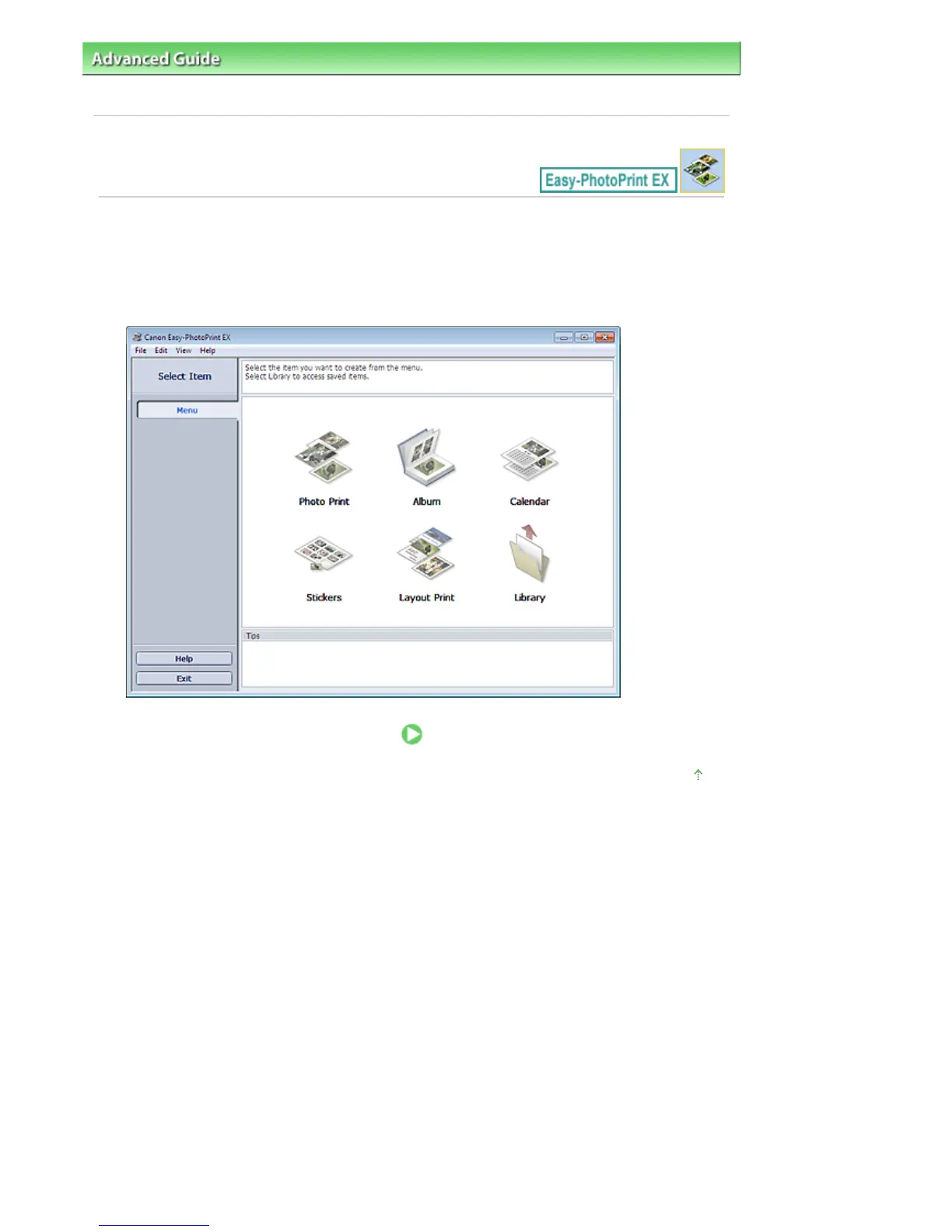
Easy-PhotoPrint EX starts and Menu appears.
Page top
Seite 148 von 922 SeitenStarting Easy-PhotoPrint EX















 To Next Page