You can print User's data list to check the current setting.
For details, refer to the on-screen manual:
.
1.
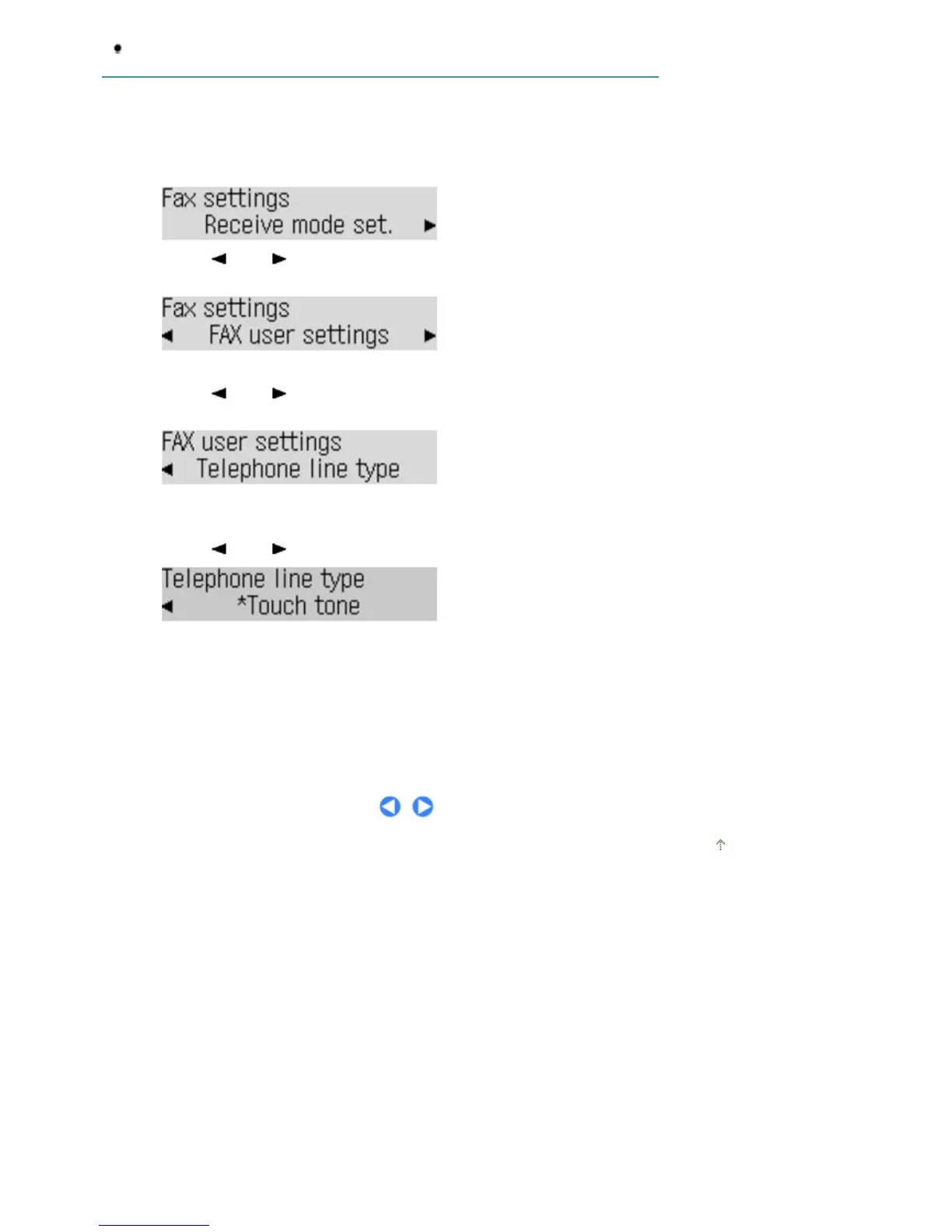
Display the Telephone line type screen.
(1)
Press the
FAX
button, and press the
Menu
button.
The Fax settings menu will appear.
(2)
Use the
(-) or (+) button to select FAX user settings, and press the
OK
button.
The FAX user settings menu will appear.
(3)
Use the
(-) or
(+) button to select Telephone line type, and press the
OK
button.
2.
Select the telephone line type.
(1)
Use the
(-) or
(+) button to select the telephone line type.
Rotary pulse: Suitable for pulse dialing.
Touch tone: Suitable for tone dialing.
(2)
Press the
OK
button.
3.
Press the
FAX
button to return to the fax standby screen.
Page top
Seite 17 von 922 SeitenConfirming the Telephone Line Connection















 To Next Page