Advanced Guide
>
Printing from a Computer
>
Printing with the Bundled Application Software
>
Printing
Calendars
> Editing
A044
Editing
1.
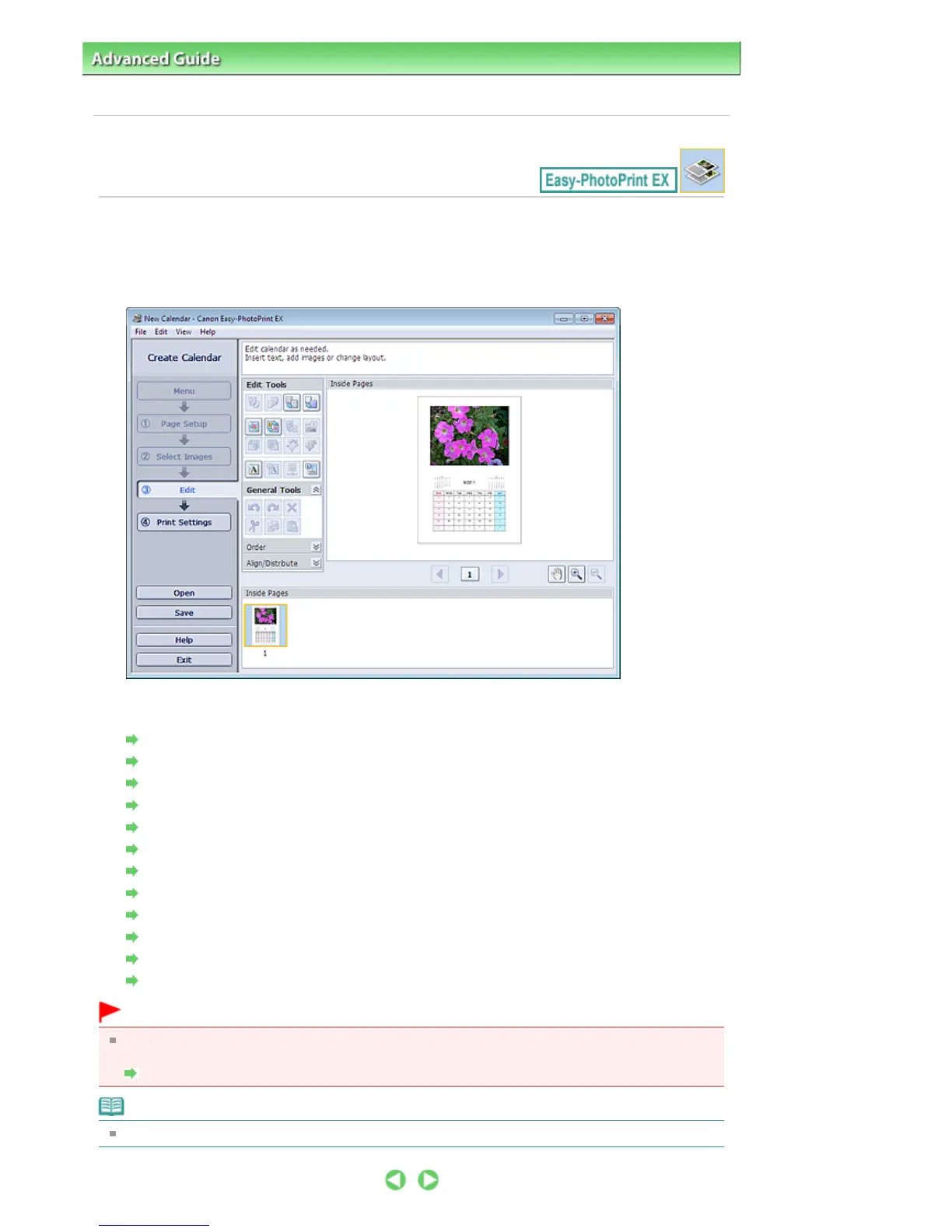
Click Edit.
The Edit screen appears.
2.
Edit the calendar if necessary.
Changing Layout
Changing Background
Adding Photos
Swapping Positions of Photos
Replacing Photos
Changing Position, Angle and Size of Photos
Cropping Photos
Framing Photos
Printing Dates on Photos
Adding Text to Photos
Setting Calendar Display
Setting Holidays
Important
The edit information will be discarded if you exit Easy-PhotoPrint EX without saving the edited
calendar. It is recommended that you save the item if you want to edit it again.
Saving
Note
See Help for details on the Edit screen.
Seite 172 von 922 SeitenEditing















 To Next Page