Advanced Guide
>
Printing from a Computer
>
Printing with the Bundled Application Software
>
Printing
Layout
> Selecting the Paper and Layout
A152
Selecting the Paper and Layout
1.
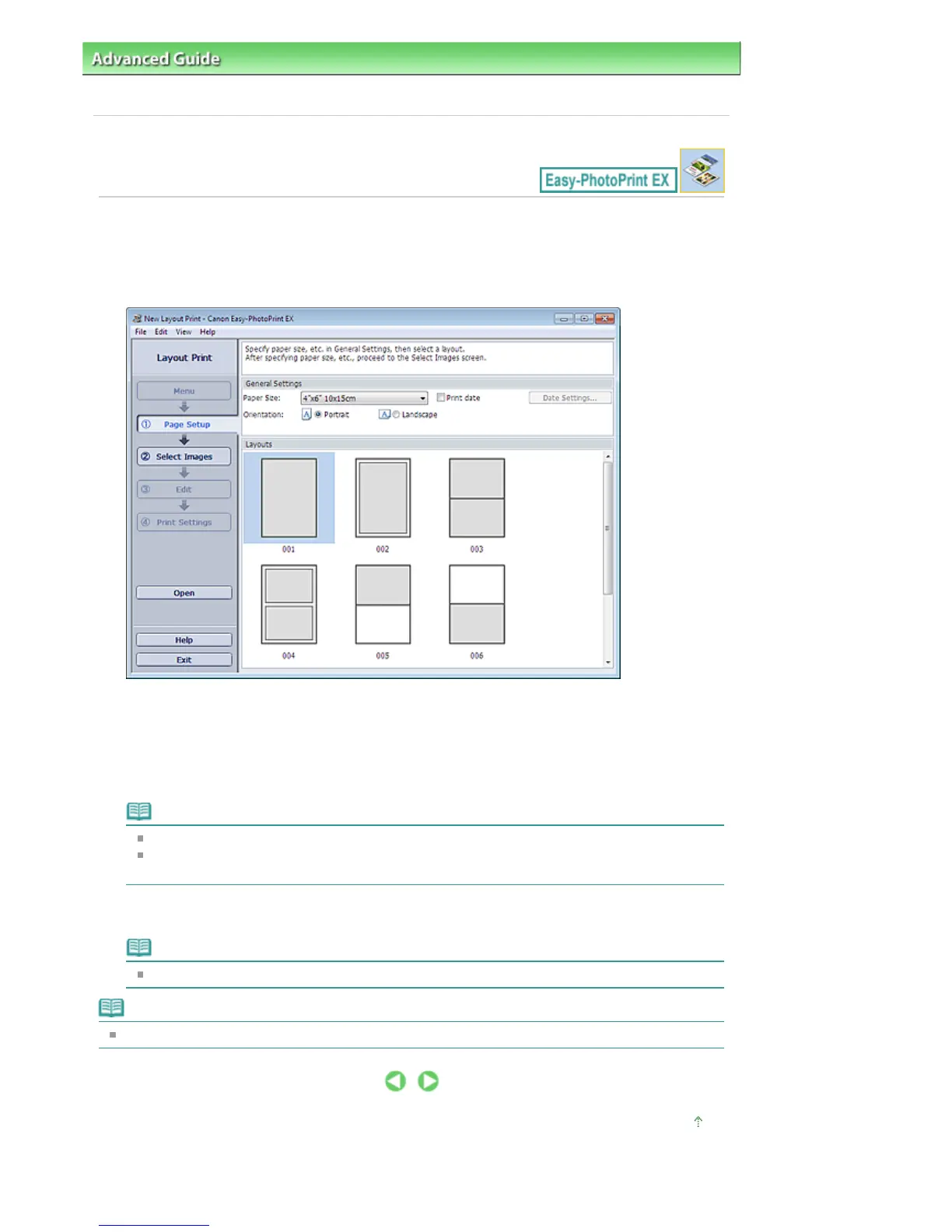
Click Layout Print from Menu.
The Page Setup screen appears.
2.
Set the following items in the General Settings section:
Paper Size
Orientation
Print date
Note
See Help on the paper size that can be selected.
You can customize the date (position, size, color, etc.) in the Date Settings dialog box. To
display the Date Settings dialog box, select the Print date checkbox and click Date Settings....
3.
Select a layout from Layouts.
Note
The layouts may vary depending on the Orientation.
Note
See Help for details on the Page Setup screen.
Page top
Seite 186 von 922 SeitenSelecting the Paper and Layout















 To Next Page