Advanced Guide
>
Printing from a Computer
>
Printing with the Bundled Application Software
>
Questions
and Answers
> Which Side of the Displayed Image Does the Printing Start from?
A096
Which Side of the Displayed Image Does the Printing Start
from?
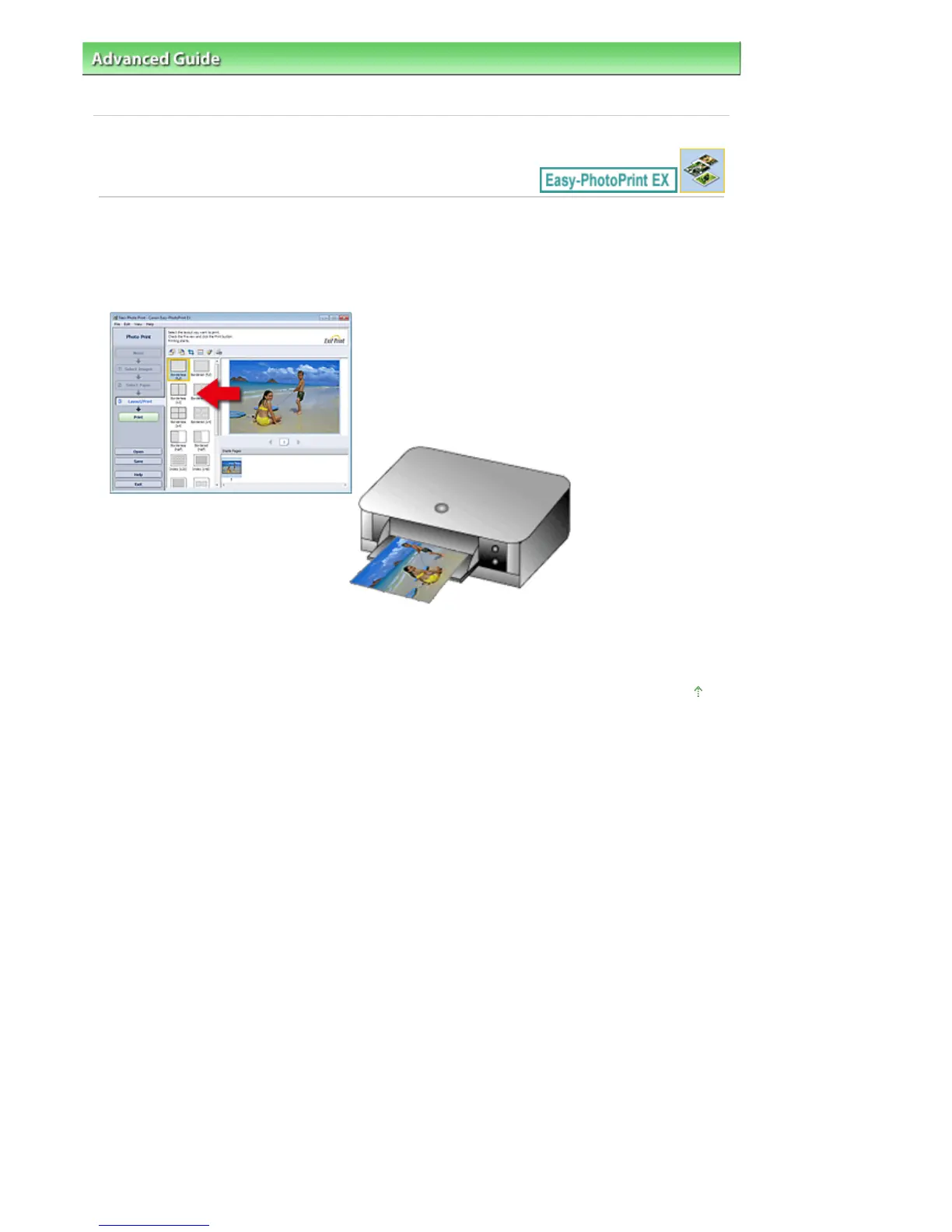
As shown below, printing starts from the left side of the image displayed in the Layout/Print screen.
Outputs the paper in the direction as the arrow indicates.
Refer to your printer manual for details on how to load paper (to print on the front/back, etc.).
Page top
Seite 232 von 922 SeitenWhich Side of the Displayed Image Does the Printing Start from?















 To Next Page