Important
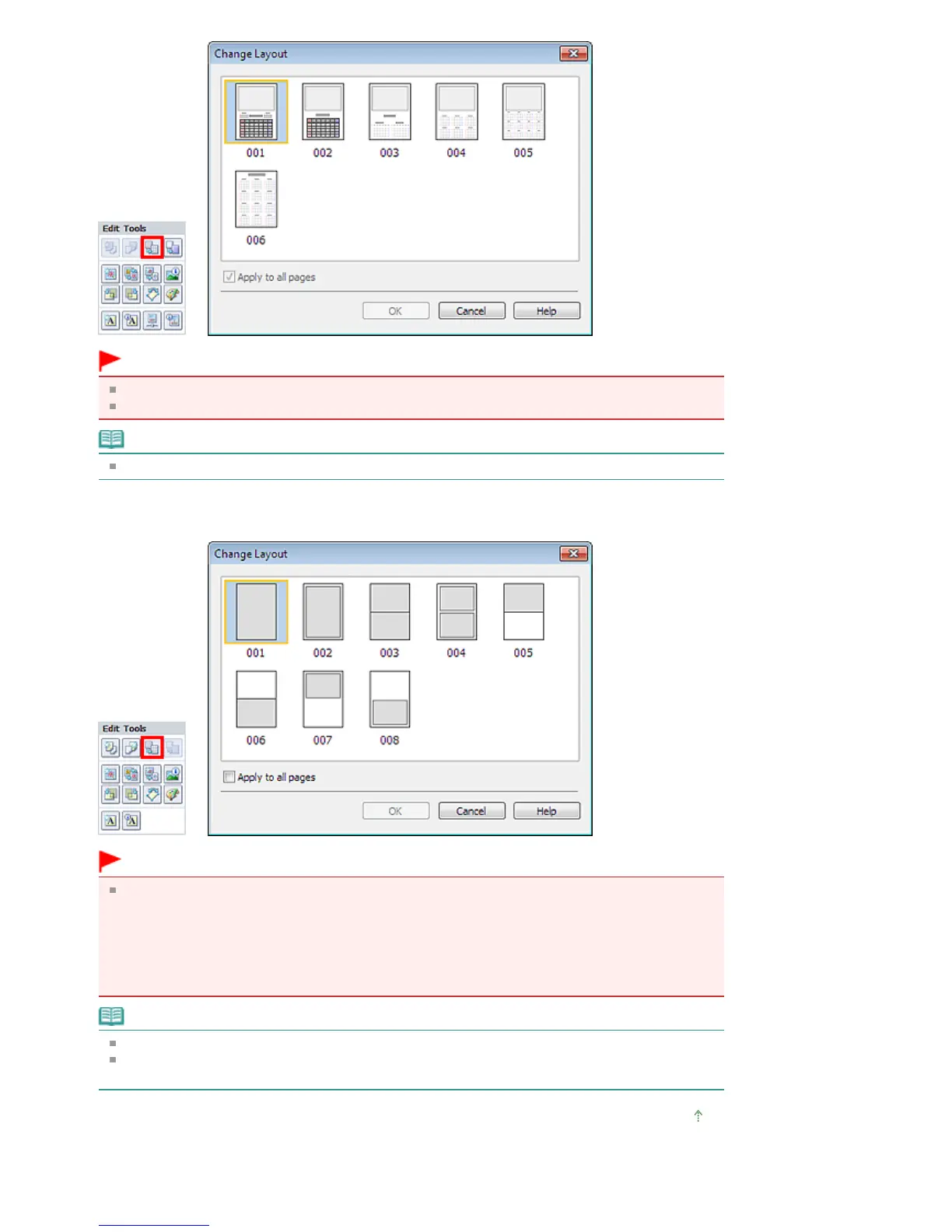
The layouts of all pages are changed to the selected layout.
All images that do not fit in the new layout will be collected on the last page.
Note
The layouts that can be selected may vary depending on the Paper Size and Orientation.
Layout Print
Important
If the new layout has a different number of frames per page from the current layout, the following will
happen:
If the number of layout
frames is increased
:
Images will move from the subsequent pages to fill all the frames
in the new layout.
If the number of layout
frames is decreased
:
Pages with the new layout will be added until all the images on the
pages with the current layout can be fitted.
Note
The layouts that can be selected may vary depending on the Paper Size and Orientation.
Select the Apply to all pages checkbox to change the layouts of all pages to the one you newly
selected.
Page top
Seite 249 von 922 SeitenChanging Layout















 To Next Page