Exit Easy-PhotoPrint EX before installing backgrounds.
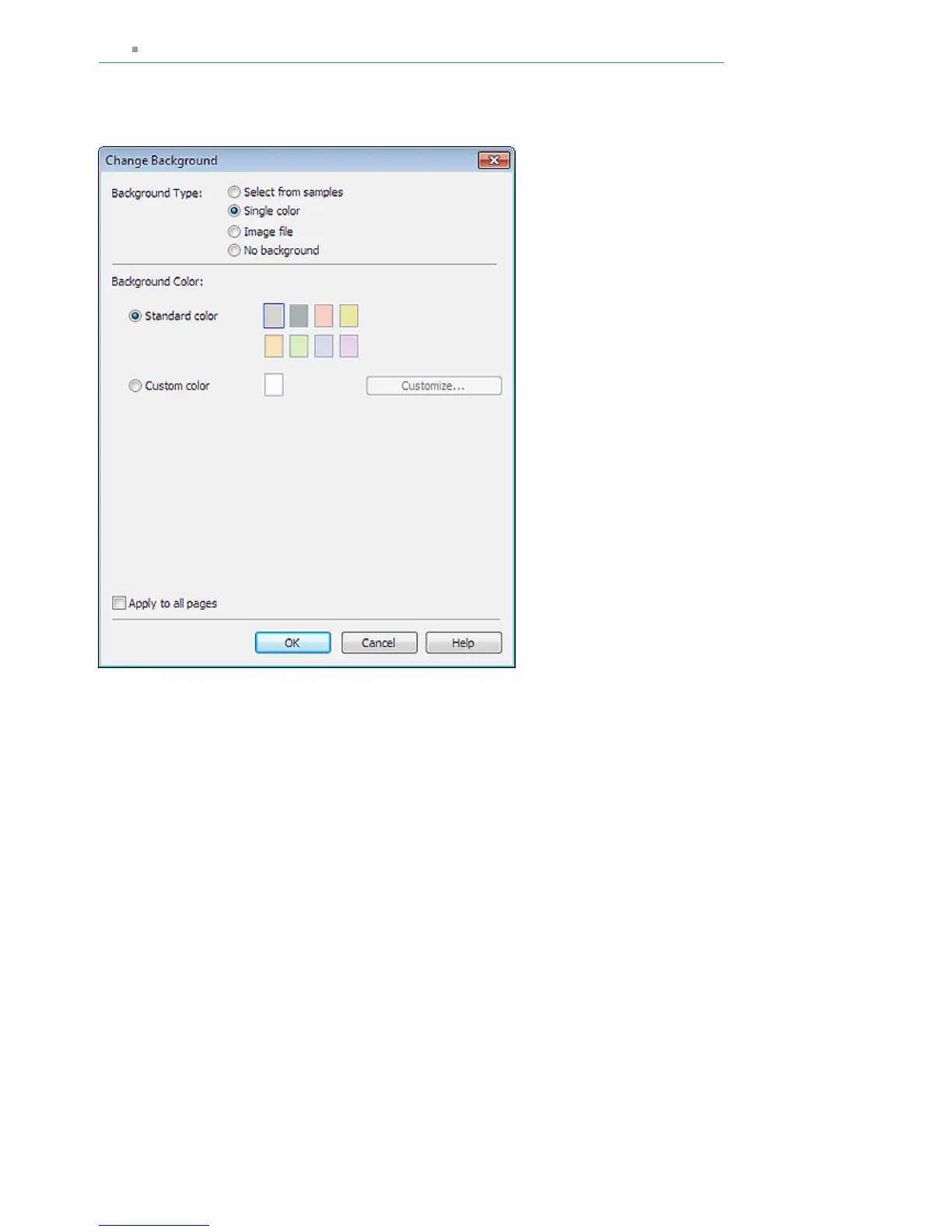
When Single color Is Selected
Select the color you want to use from Standard color or Custom color and click OK.
When Image file Is Selected
Set Image File Path and Image Layout, then click OK.
Seite 251 von 922 SeitenChanging Background















 To Next Page