Advanced Guide
>
Printing from a Computer
>
Printing with Other Application Software
>
Various Printing
Methods > Tiling/Poster Printing
P401
Tiling/Poster Printing
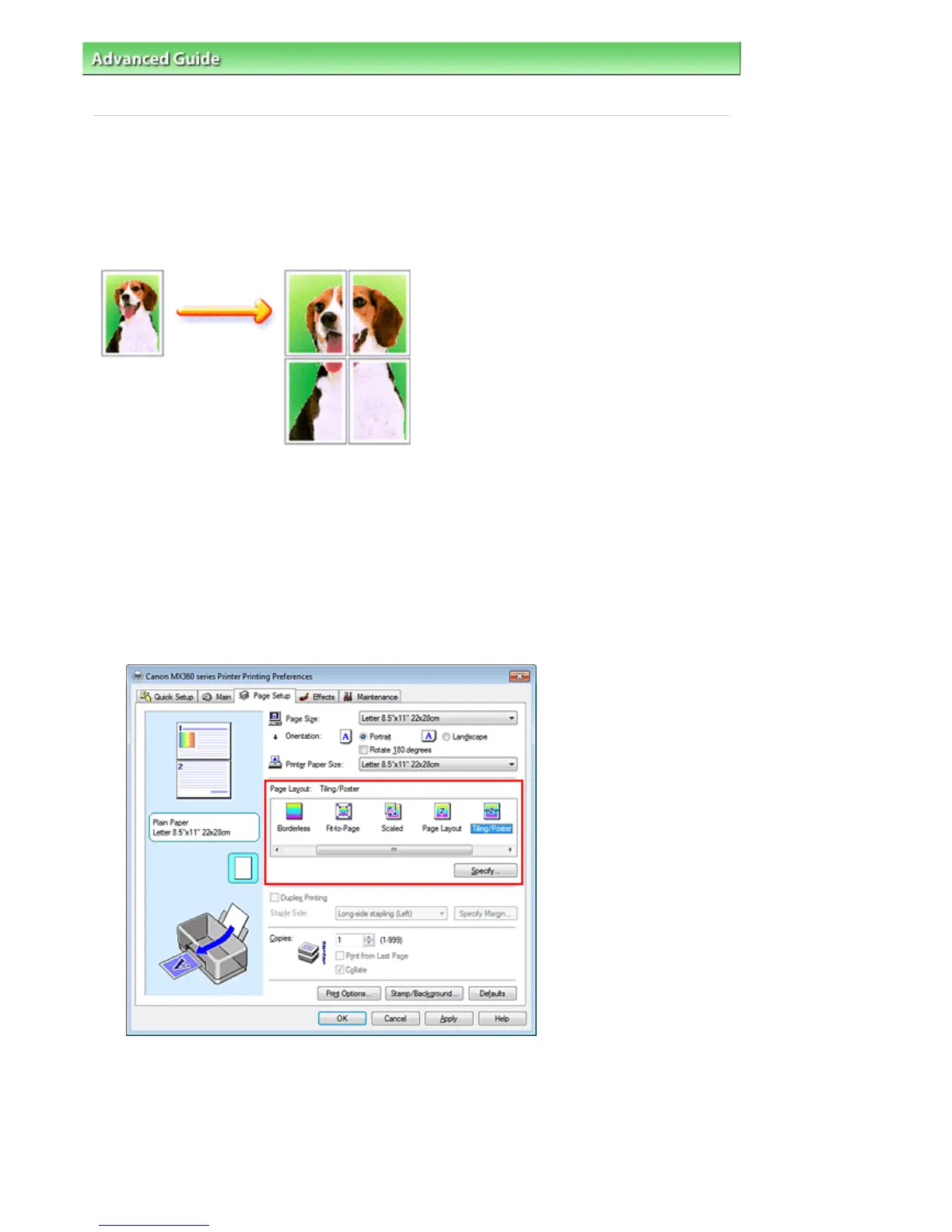
The tiling/poster printing function allows you to enlarge image data, divide it into several pages, and print
these pages on separate sheets of paper. You can also paste the pages together to create a large print
like a poster.
The procedure for performing tiling/poster printing is as follows:
Setting Tiling/Poster Printing
1.
Open the
printer driver setup window
2.
Set tiling/poster printing
Select Tiling/Poster from the Page Layout list on the Page Setup tab.
The current settings are displayed in the settings preview on the left side of the printer driver.
3.
Select the print paper size
Select the size of the paper loaded in the machine from the Printer Paper Size list.
This completes the setup for dividing the document into 2 and performing tiling/poster printing.
4.
Set the number of image divisions and the pages to be printed
If necessary, click Specify..., specify the following settings in the Tiling/Poster Printing dialog box,
Seite 286 von 922 Seiten















 To Next Page