Note
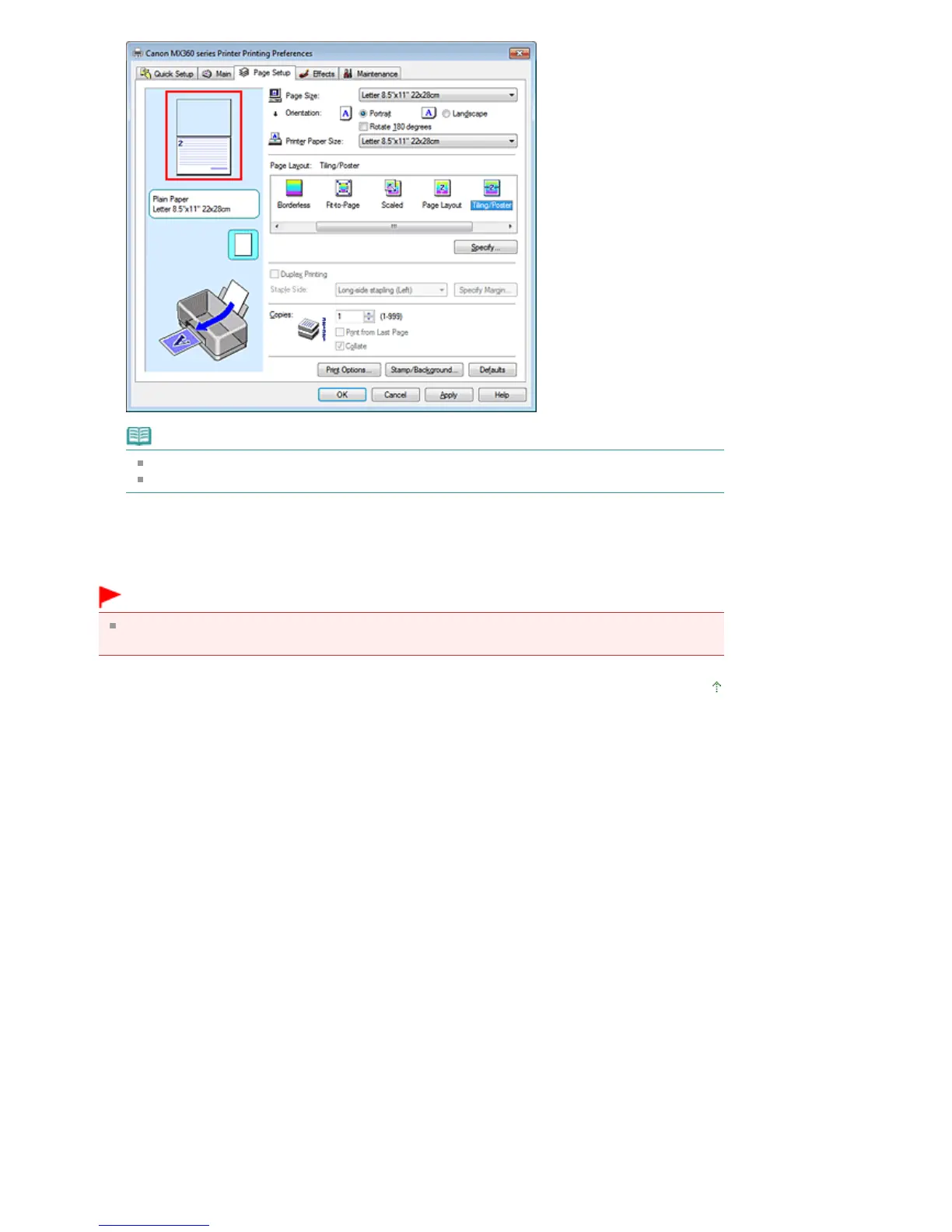
Click the deleted pages to display them again.
Right-click the settings preview to select Print all pages or Delete all pages.
2.
Complete the setup
After completing the page selection, click OK.
When you execute print, only specified pages will be printed.
Important
Since tiling/poster printing enlarges the document when printing it, the print results may become
coarse.
Page top
Seite 288 von 922 Seiten















 To Next Page