Important
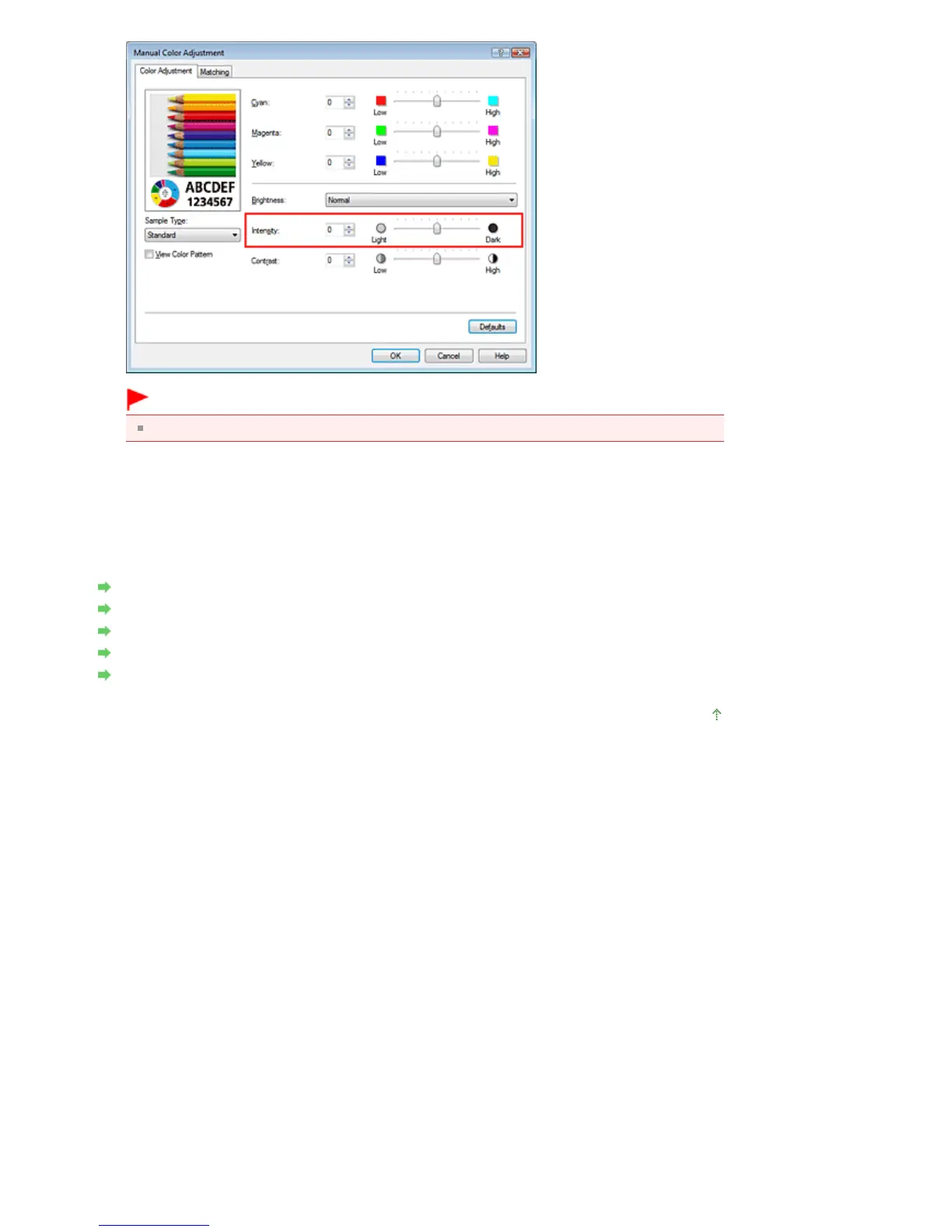
Adjust the slider gradually.
4.
Complete the setup
Click OK on the Main tab.
When you execute print, the image data is printed with the adjusted intensity.
Related Topics
Selecting a Combination of the Print Quality Level and a Halftoning Method
Specifying Color Correction
Adjusting Color Balance
Adjusting Brightness
Adjusting Contrast
Page top
Seite 326 von 922 SeitenAdjusting Intensity















 To Next Page