Important
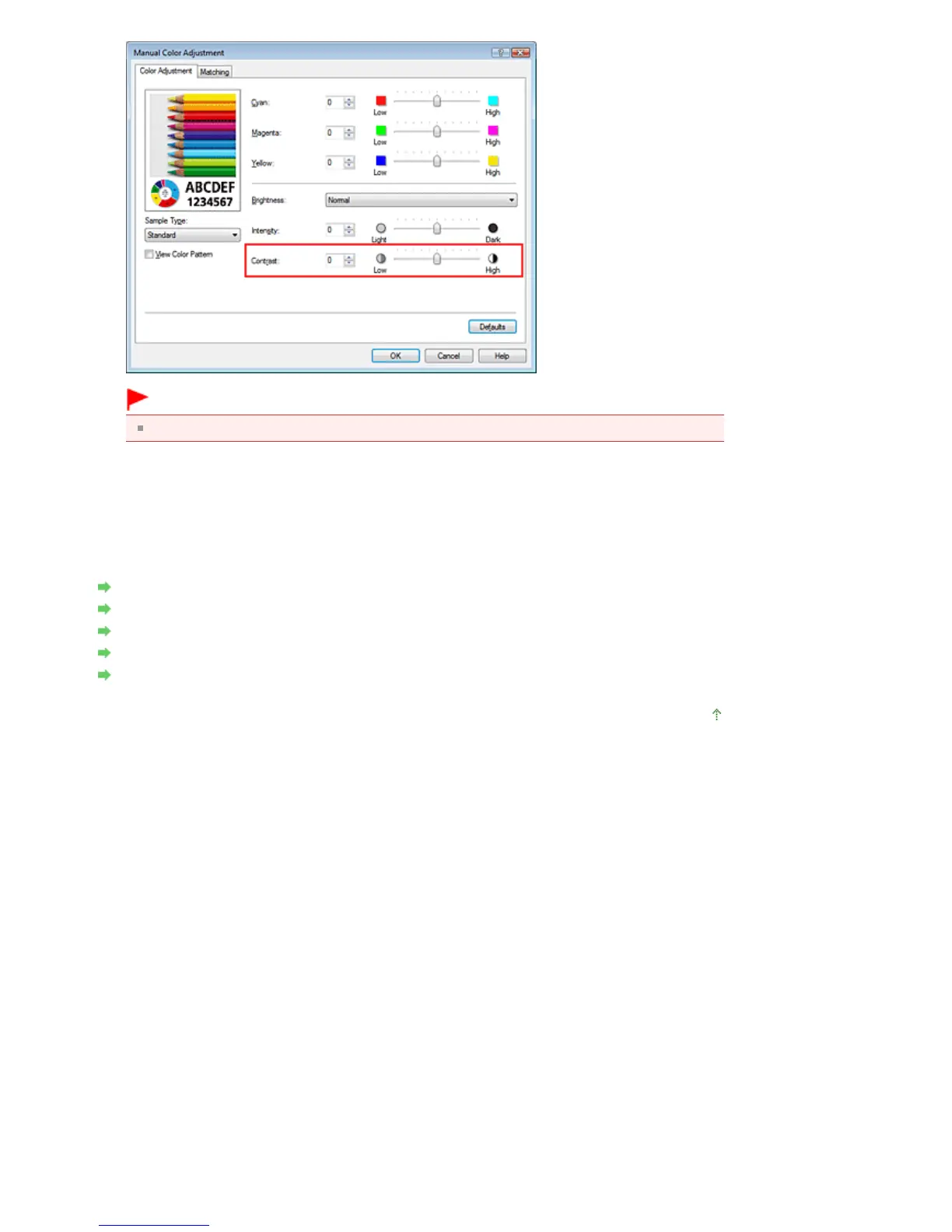
Adjust the slider gradually.
4.
Complete the setup
Click OK on the Main tab.
When you execute print, the image is printed with the adjusted contrast.
Related Topics
Selecting a Combination of the Print Quality Level and a Halftoning Method
Specifying Color Correction
Adjusting Color Balance
Adjusting Brightness
Adjusting Intensity
Page top
Seite 328 von 922 SeitenAdjusting Contrast















 To Next Page