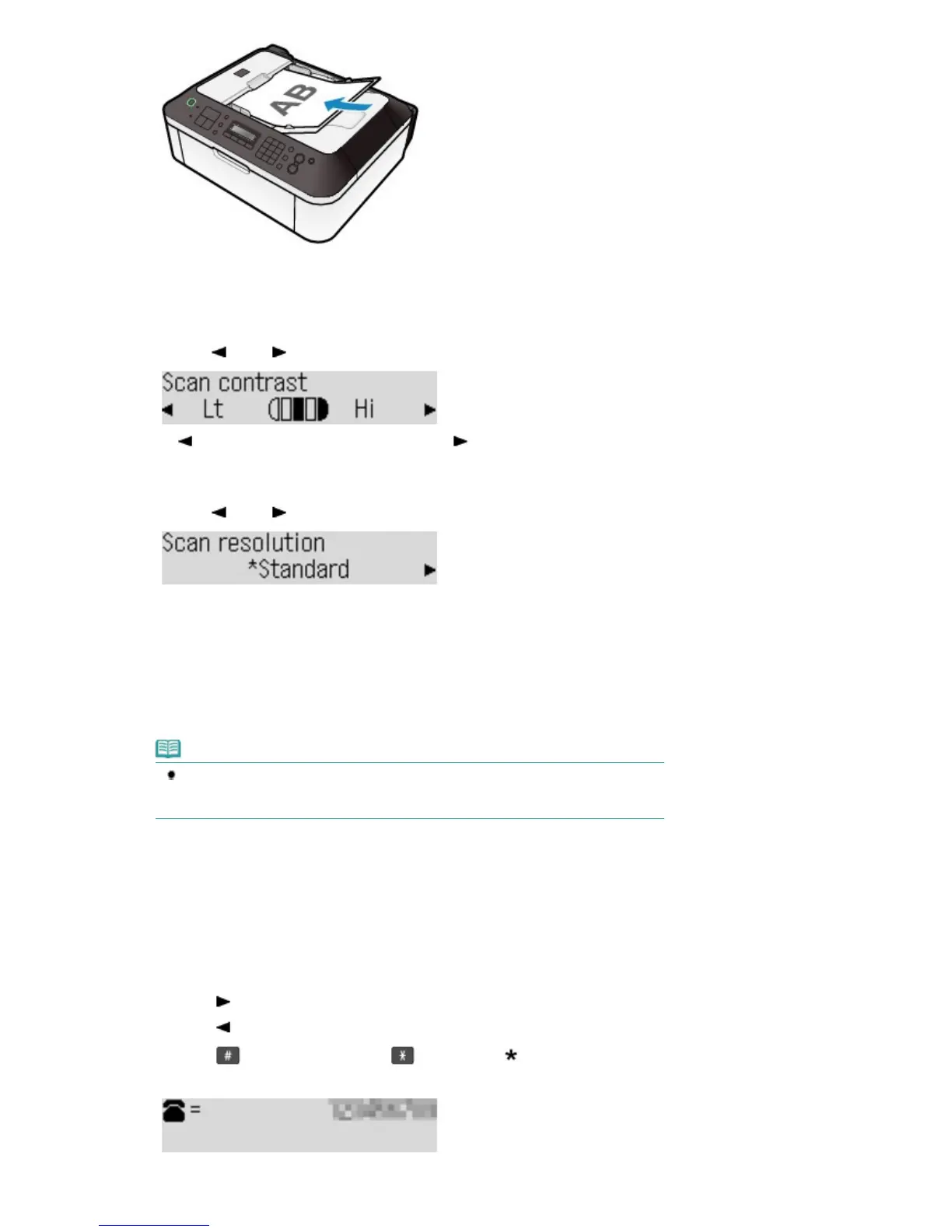
(1)
Press the
FAX Quality
button.
The Scan contrast screen will appear.
(2)
Use the
(-) or (+) button to select the scan contrast.
The
(-) button decreases the scan contrast, and the (+) button increases the scan contrast.
(3)
Press the
OK
button.
The Scan resolution screen will appear.
(4)
Use the
(-) or (+) button to select the scan resolution.
Standard: Suitable for text-only documents.
Fine: Suitable for fine-print documents.
Extra fine: Suitable for detailed illustration or fine-print quality documents.
If the recipient's fax machine is not compatible with Extra fine (300x300dpi), the fax will be sent in the
Standard or Fine resolution.
Photo: Suitable for photographs.
Note
When sending a color fax, documents are always scanned in the same resolution
(200x200dpi). The image quality (compression rate) is determined by which scan
resolution is selected, except that Extra fine and Photo provide the same image quality.
(5)
Press the
OK
button.
The screen will return to the fax standby screen.
3.
Send the fax.
(1)
Use the Numeric buttons to dial the recipient's fax/telephone number.
The following operations are available.
- Press a Numeric button to enter that number.
- Press the
(+) button to enter a space.
- Press the
(-) button to delete the last character you entered.
- Press the
button to enter "#", and the button to enter "
".
- Press the
Redial /Pause
button to enter a pause "P".
(2)
Press the
Color
button for color sending, or the
Black
button for black & white
Seite 33 von 922 SeitenSending Faxes















 To Next Page