Advanced Guide
>
Printing Using the Operation Panel of the Machine
>
Copying
>
Using Useful Copy
Functions
> Copying Thick Originals Such as Books (Frame erase)
U043
Copying Thick Originals Such as Books (Frame erase)
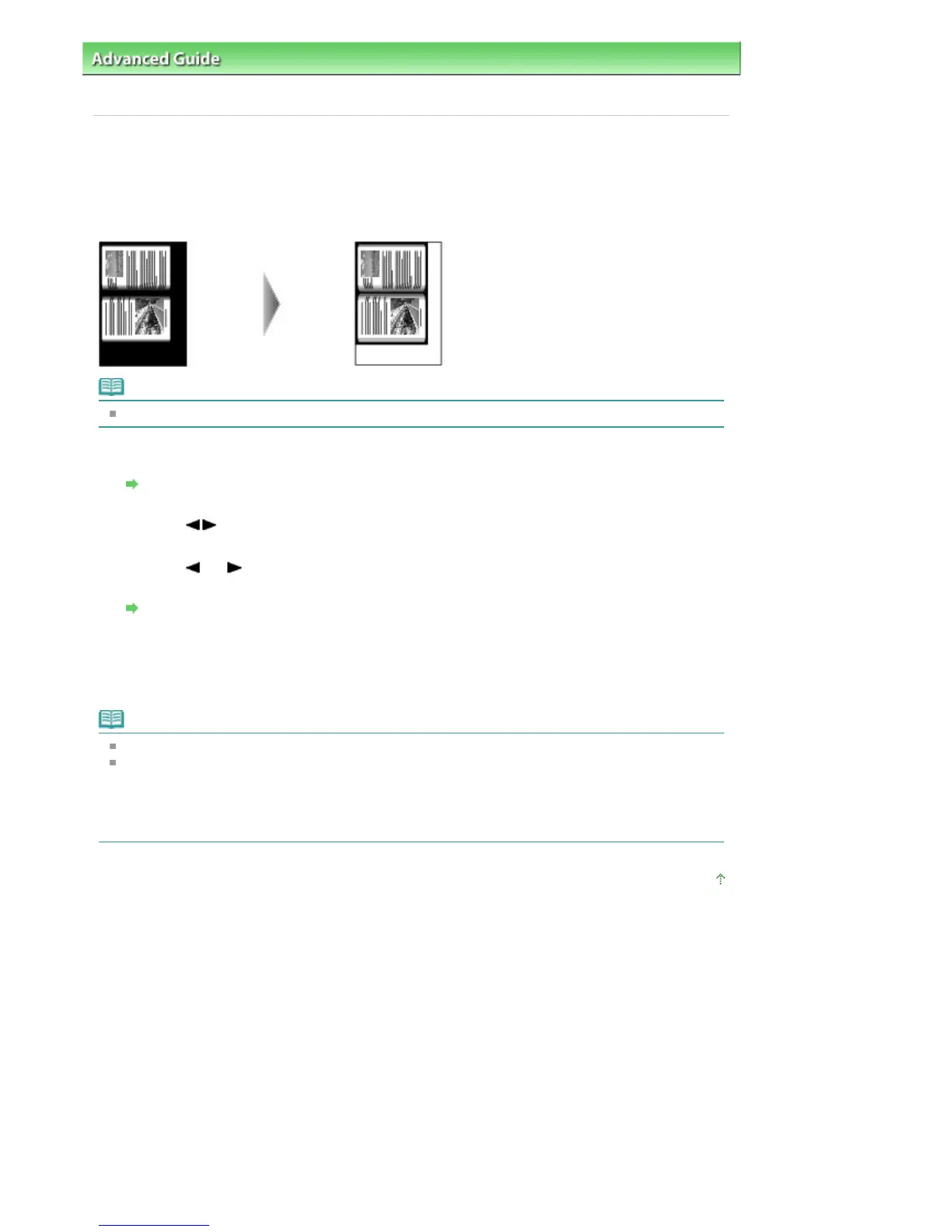
When copying thick originals such as books, you can make a copy without black margins around the
image and gutter shadows. Using this function, you can reduce unnecessary ink consumption.
Note
When you use this function, load the original on the Platen Glass.
1.
Display the Special copy screen.
How to Select a Copy Menu
2.
Use the
button to select Frame erase, then press the
OK
button.
3.
Use the
(-) (+) button or the Numeric buttons to specify the number of copies.
Change the print settings as necessary.
Setting Items
4.
Press the
Color
button for color copying, or the
Black
button for black & white
copying.
The machine starts copying.
Note
Close the Document Cover.
There may be a narrow black margin that appears around the image. This function removes the
dark margins only. If a scanned book is too thin or when the machine is used near a window or in a
bright environment, a faint black frame may remain. Also, if the color of an original is dark, the
machine cannot distinguish the document color from the shadow and this may cause slight
cropping or a shadow on the crease.
Page top
Seite 361 von 922 SeitenCopying Thick Originals Such as Books (Frame erase)















 To Next Page