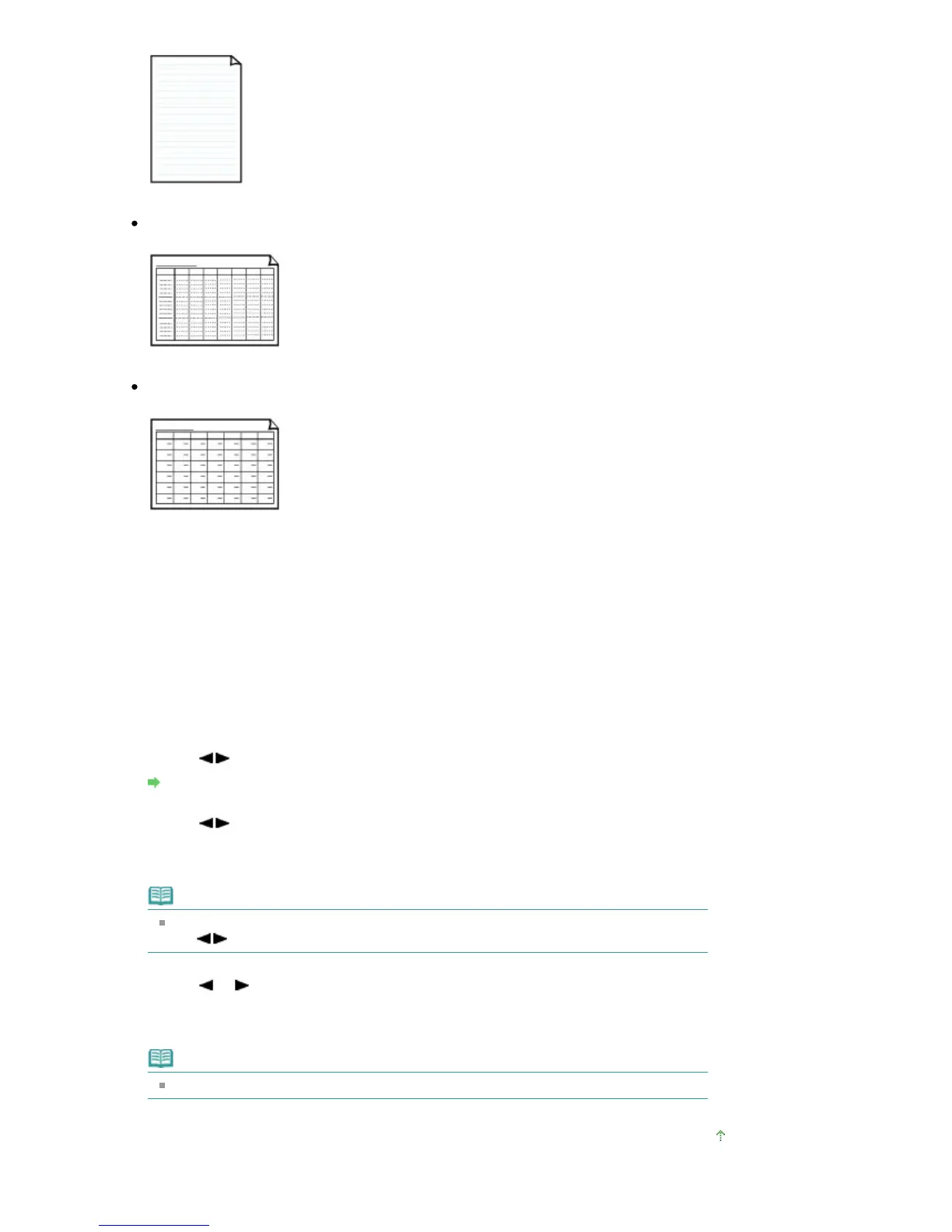
You can print handwriting paper.
Setting on the LCD:
Handwriting paper
Weekly schedule
You can print a weekly schedule form.
Setting on the LCD:
Weekly schedule
Monthly schedule
You can print a monthly schedule form.
Setting on the LCD:
Monthly schedule
Printing template forms
Print template form following the procedure below.
1.
Make sure that the machine is turned on.
2.
Load A4, B5, or Letter-sized plain paper.
3.
Press the
Menu
button repeatedly until Template print appears.
4.
Use the button to select the template you want to print, then press the
OK button.
Printable template forms
5.
Use the button to specify the paper size, then press the
OK button.
6.
Make sure that Plain paper is selected, then press the
OK button.
Note
If any media type other than Plain paper is selected on the LCD, select Plain paper using
the button.
7.
Use the (-) (+) button or the Numeric buttons to specify the number of copies.
8.
Press the
OK
button to start printing.
Note
You can also press the
Color
button or
Black
button to start printing.
Page top
Seite 364 von 922 SeitenPrinting Template Forms Such As Lined Paper or Graph Paper















 To Next Page