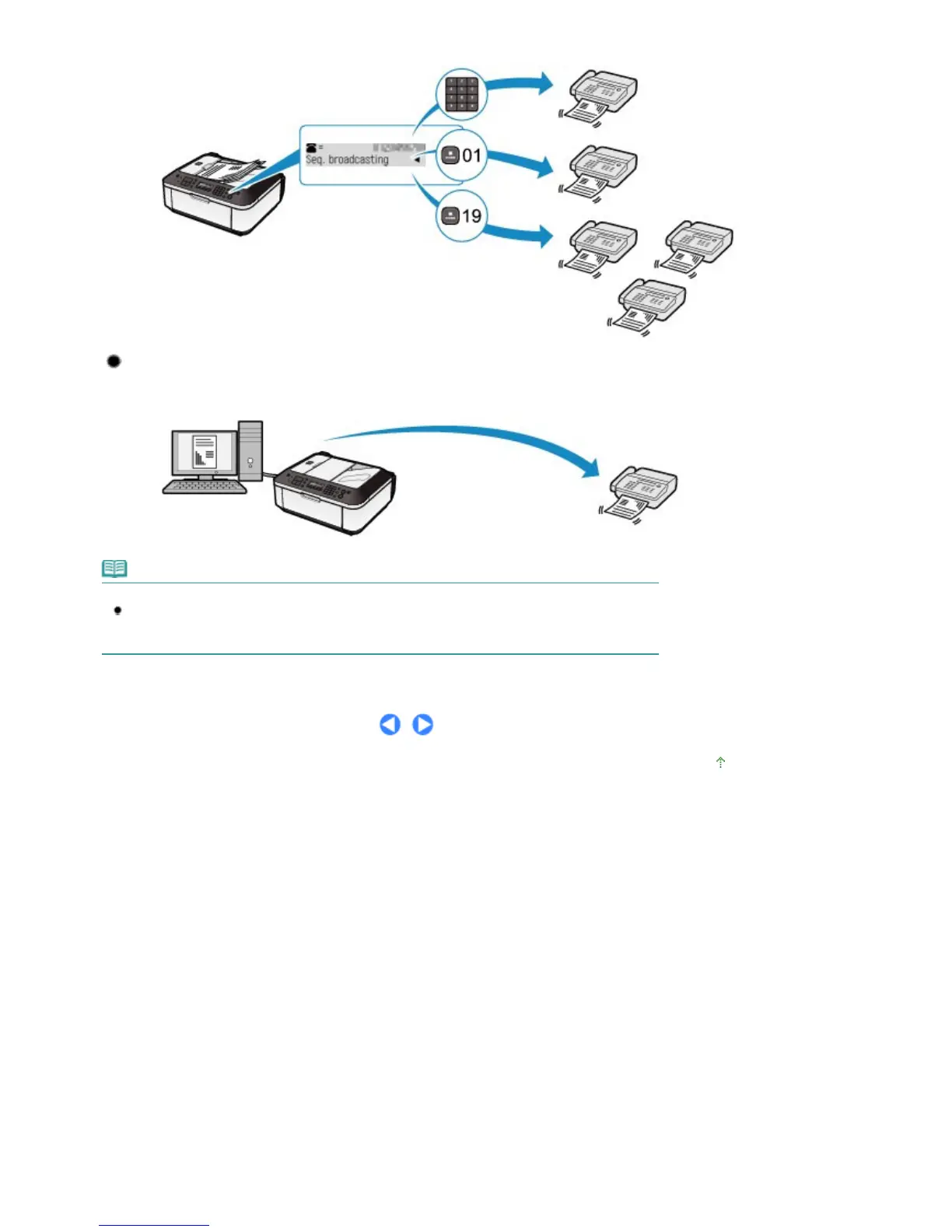
can be specified with the Numeric buttons, coded speed dial, and group dial in combination.
Sending from Your Computer
If the machine is connected to a computer, you can send faxes using the fax driver from any
application software that has a printing function.
Note
Using information services
You can use many information services such as banks, airline reservations, or hotel reservations.
These services require tone dialing for their services, so that you need to temporarily switch to
tone dialing if your machine is connected to a rotary pulse line.
Page top
Seite 37 von 922 SeitenUsing Various Sending Functions















 To Next Page