Advanced Guide
>
Scanning
>
Scanning with Using the Operation Panel of the Machine
>
Appendix:
Various Scan Settings
> Selecting a Response to Commands from the Operation Panel Using MP
Navigator EX
S007
Selecting a Response to Commands from the Operation Panel
Using MP Navigator EX
MP Navigator EX enables you to specify how to respond when scanning using the Operation Panel of the
machine.
1.
Start MP Navigator EX.
Starting MP Navigator EX
2.
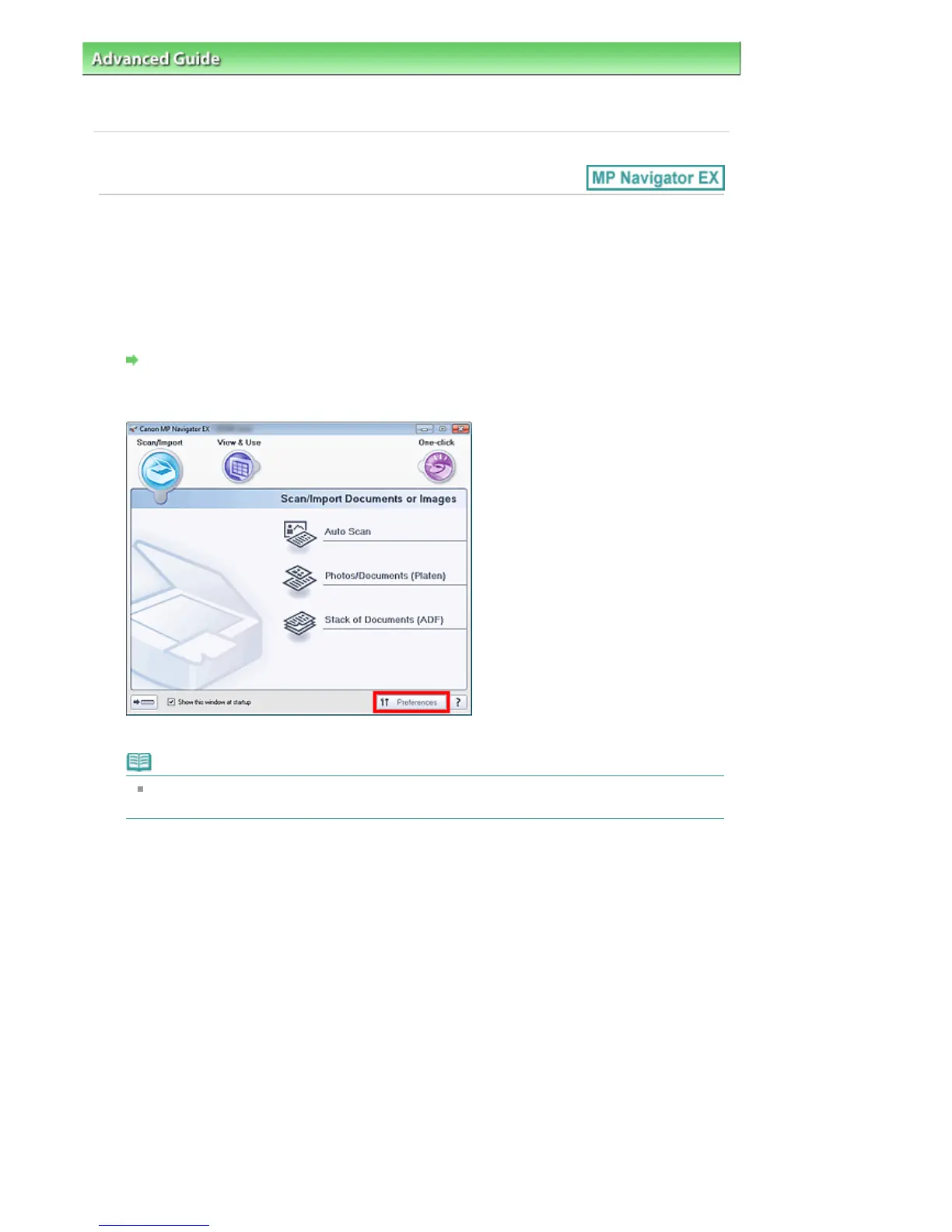
Click Preferences.
The Preferences dialog box opens.
Note
The Preferences dialog box can also be opened by clicking Preferences in the One-click Mode
screen.
3.
On the Scanner Button Settings tab, specify Event and Actions.
Seite 381 von 922 SeitenSelecting a Response to Commands from the Operation Panel Using MP ...















 To Next Page