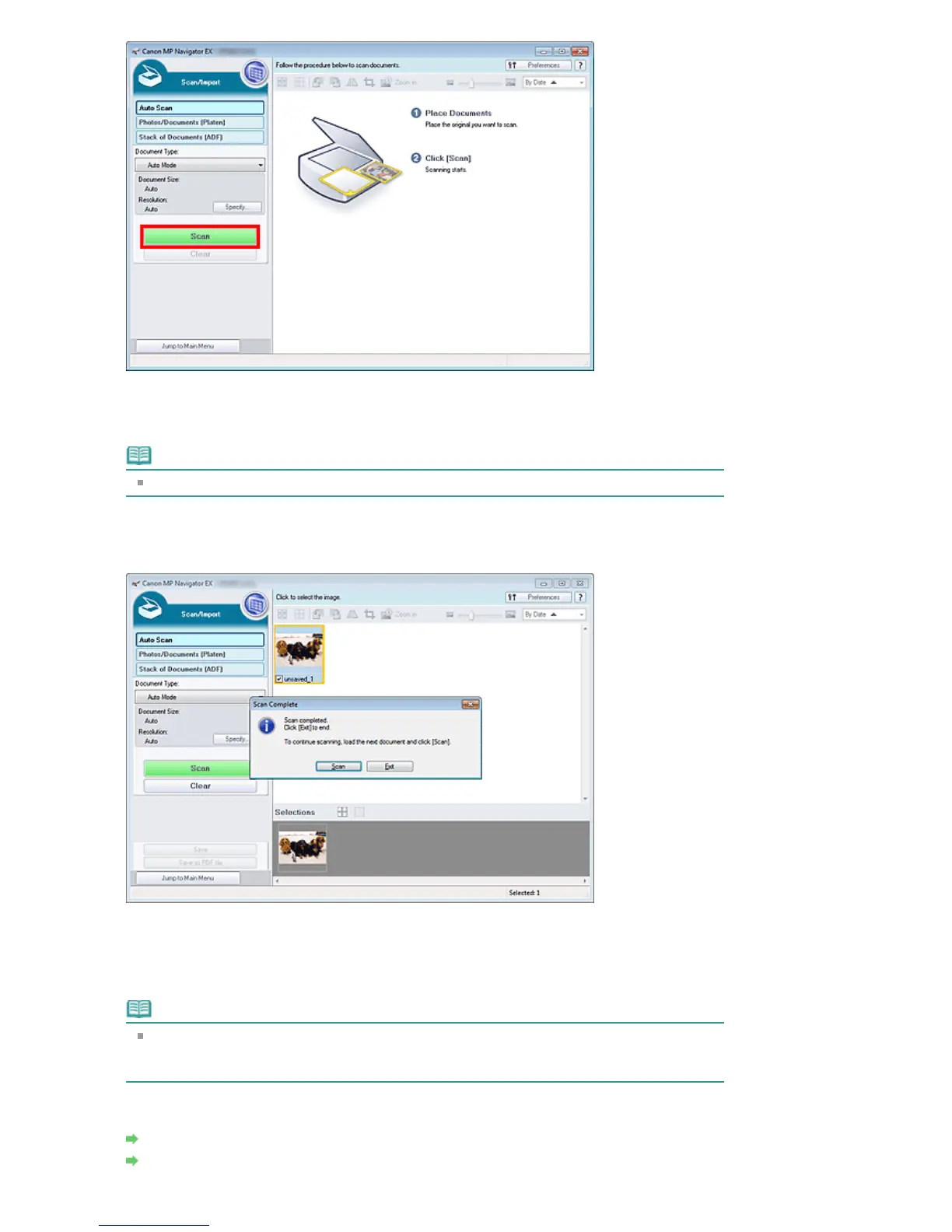
A message about placing documents appears. Click Open Manual to open this guide (if it is
installed).
Click OK to start scanning.
Note
Click Cancel to cancel the scan.
When scanning is completed, the Scan Complete dialog box opens. Select Scan or Exit. Select
Scan to scan the next document, or select Exit to end.
The scanned images appear in the Thumbnail window.
6.
Edit the scanned images as required.
Use Edit Tools to rotate images, select a part of an image, etc.
See the Edit Tools in "
Auto Scan Screen (Scan/Import Window)
" for details.
Note
First select images to edit. (Selected images are outlined in orange.) Drag the mouse or use
Shift + arrow keys to select multiple images. You can also select images by dragging and
dropping them into the Selected Images area.
7.
Save the scanned images.
Saving
Saving as PDF Files
Seite 390 von 922 SeitenEasy Scanning with Auto Scan















 To Next Page