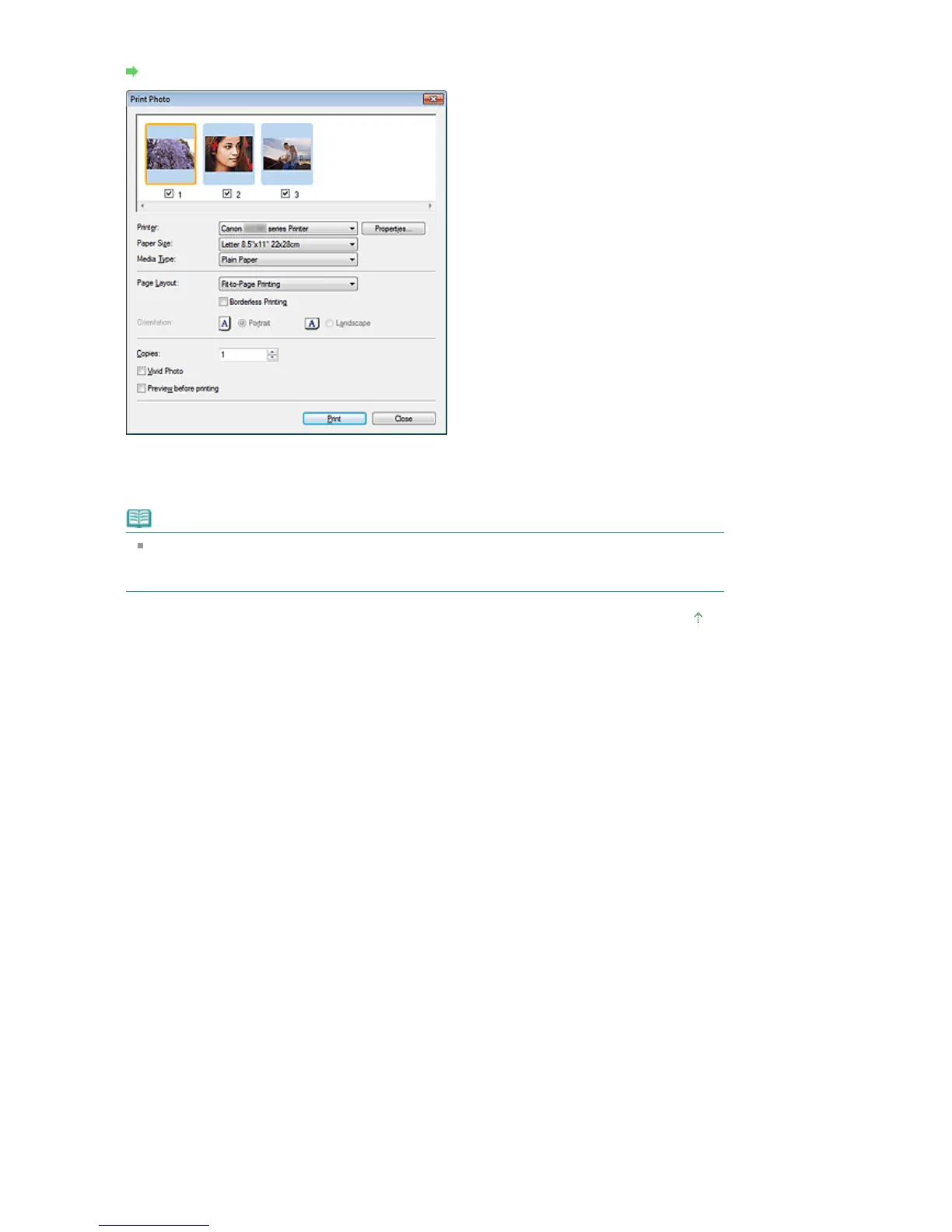
In the displayed dialog box, specify paper size, the number of copies, etc.
Print Photo Dialog Box
4.
Click Print.
Starts printing.
Note
To cancel while spooling, click Cancel. To cancel while printing, click Cancel Printing in the
confirmation window for the printer status. To open a confirmation window for the printer status,
click printer icon on the taskbar.
Page top
Seite 435 von 922 SeitenPrinting Photos















 To Next Page