Note
If the Document Open Password is set as well, the Document Open Password will be
required, then the Permissions Password will be required.
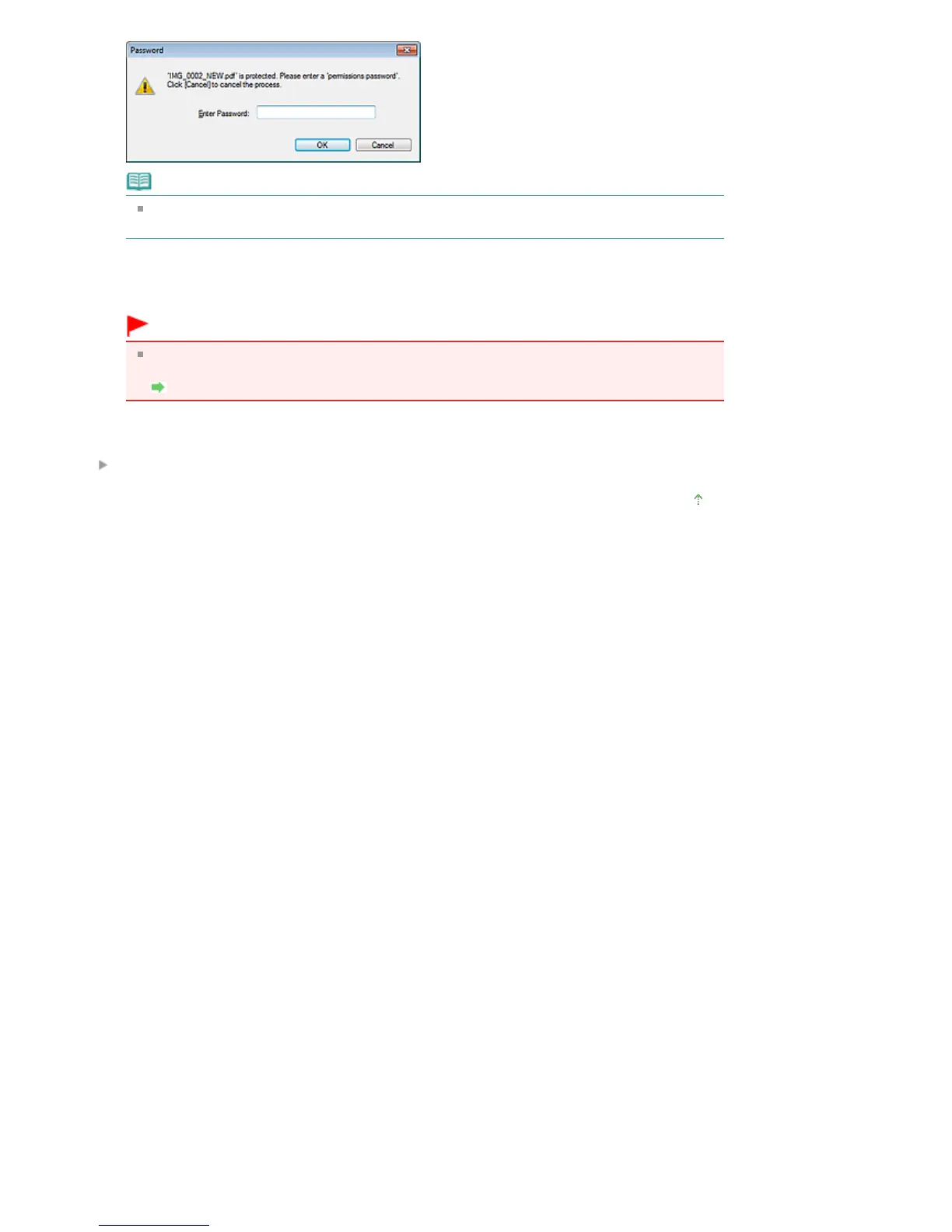
3.
Enter the password and click OK.
The corresponding dialog box opens.
Important
If a password-protected PDF file is edited, the passwords will be deleted. Reset the
passwords.
Setting Passwords for PDF Files
Related Topic
Setting Passwords for PDF Files
Page top
Seite 445 von 922 SeitenOpening/Editing Password-protected PDF Files















 To Next Page