Place the main subjects along the broken white lines or at the intersections to create a
balanced image.
(Enlarge)
Enlarges the displayed image.
(Reduce)
Reduces the displayed image.
(Full-screen)
Displays the entire image in Preview.
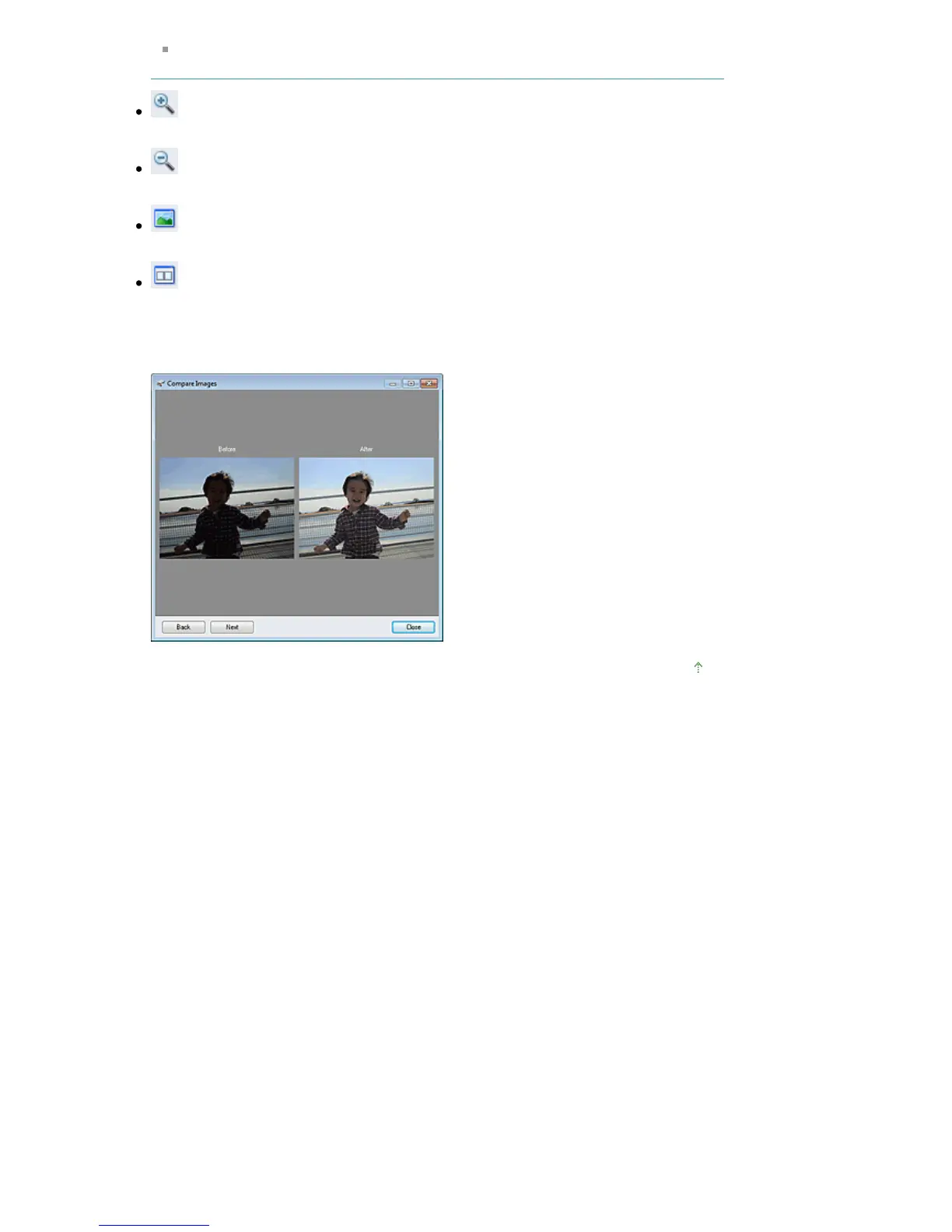
(Compare)
Displays the Compare Images window. You can compare the images before and after the
correction/enhancement/adjustment side by side.
The image before the correction/enhancement/adjustment is displayed on the left, and the
image after the correction/enhancement/adjustment is displayed on the right.
Page top
Seite 495 von 922 SeitenCorrect/Enhance Images Window















 To Next Page