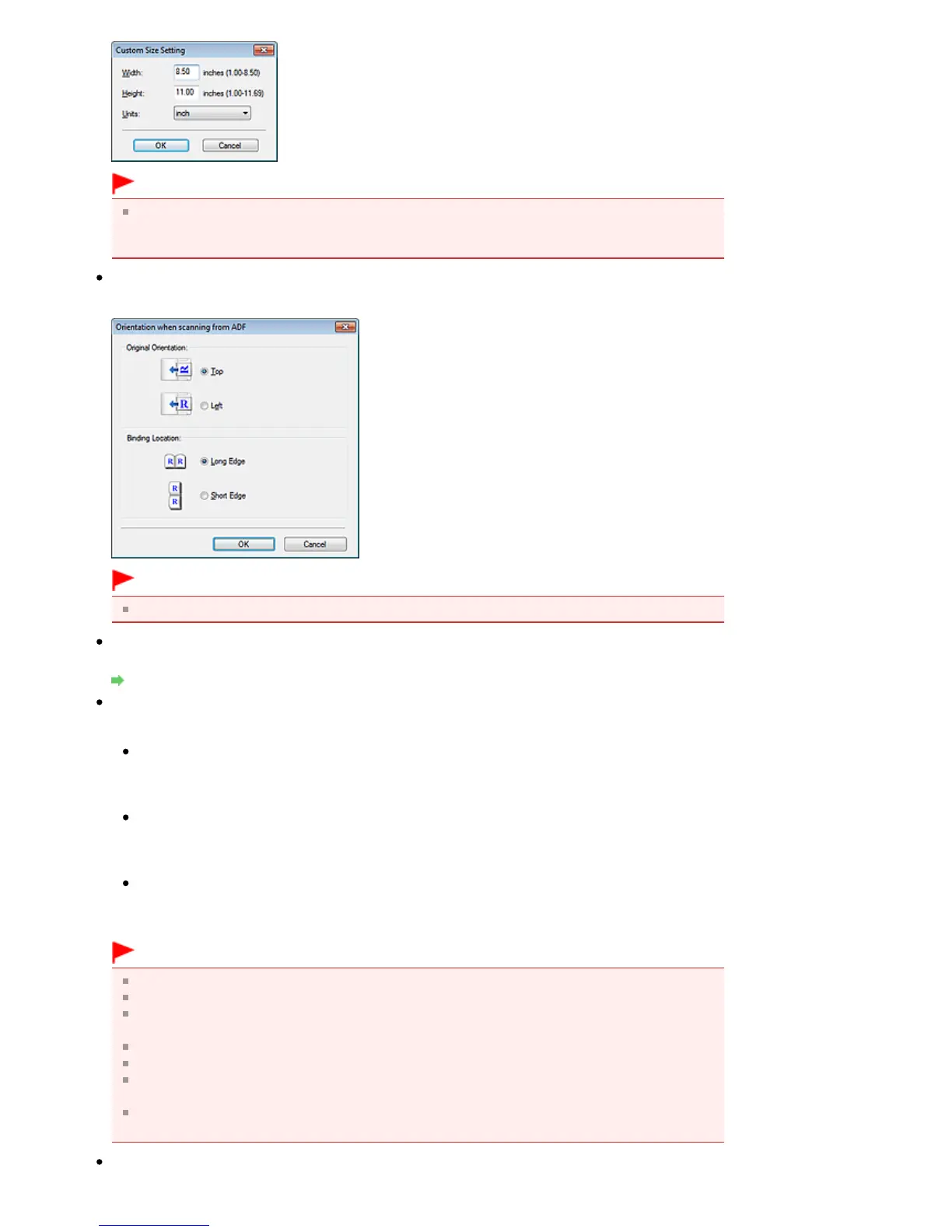
Important
When you select Auto Detect, the image may not be scanned at the correct position and size. In
that case, change the size to the actual document size (A4, Letter, etc.) and align a corner of the
document with the corner at the arrow (alignment mark) of the Platen.
Orientation...
Set the orientation and stapling side of the documents to scan from the ADF (Auto Document Feeder).
Important
Binding Location cannot be specified when scanning only the front side of each document.
Scanning Resolution
Select the resolution at which to scan documents.
Resolution
Recommended Image Correction / Auto Photo Fix / Auto Document Fix
The displayed item varies by Document Type.
Recommended Image Correction
This is displayed when Document Type is Auto Mode. Select this checkbox to apply auto photo fix
or auto document fix based on the document type.
Auto Photo Fix
This is displayed when Document Type is Photo. Select this checkbox to automatically analyze the
captured scene (landscape, night scene, etc.) and apply suitable corrections.
Auto Document Fix
This is displayed when Document Type is Magazine or Document. Select this checkbox to
sharpen text in a document or magazine for better readability.
Important
When this checkbox is selected, the files can be saved in JPEG/Exif or PDF format only.
Scanning may take longer than usual when this checkbox is selected.
These functions are not available when the Scan Settings dialog box is opened from the OCR
dialog box.
Auto Photo Fix is not available when Color Mode is Grayscale or Black and White.
Auto Document Fix is not available when Color Mode is Black and White.
Auto Photo Fix and Auto Document Fix are not available when the Compress scanned images















 To Next Page