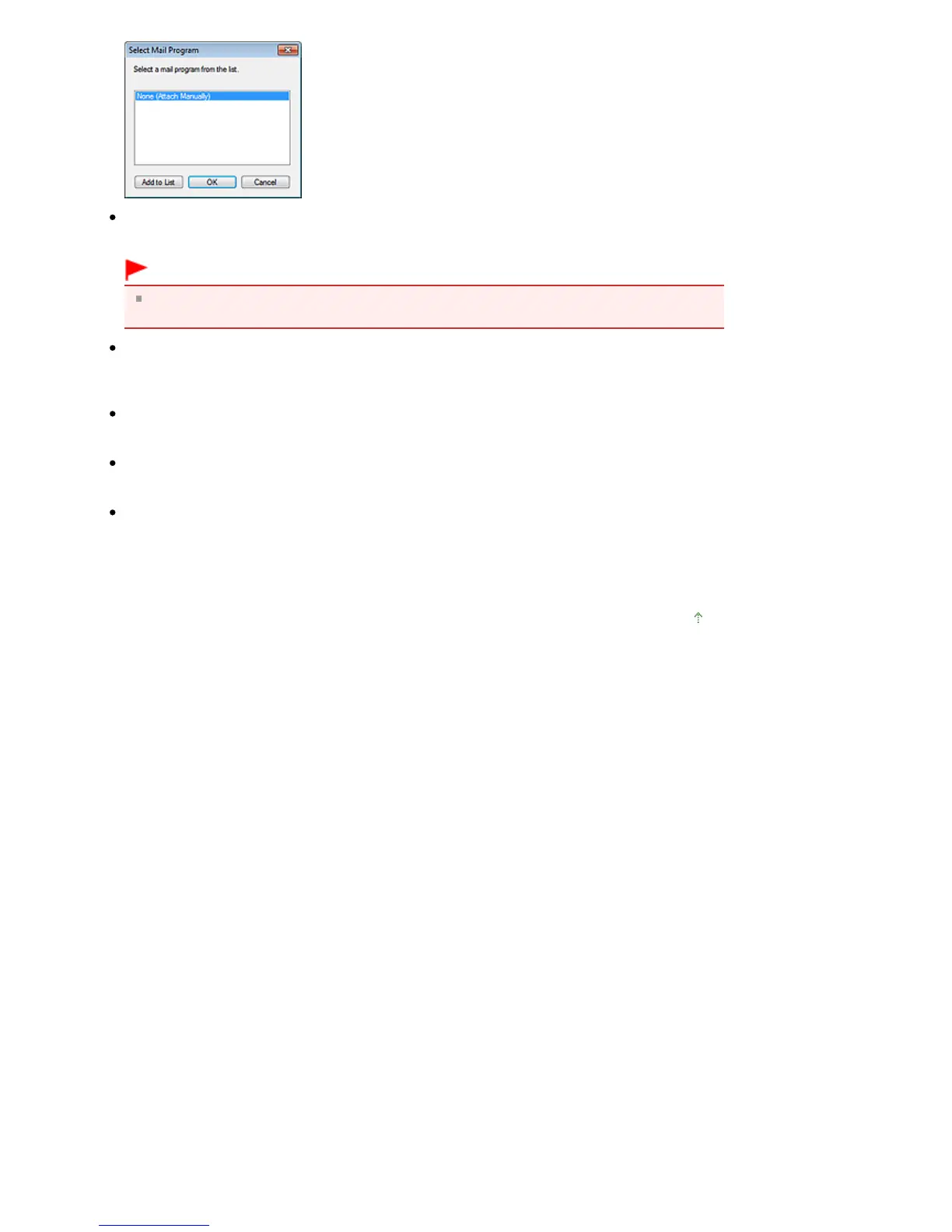
Start scanning by clicking the one-click button
Select this checkbox to start scanning when you click an icon in One-click Mode.
Important
Start scanning by clicking the one-click button is not displayed when the dialog box is opened
directly from Solution Menu EX.
Apply
Saves and applies the specified settings.
Click Cancel instead of Apply to cancel the specified settings.
Cancel
Cancels the specified settings. The current screen closes.
Defaults
Returns all settings in the screen to their defaults.
Scan
Scans documents with the specified settings.
When scanning is completed, attachment files are created and saved. If using an MP Navigator EX
compatible e-mail software program, it starts automatically and a new message screen appears




 To Next Page