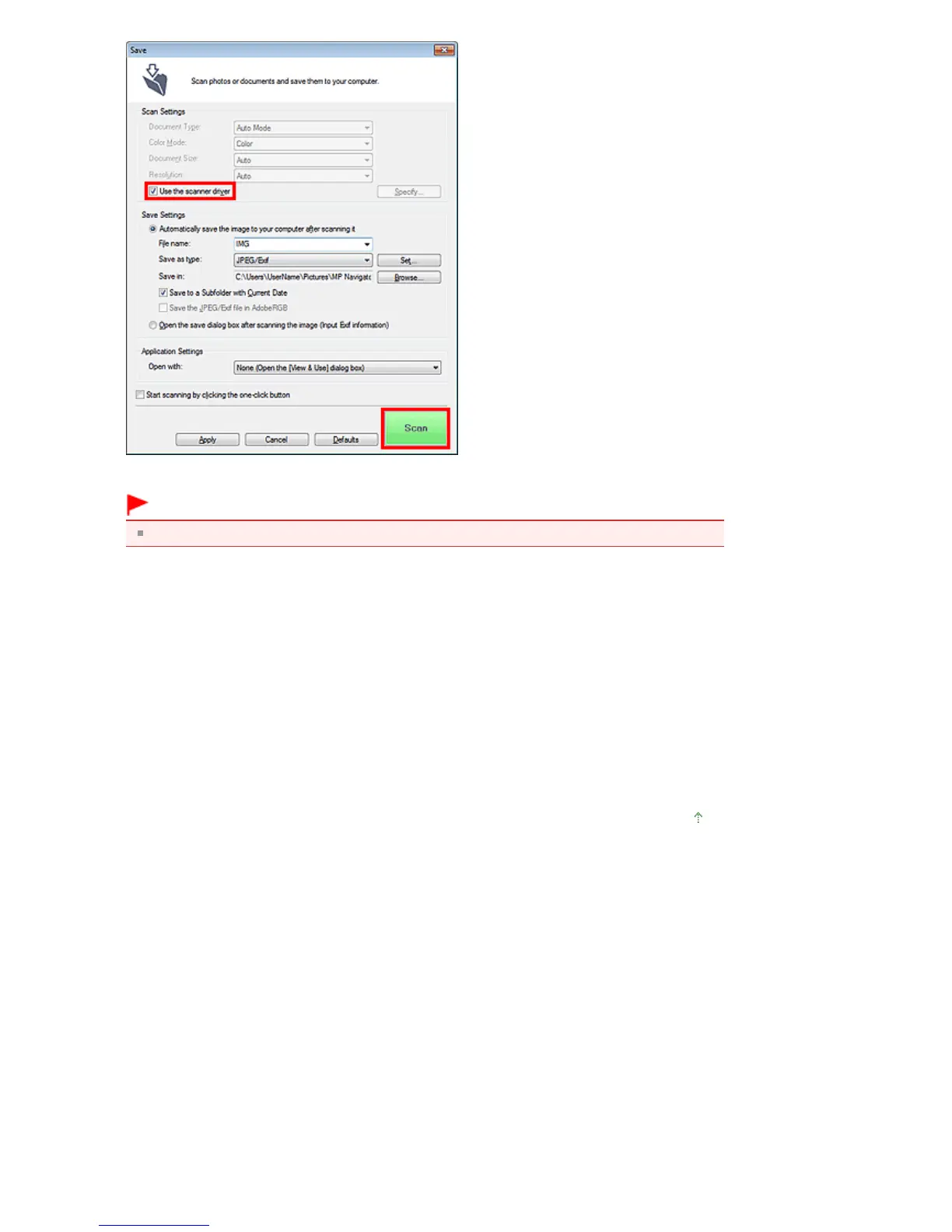
The ScanGear screen appears.
Important
Use the scanner driver is not displayed in the Auto Scan dialog box or PDF dialog box.
Starting from an Application
Follow these steps (example) to start ScanGear from an application.
The procedure varies depending on the application. For details, refer to the application's manual.
1.
Start the application.
2.
On the File menu of the application, select Select Source and select the machine.
3.
Select the command to scan a document (Scan/Import, Acquire image, etc.).
The ScanGear screen appears.
Page top
Seite 544 von 922 SeitenStarting ScanGear (Scanner Driver)















 To Next Page