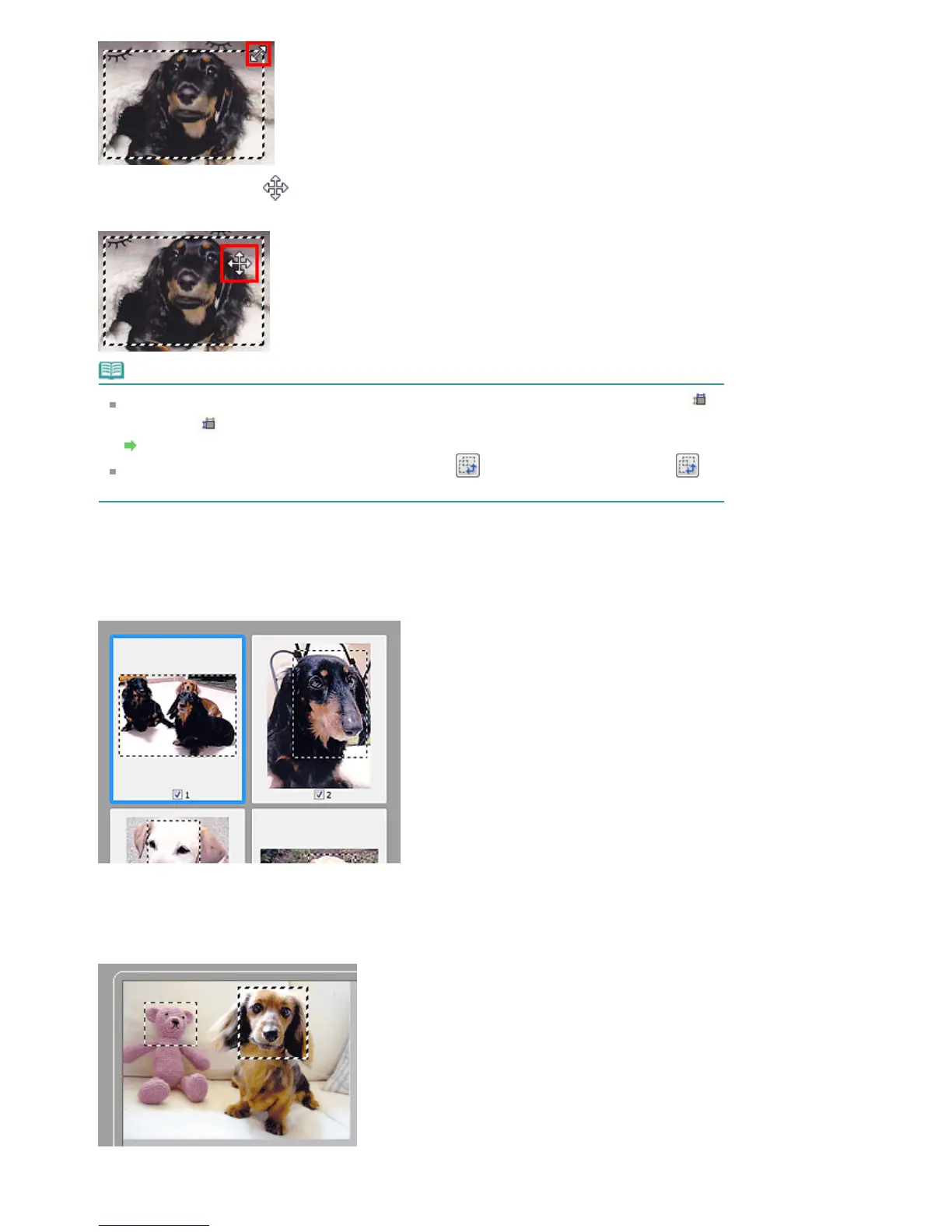
The cursor will change into
(Crosshair arrow) when it is positioned within a cropping frame. Click
and drag the mouse to move the entire cropping frame.
Note
On the Advanced Mode tab, you can specify the cropping frame size by entering the values into
(Width) and
(Height) in Input Settings.
Input Settings
You can rotate a cropping frame 90 degrees by clicking
(Switch Aspect Ratio). However,
(Switch Aspect Ratio) is not available when Output Size is Flexible.
Creating Multiple Cropping Frames
In thumbnail view
You can only create one cropping frame per image.
In whole image view
Click and drag the mouse in a space outside the existing cropping frame to create a new cropping frame
in the Preview area. The new cropping frame will be the active cropping frame, and the old cropping
frame will be the unselected cropping frame.
You can create multiple cropping frames and apply different scan settings to each cropping frame.
Seite 609 von 922 SeitenAdjusting Cropping Frames















 To Next Page