1.
Use the
button to select a fax/telephone number, then press the
OK
button.
2.
Press the
OK
button again.
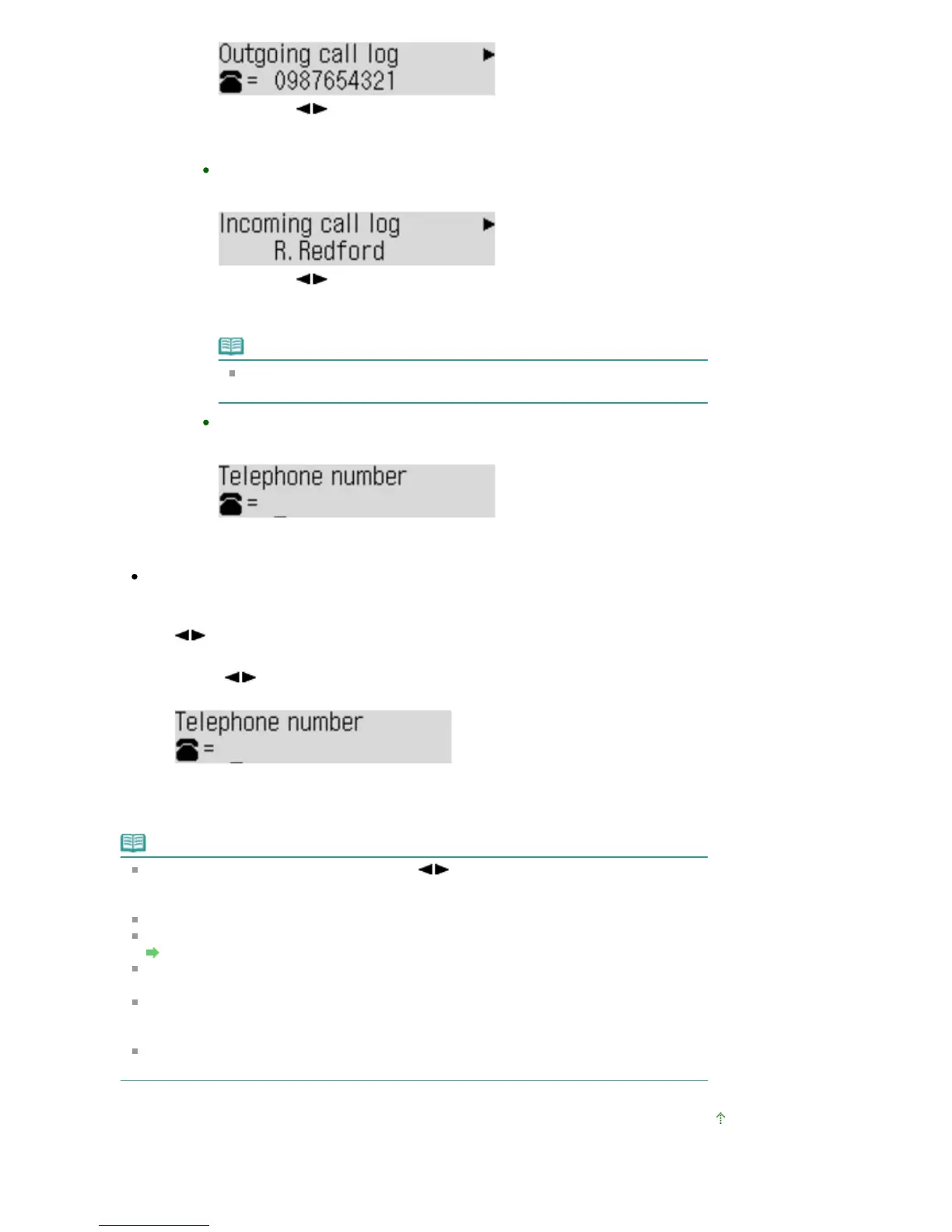
From call log (IN)
When you select this registration method, the screen to select the fax/telephone
number from the received call logs is displayed.
1.
Use the
button to select a fax/telephone number or a name, then press
the
OK
button.
2.
Press the
OK
button again.
Note
This registration method may not be available depending on the country or
region of purchase.
Direct entry
When you select this registration method, the screen to register the fax/telephone
number is displayed.
Use the Numeric buttons to enter the fax/telephone number you want to register,
then press the
OK
button.
Registering to MX360 series:
1.
When the confirmation screen to register the rejected number is displayed, use the
button to select Yes, then press the
OK button.
2.
Use the button to select the dial code to register, then press the
OK button.
The screen to register the fax/telephone number is displayed.
3.
Use the Numeric buttons to enter the fax/telephone number you want to register, then
press the
OK button.
Note
To register another rejected number, use the button to select another dial code, then
register the rejected number.
You can register up to 10 rejected numbers.
To return to the Fax standby screen, press the
Stop
button.
You can print the list of rejected numbers.
Summary of Reports and Lists
To change the registered rejected number, display the screen to register the fax/telephone
number in the same operation, change rejected number, then press the
OK
button.
To delete the registered rejected number, display the screen to register the fax/telephone
number in the same operation, press the
Back
button repeatedly to delete the rejected
number, then press the
OK
button.
You can register the rejected number in Rejected numbers in TEL no. registration under Fax
settings.
Page top
Seite 649 von 922 SeitenRejecting Fax Reception















 To Next Page