Advanced Guide
>
Faxing
>
Other Useful Fax Functions
>
Document Stored in Machine's Memory
> Saving
a Document in Machine's Memory to USB Flash Drive
F038
Saving a Document in Machine's Memory to USB Flash Drive
You can save the received faxes stored in machine's memory to the USB flash drive as PDF files using
the Operation Panel of the machine.
You can save a specified document in machine's memory to the USB flash drive or save all the
documents in its memory to the USB flash drive at a time.
Saving a Specified Received Document in Machine's Memory to USB Flash Drive
Saving All the Received Documents in Machine's Memory to USB Flash Drive
Important
Do not remove the USB flash drive from the machine until saving is complete.
For safety reasons, we recommend backing up faxes saved on a USB flash drive to another media
periodically to avoid unexpected accidents.
We assume no responsibility for damage to or loss of data for whatever reason even within the
Note
When saving a specified document, you specify it by its transaction number. If you do not know the
transaction number for your target document, print the list of documents first.
Printing a List of the Document in Machine's Memory
After saving the fax in machine's memory to the USB flash drive, the fax is still stored in machine's
memory.
For details on how to delete the fax in machine's memory, see
Deleting a Document in Machine's
Memory
.
Saving a Specified Received Document in Machine's Memory to USB Flash Drive
Specify the received document and save it on the USB flash drive following the procedure below.
1.
Make sure that the machine is turned on.
2.
Insert the USB flash drive into the Direct Print Port.
Note
Refer to
Saving Scanned Data on the USB Flash Drive Using the Operation Panel of the
Machine
for how to insert the USB flash drive into the Direct Print Port.
3.
Press the
FAX
button.
The Fax standby screen is displayed.
4.
Press the
Menu
button.
The Fax settings screen is displayed.
5.
Use the
button to select Memory reference, then press the
OK button.
6.
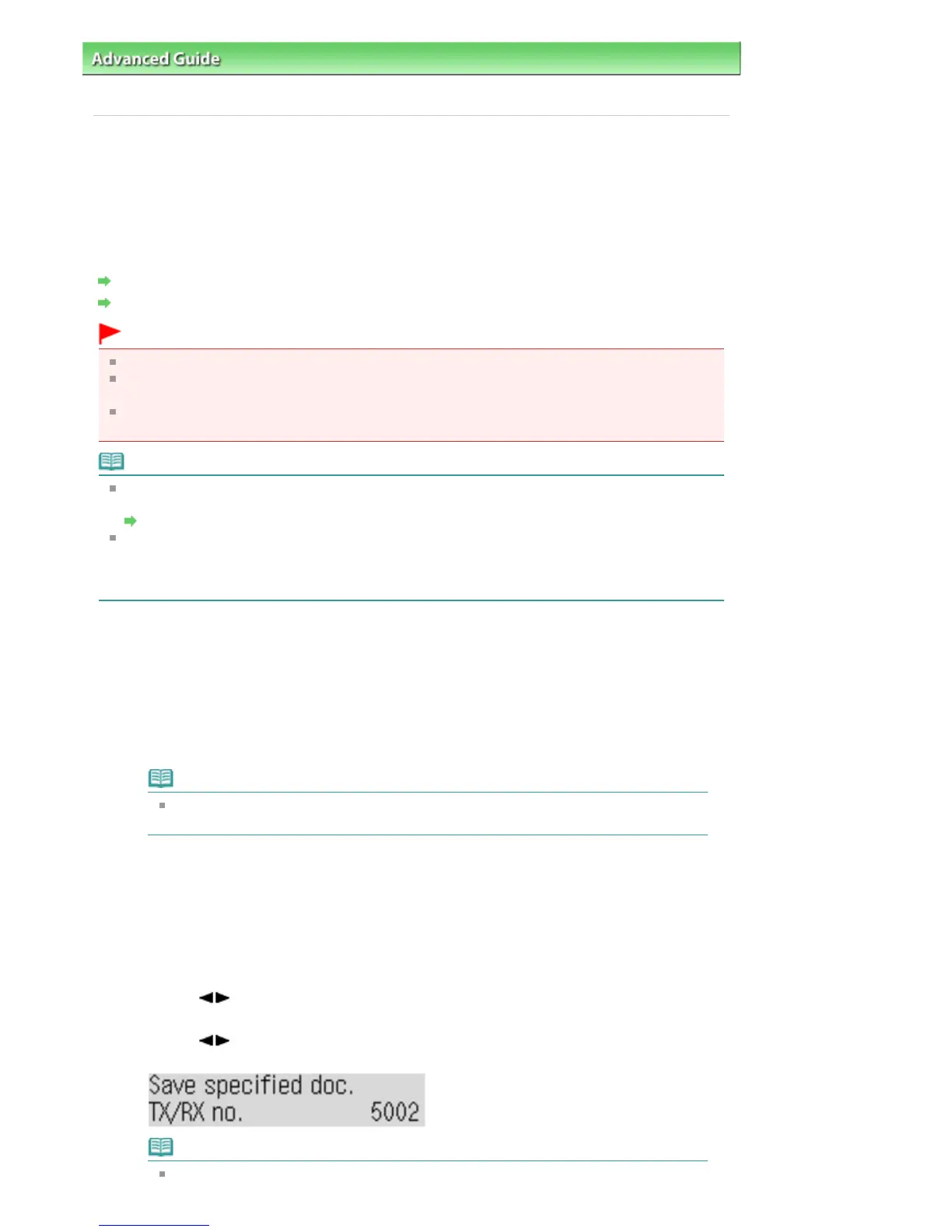
Use the button to select Save specified doc., then press the
OK button.
The document selection screen is displayed.
Note
A transaction number from "0001" to "4999" indicates a document being sent. A
Seite 687 von 922 SeitenSaving a Document in Machine's Memory to USB Flash Drive















 To Next Page