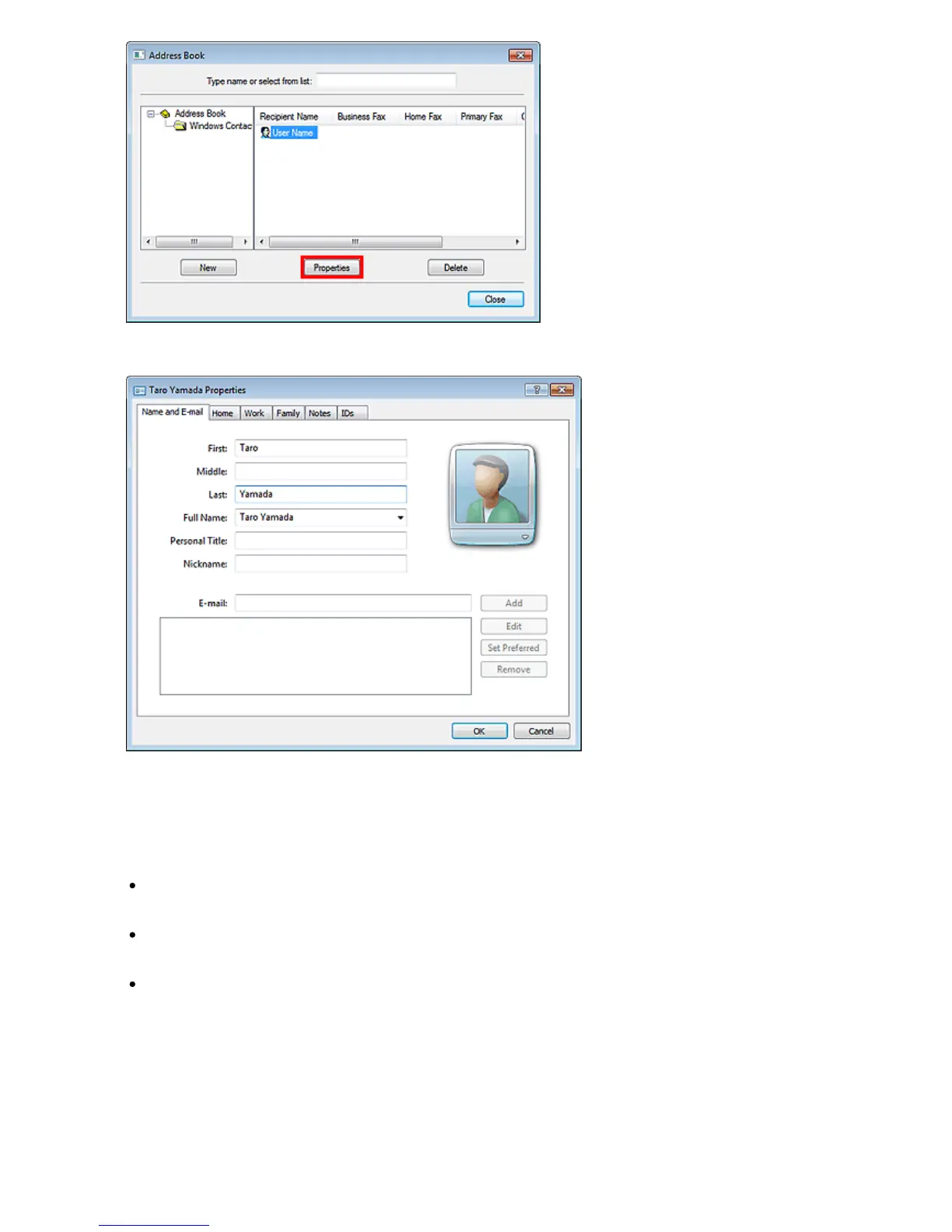
5.
Change information as needed on the Properties dialog box, then click OK.
Removing Recipients from an address book
You can delete the contacts registered in the address book.
1.
From the Start menu, navigate as follows:
Windows 7:
From the Start menu, select Control Panel > Hardware and Sound > Devices and Printers.
Windows Vista:
From the Start menu, select Control Panel > Hardware and Sound > Printers.
Windows XP:
From the Start menu, select Control Panel > Printers and Other Hardware > Printers and Faxes.
2.
Right-click the printer icon for Canon XXX series FAX (where "XXX" is the model
name), then click Printing Preferences....
3.
In the Canon XXX series FAX Printing Preferences (where "XXX" is the model name)
dialog box, click Address Book....
Seite 703 von 922 SeitenEdit or Remove a Recipient from an Address Book















 To Next Page