Advanced Guide
>
Printing from a Digital Camera or a Mobile Phone
>
Printing from a Mobile Phone
>
Changing the Bluetooth Settings
U058
Changing the Bluetooth Settings
As preparation for printing through Bluetooth communication, you can change the settings such as the
device name and passkey from Bluetooth settings.
This section describes how to display Bluetooth settings. For each setting item, see
Bluetooth settings
.
1.
Make sure that the machine is turned on.
2.
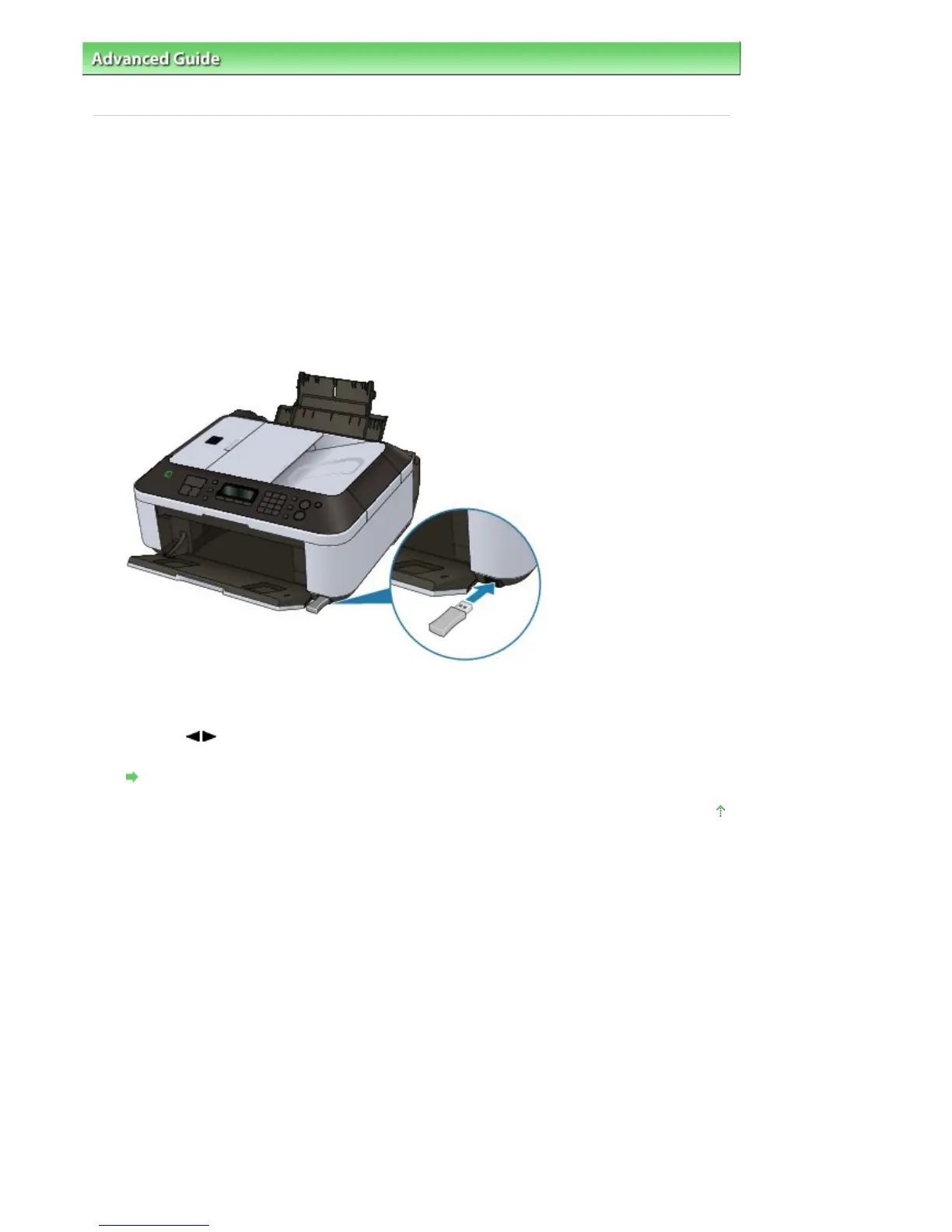
Attach the optional Bluetooth Unit BU-30.
Insert the Bluetooth Unit BU-30 into the Direct Print Port.
3.
Press the
Menu
button repeatedly until Device settings appears.
4.
Use the
button to select Bluetooth settings, then press the
OK
button.
The setting item of Bluetooth communication print is displayed.
Bluetooth settings Screen
Page top
Seite 716 von 922 SeitenChanging the Bluetooth Settings















 To Next Page