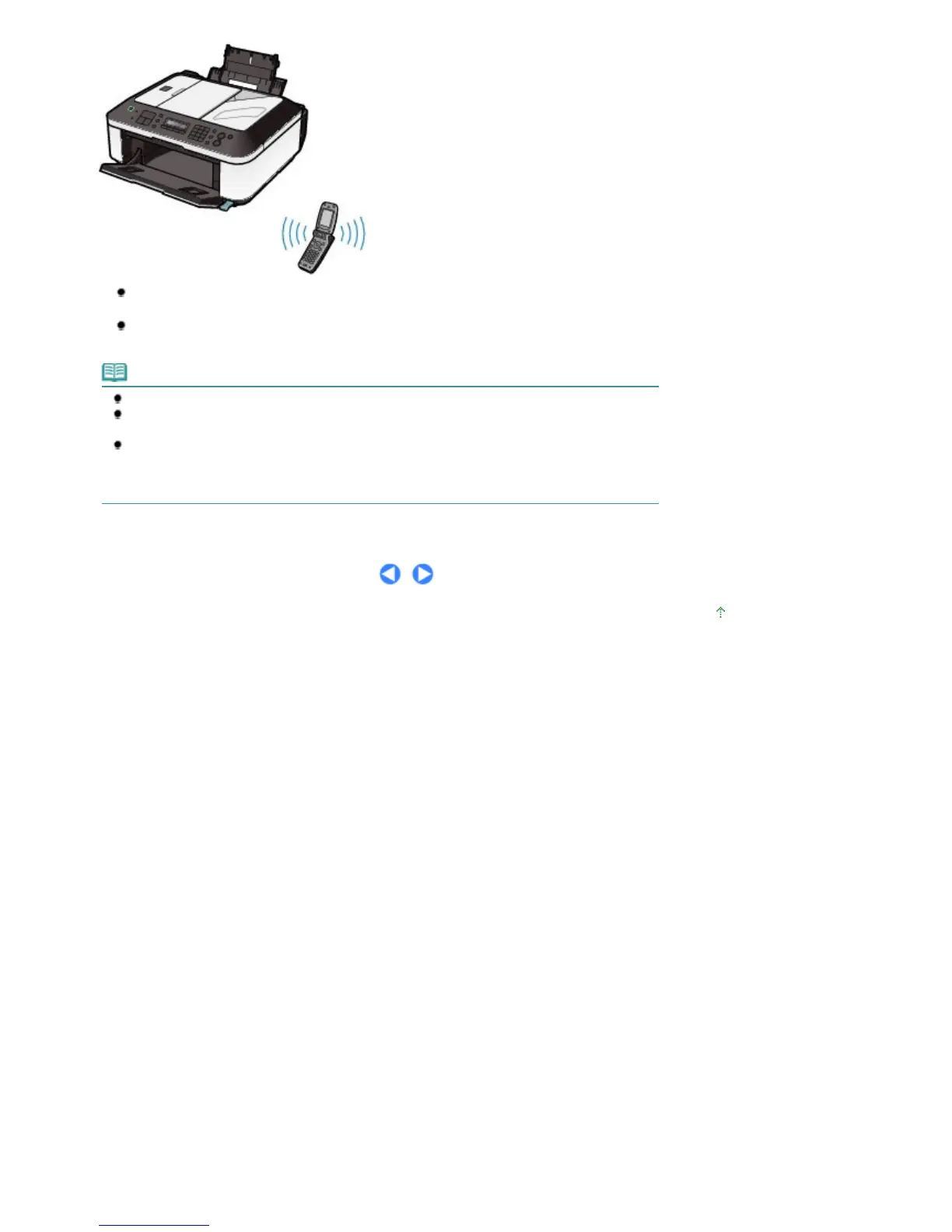
To change the media type or page size when printing from a mobile phone, select Mobile phone
settings in the Device settings menu.
To change the device name or passkey of the machine for when printing from a Bluetooth
compatible device, select Bluetooth settings in the Device settings menu.
Note
Some mobile phones may not support the printing function.
Data types supported for printing vary depending on the mobile phone you are using. For details,
refer to the instruction manual supplied with the mobile phone.
To print from a mobile phone, it must be compliant with BIP (Basic Imaging Profile) or OPP (Object
Push Profile) as well as with the Bluetooth v2.0 standard.
* To know whether your mobile phone is compatible with those standards, consult the manufacturer.
* Not all mobile phone types that meet the above requirements have been tested for normal operation.
Page top
Seite 73 von 922 SeitenPrinting Photos Directly from Your Digital Camera or Mobile Phone















 To Next Page