Advanced Guide
>
About Bluetooth Communication
>
Preparation to Use the Bluetooth Unit
> Attaching to
and Removing from the Printer
B005
Attaching to and Removing from the Printer
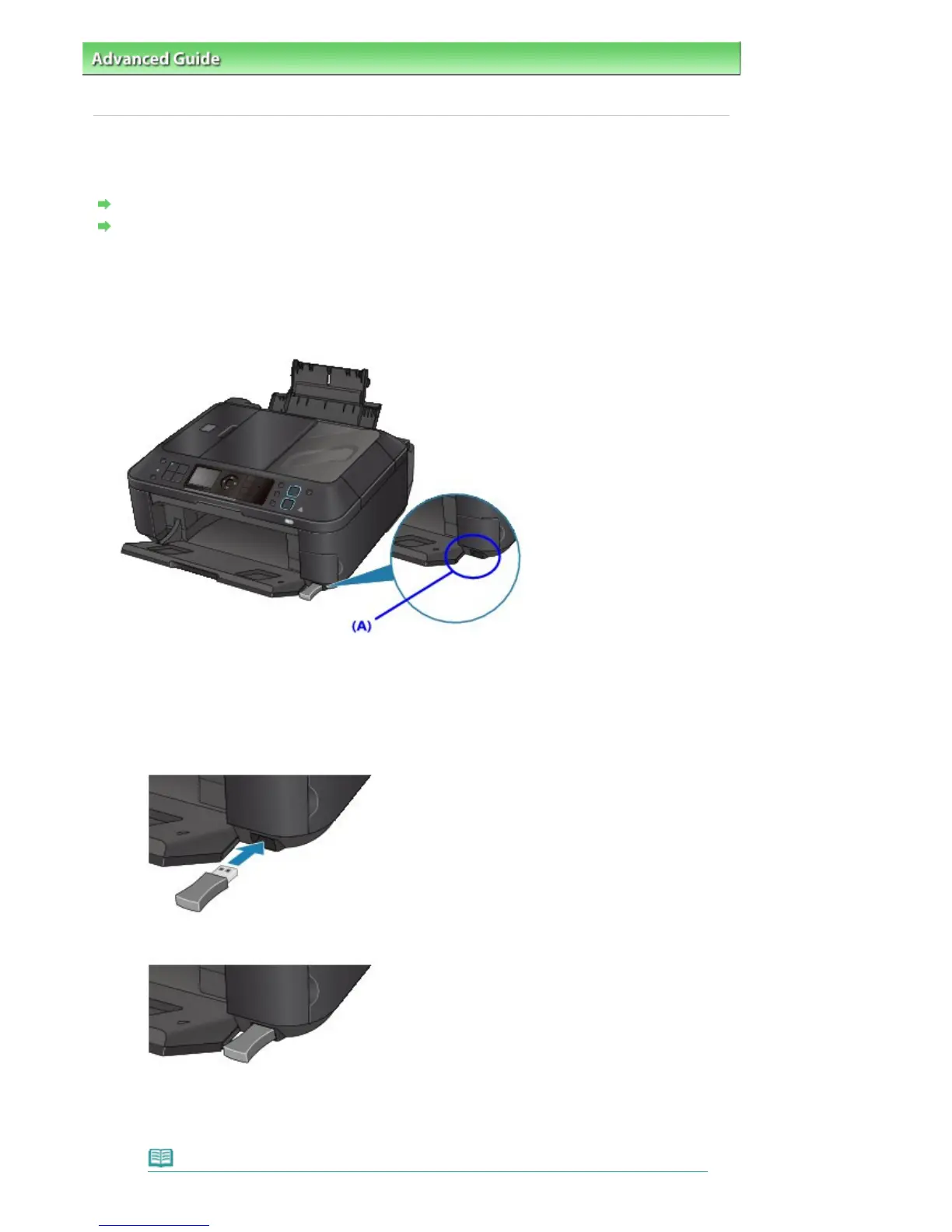
Attaching the Bluetooth Unit to the Printer
Removing the Bluetooth Unit from the Printer
Attaching the Bluetooth Unit to the Printer
Attach the Bluetooth unit to the Direct Print Port (A) of the printer in accordance with the following
procedure.
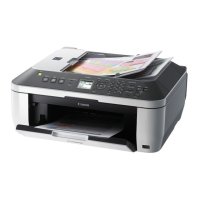
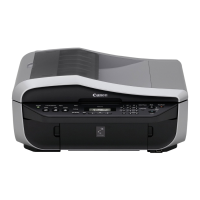
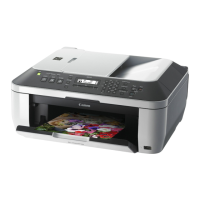
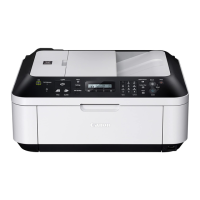
The external appearance may differ depending on the printer you are using.
1.
Make sure that the printer is turned on.
Make sure that any lamp on the Operation Panel is lit.
2.
Insert the Bluetooth unit to the Direct Print Port of the printer.
Detach the cap from the Bluetooth unit. Store the cap in a safe location.
Note
Seite 744 von 922 SeitenAttaching to and Removing from the Printer




 To Next Page