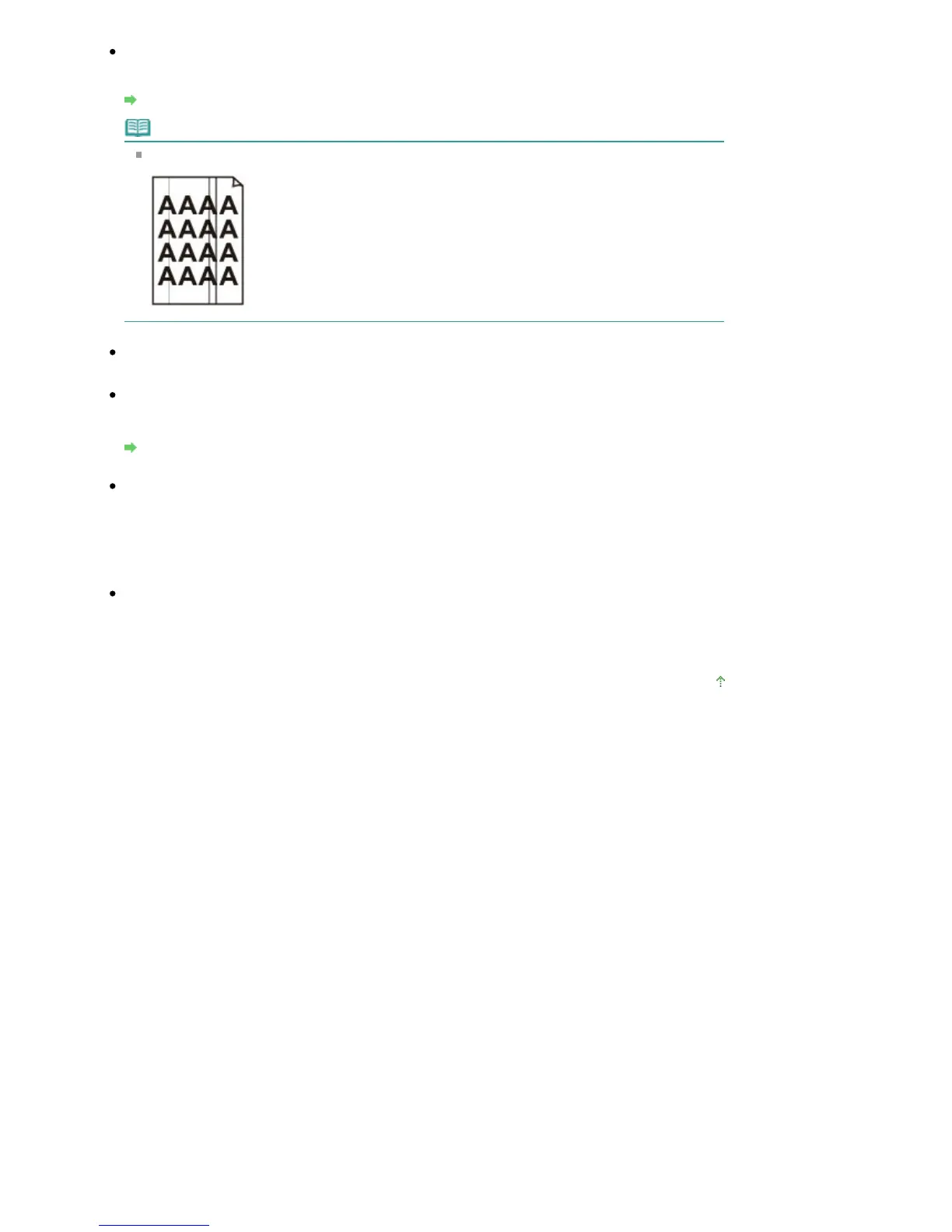
Check 6: Is the Platen Glass or the glass of ADF dirty?
Clean the Platen Glass or the glass of ADF.
Cleaning the Platen Glass and Document Cover
Note
If the glass of ADF is dirty, black streaks appear on the paper as shown below.
When copying, see also the sections below:
Check 7: Check that the original is loaded correctly on the Platen Glass
or in the ADF.
Loading Paper / Originals
Check 8: Is the original document is loaded with the proper side facing
up?
When loading the original on the Platen Glass, the side to be copied should be face down. When
loading the original in the ADF, the side to be copied should be face up.
Check 9: Did you copy a printout done by this machine?
Print from the digital camera directly, or reprint from the computer.
If you copy a printout done by this machine, print quality may be reduced.
Page top
Seite 820 von 922 SeitenNo Printing Results/Printing Is Blurred/Colors Are Wrong/White Streaks















 To Next Page