Advanced Guide
>
Troubleshooting
>
Paper Jams
> In Other Cases
U353
In Other Cases
Make sure of the following:
Check 1: Are there any foreign objects around the Paper Output Slot?
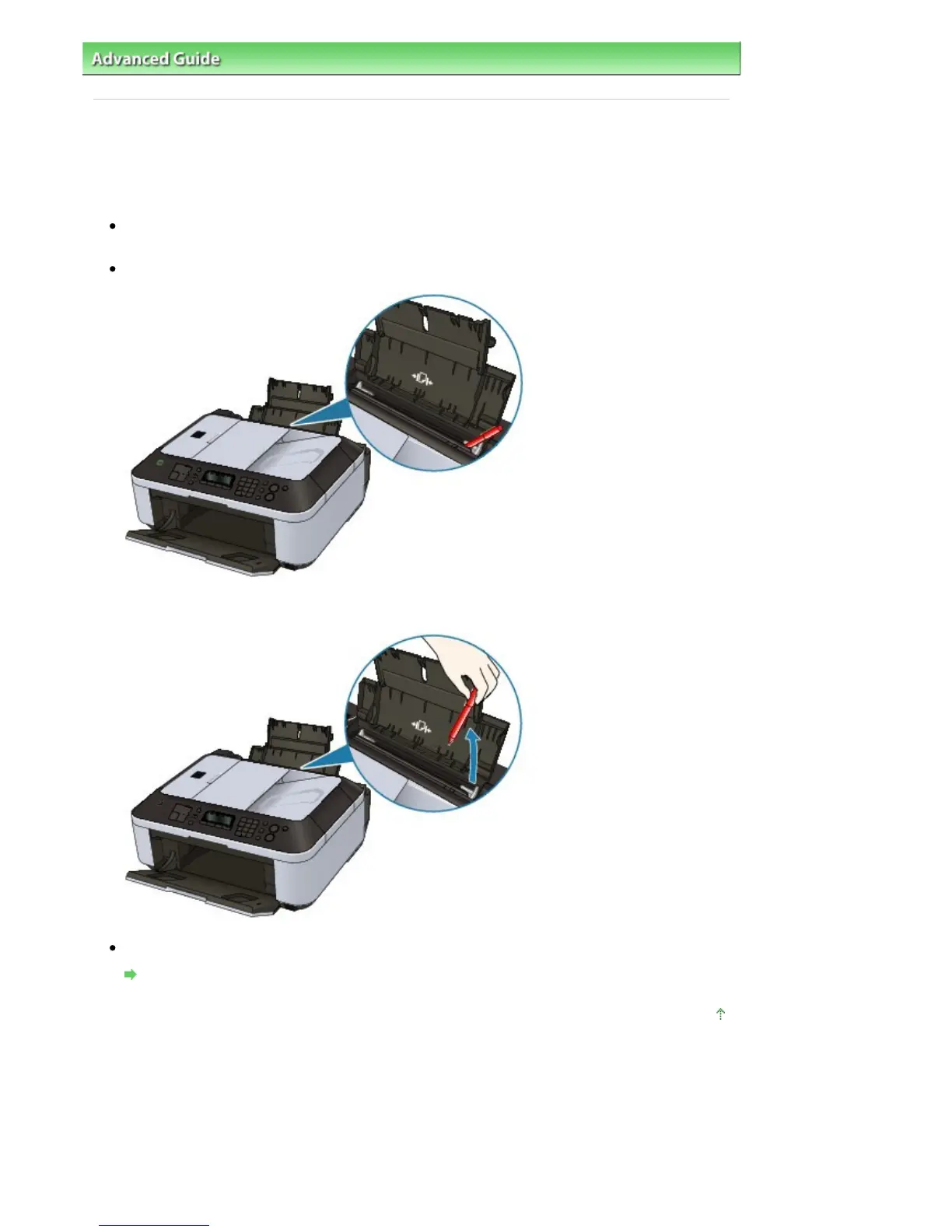
Check 2: Are there any foreign objects in the Rear Tray?
If there are any foreign objects in the Rear Tray, be sure to turn off the machine, unplug it from the
power supply, then remove the foreign object.
Check 3: Is the paper curled?
Check 3: Load the paper after correcting its curl.
Page top
Seite 843 von 922 SeitenIn Other Cases















 To Next Page