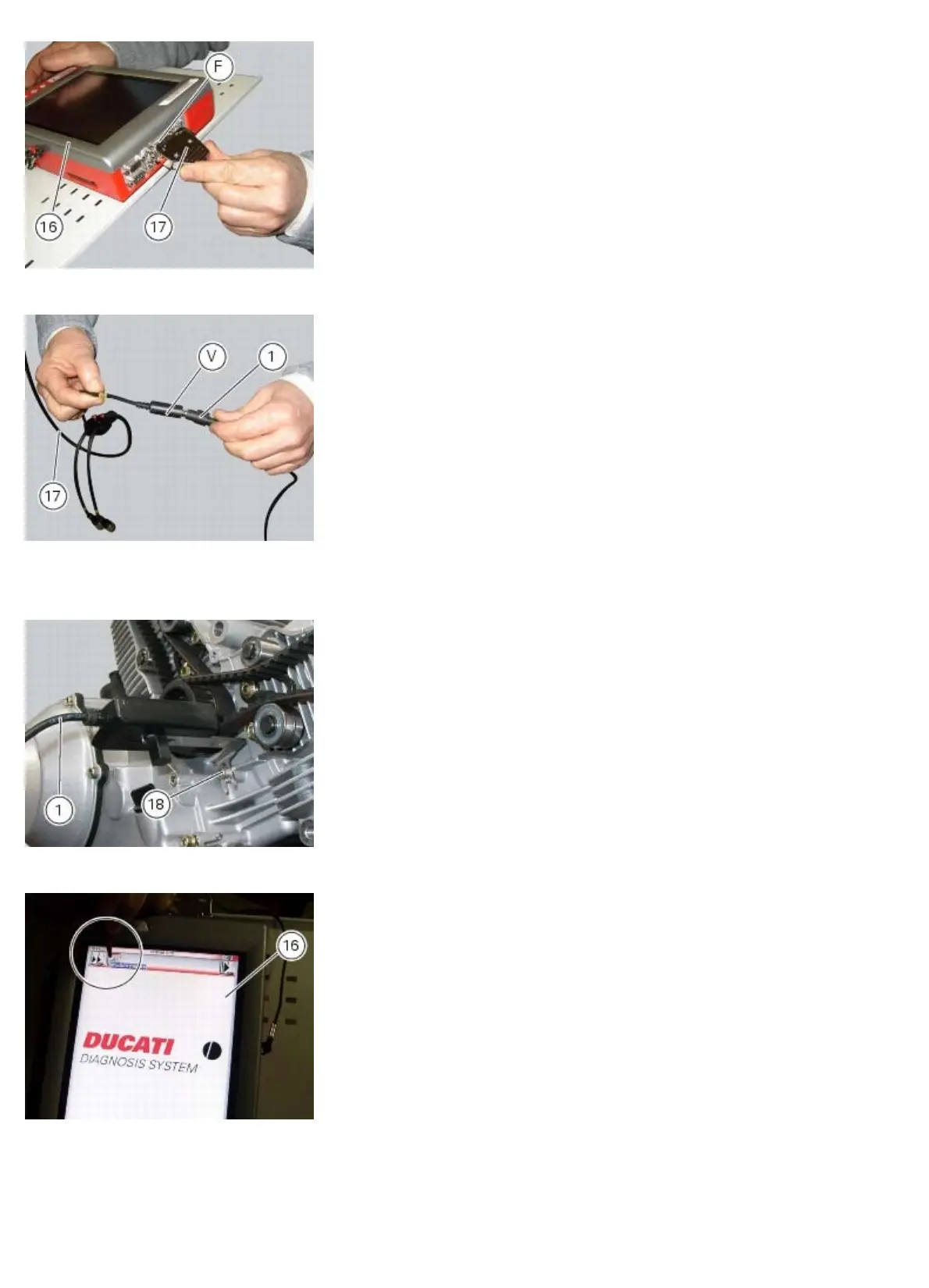
Diagnostic instruments
file:///D|/Manuales/Para%20recolocar/MOTOS/DUCATI/DUCATI/M796/wsm/EN/M796_ABS_11_6_13.36.1.html[11/12/2015 18:40:27]
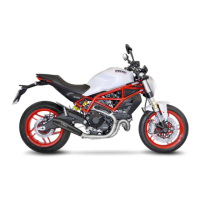
Connect the belt tension sensor (1) tool part no.88765.1371 to the jack (V) of the power supply and diagnosis cable
(Measurement Module) (17) tool part no. 97900.0222.
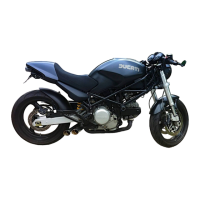
Fix the mounting bracket of the belt tension sensor (1) using the timing belt cover screw (18).
Direct the central green LED of the sensor (1) at the midpoint of the belt section, placing the sensor (1) parallel to the belt
and at a distance of about 1÷1.5 cm from it.
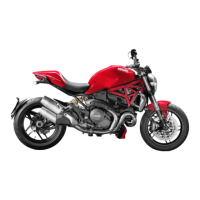
On the DDS diagnosis instrument (16), select the “Measurement module” function by pressing the corresponding icon;
then press the “Belt Tension” icon followed by the “Start” icon to access the “Mechanical belt tension” screen.










 To Next Page