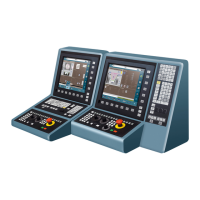
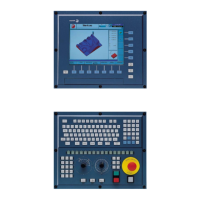
Operating manual.
CNC 8060
CNC 8065
1.
DESCRIPTION OF THE KEYS
HORIZONTAL KEYB 2.0 + TOUCHPAD (8060/8065).
·52·
(REF: 1807)
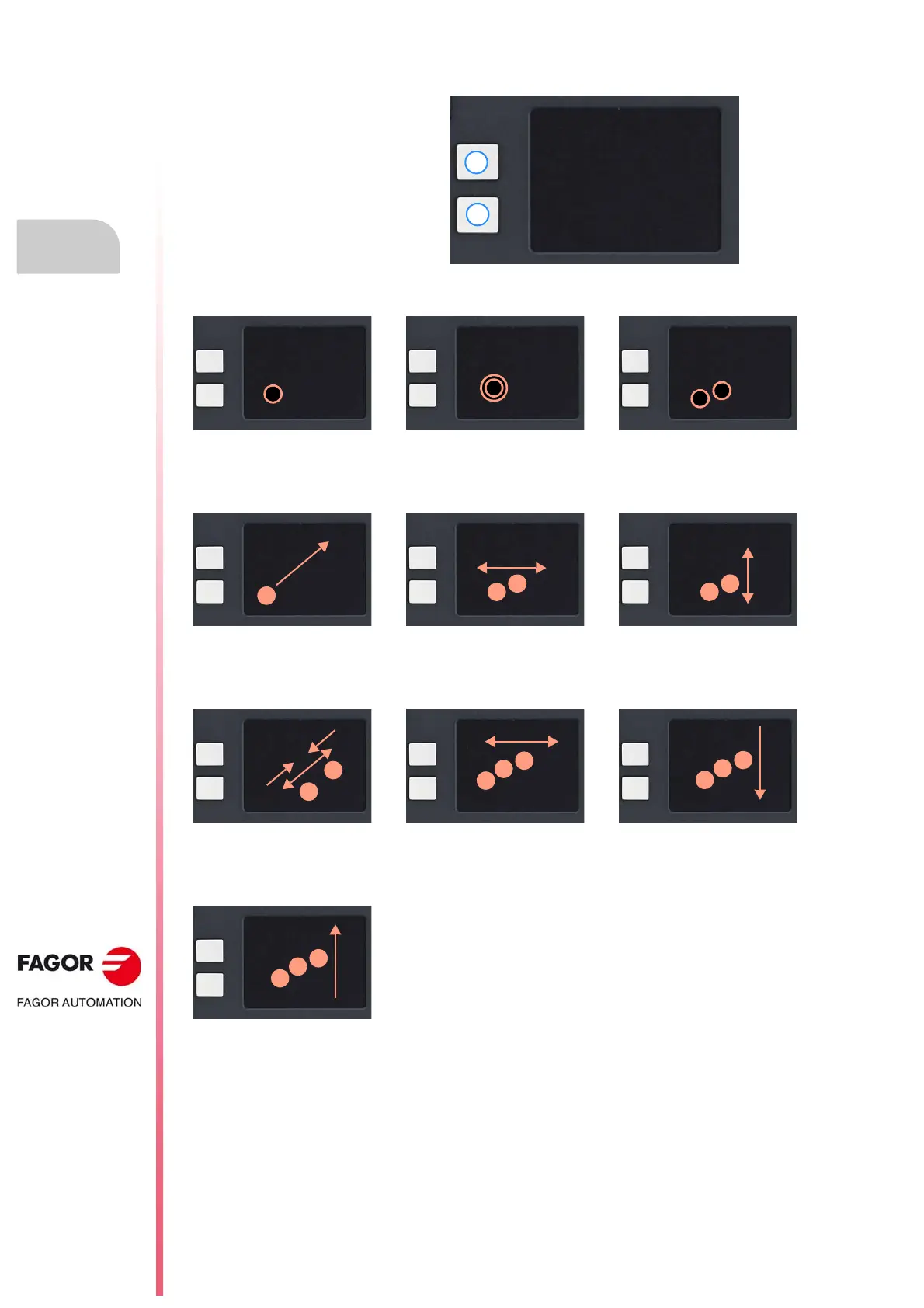
Touchpad (touch screen).
The actions of touching with one or two fingers work in reverse if the mouse is configured for left-handed
people.
A Left button.
B Right button,
Primary button. Double click. Secondary button.
Tap lightly with one finger to simulate
a mouse click.
Tap lightly twice with one finger to
simulate the double click of a mouse.
Tap lightly with two fingers to
simulate the right click of a mouse.
Move the cursor. Move screen (pan). Move screen (scroll).
Move a finger to move the cursor. Move two fingers to the left and right
to move horizontally (pan).
Move two fingers up and down to
move vertically (scroll).
Zoom. Turn the page. Minimize the window.
Pinch or separate two fingers to
zoom in or out.
Drag three fingers horizontally to
move forward or back a page.
Drag three fingers downward to
minimize the active window.
Start menu.
Drag three fingers upward to access
the start menu.






 To Next Page