Garmin G2000 Pilot’s Guide for the Cessna T240
190-01263-01 Rev. A180
Flight ManageMent
SYSteM
OVeRVieW
Flight
inStRUMentS
eiS
aUDiO Panel
& CnS
Flight
ManageMent
haZaRD
aVOiDanCe
aFCS
aDDitiOnal
FeatUReS
aPPenDiCeSinDeX
Map orientation
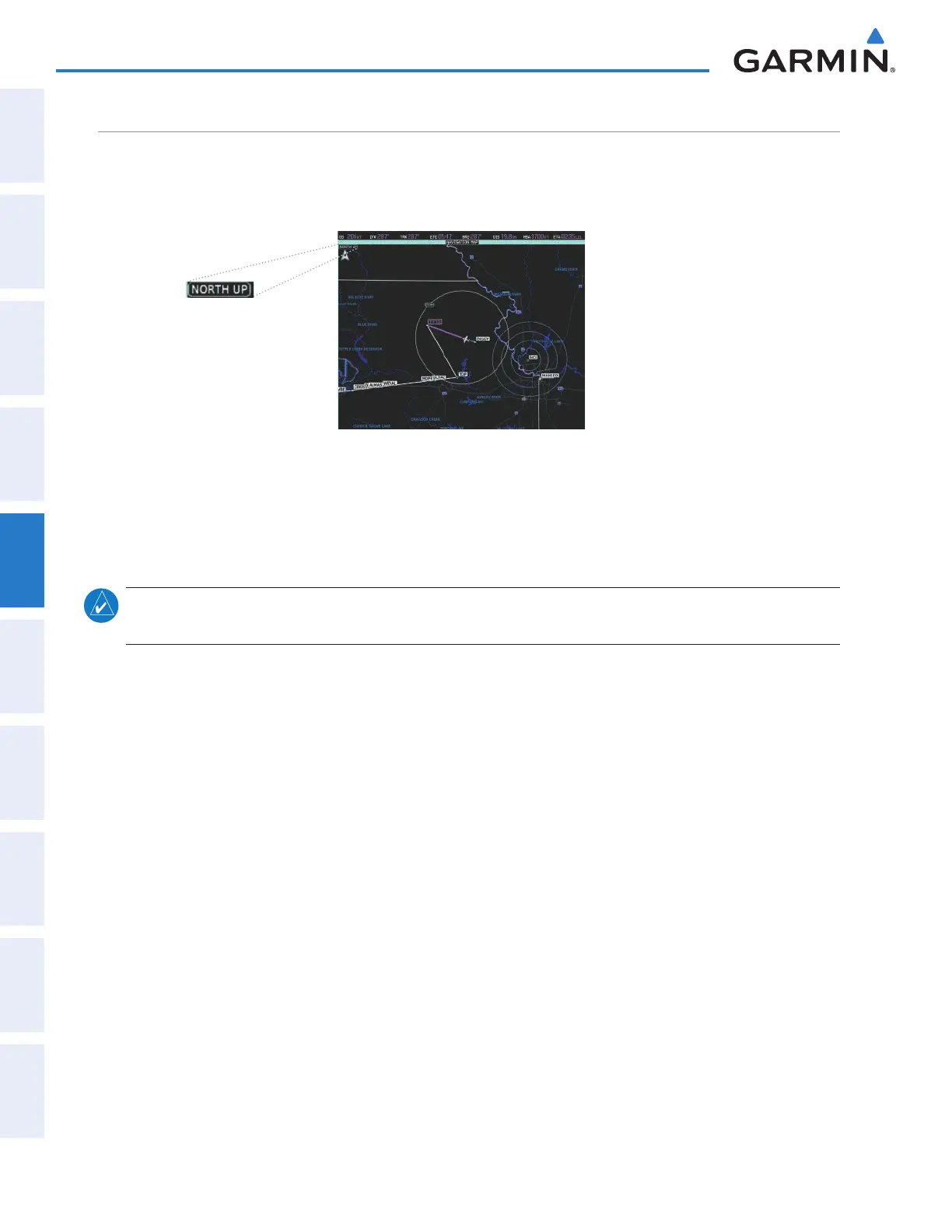
Maps are shown in one of three different orientation options, allowing flexibility in determining aircraft
position relative to other items on the map (north up) or for determining where map items are relative to where
the aircraft is going (track up or heading up). The map orientation is shown in the upper left corner of the map.
Figure 5-5 Map Orientation
• North up (NORTH UP) aligns the top of the navigation map to north.
• Track up (TRK UP) aligns the top of the navigation map to the current ground track.
• Heading up (HDG UP) aligns the top of the navigation map to the current aircraft heading (default setting).
note: Map orientation changes for the Navigation Map only affect the map being controlled. The orientation
of the Inset Map on the PFD is always Heading Up
Changing the Navigation Map orientation:
1) From Home, touch Map > Map Settings.
2) Touch the Orientation Button.
3) Touch the North Up, Track Up, or Heading Up Button to select the navigation map orientation.
This manual downloaded from http://www.manualowl.com



 To Next Page