190-01263-01 Rev. A
Garmin G2000 Pilot’s Guide for the Cessna T240
395
Hazard avoidance
SYSTeM
overvieW
FLiGHT
inSTrUMenTS
eiS aUdio & cnS
FLiGHT
ManaGeMenT
Hazard
avoidance
aFcS
addiTionaL
FeaTUreS
aPPendiceS indeX
Displaying the Stormscope Pane:
From Home, touch Weather > Weather Selection > Stormscope.
The Joystick on the Touchscreen Controller adjusts the map range shown on the Stormscope Pane. Turn the
Joystick clockwise to increase the map range shown, or counter-clockwise to decrease the map range. Map
ranges are available from 25 nm to 200 nm on the Stormscope
Pane.
Selecting a Stormscope mode for the Stormscope Pane:
1) From Home, touch Weather > Weather Selection > Stormscope > Stormscope Settings.
2) Touch either the Cell Button or the Strike Button. Button annunciator is green for currently selected mode.
Clearing the Stormscope Pane removes any previously displayed cell or lightning strike information from the
pane.
Clearing Stormscope Information on the Stormscope Pane:
1) From Home, touch Weather > Weather Selection > Stormscope > Stormscope Settings.
2) Touch the Clear Stormscope Lightning Button.
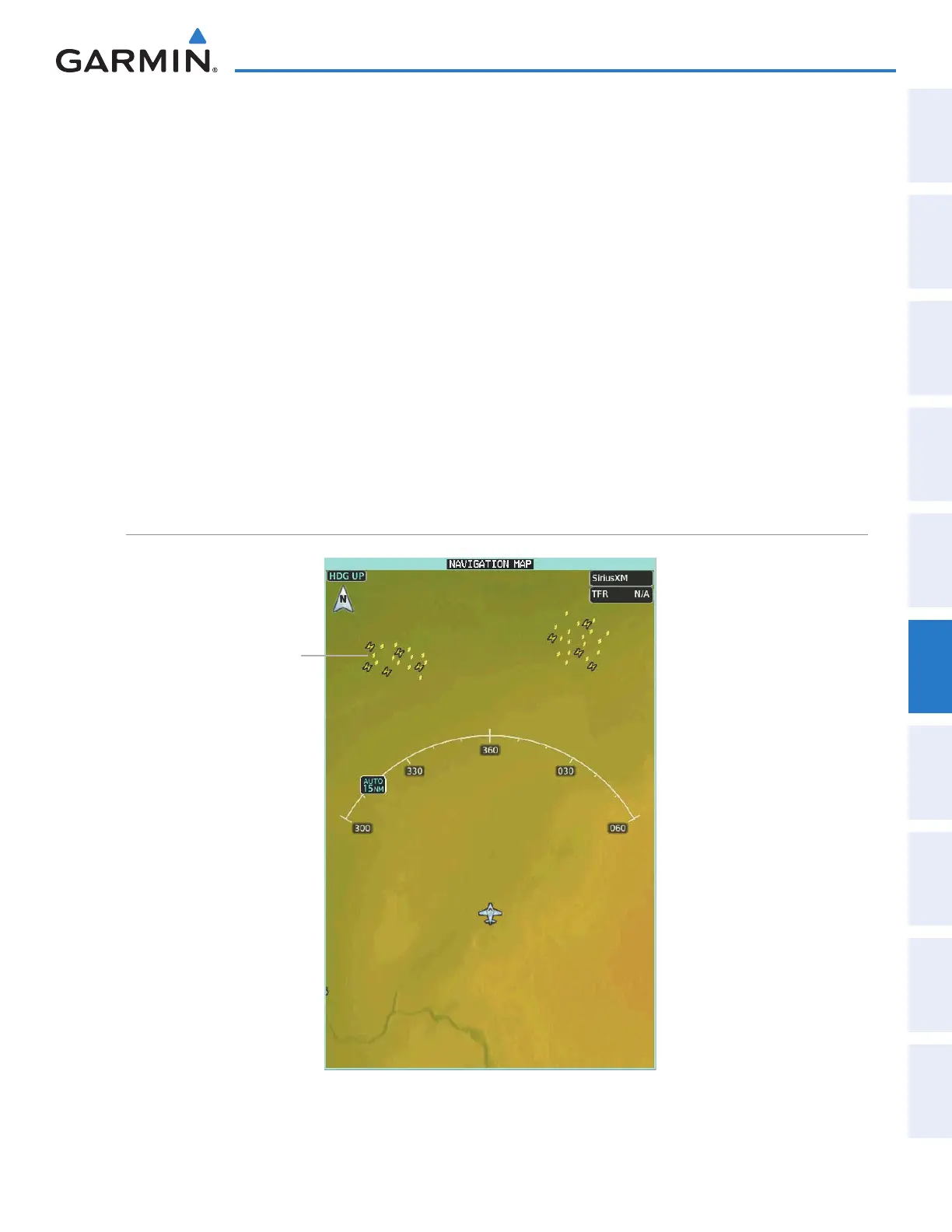
DISPLAYING LIGHTNING INFORMATION ON NAVIGATION MAPS
Figure 6-76 Lightning Information on the Navigation Map Pane
(Cell Mode Selected)
Storm Cell
This manual downloaded from http://www.manualowl.com



 To Next Page