Garmin G2000 Pilot’s Guide for the Cessna T240
190-01263-01 Rev. A
368
Hazard avoidance
SYSTeM
overvieW
FLiGHT
inSTrUMenTS
eiS
aUdio & cnS
FLiGHT
ManaGeMenT
Hazard
avoidance
aFcS
addiTionaL
FeaTUreS
aPPendiceSindeX
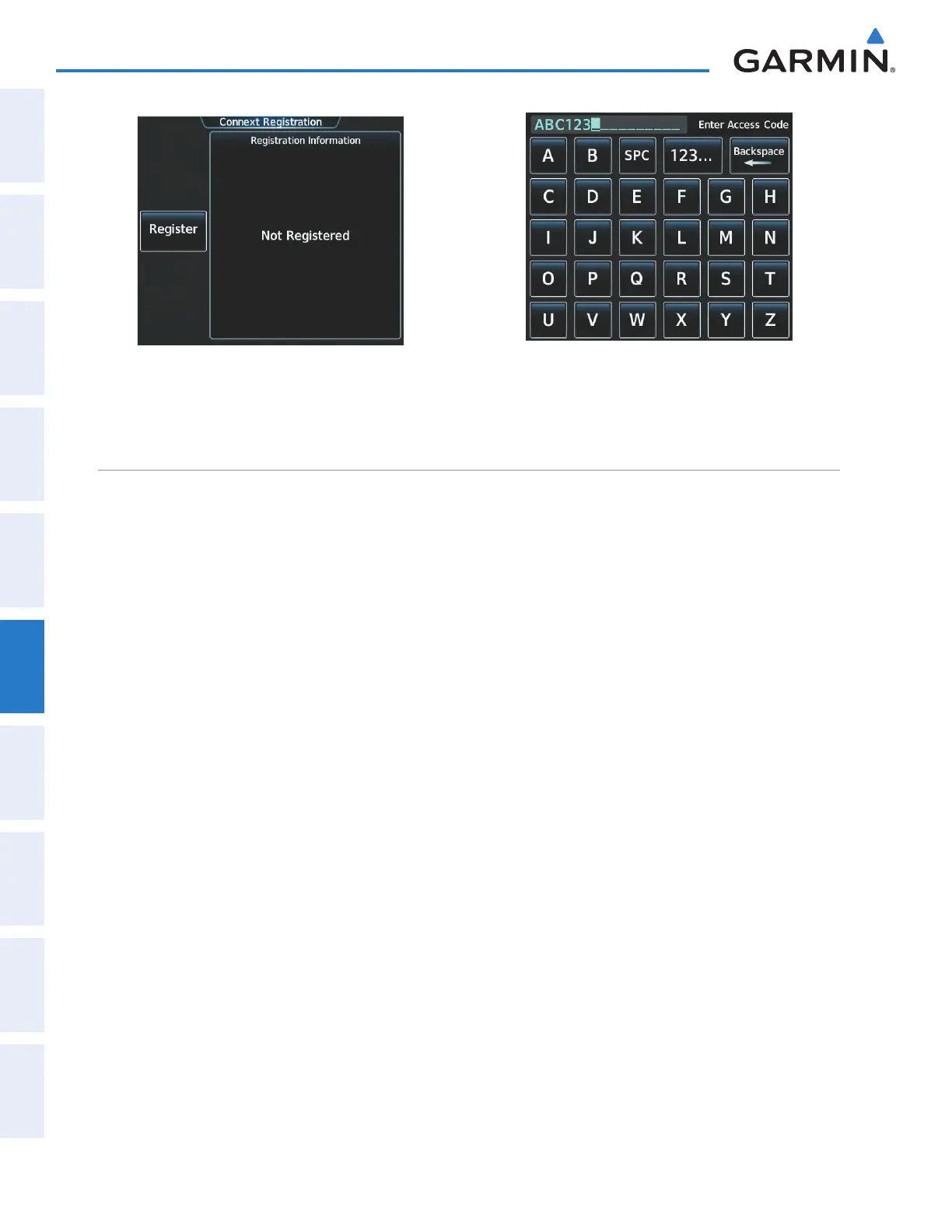
Figure 6-44 Connext Registration Screen Prior to
Registration
Figure 6-45 Enter Access Code Provided by Garmin
Connext Customer Service
ACCESSING CONNEXT WEATHER PRODUCTS
The Connext Weather Pane is the principal map display for viewing Connext Weather information (Figure
6-46). This is the only map display capable of showing information for all available Connext Weather products.
Viewing the Connext Weather Pane:
From Home, touch Weather > Weather Selection > Connext Weather.
The map orientation of the Connext Weather Pane is pilot-selectable, and is independent for each display
pane area. If desired, the system can also synchronize the Connext Weather Pane orientation to the orientation
of the Navigation Map Pane.
Selecting a map orientation for the Connext Weather Pane:
1) From Home, touch Weather > Weather Selection > Connext Weather > Connext Settings.
2) Touch the Orientation Button to change the current orientation setting (shown in light blue).
3) Touch to select one of the following buttons from the list:
• Heading Up
• Track Up
• North Up
• Sync to Nav Map
If more than one data link weather service has been installed (such as GDL 69/69A SiriusXM Weather), the
system provides the option to choose the source of weather information for the navigation map panes and the
PFD Inset Navigation Map.
Selecting a Data Link Weather Source (for maps other than the Connext Weather pane)
1) From Home, touch Map > Map Settings.
2) If necessary, touch the Sensor tab.
This manual downloaded from http://www.manualowl.com



 To Next Page