190-01263-01 Rev. A
Garmin G2000 Pilot’s Guide for the Cessna T240
461
AutomAtic Flight control SyStem
SyStem
oVerVieW
Flight
inStrumentS
eiS
AuDio PAnel
& cnS
Flight
mAnAgement
hAZArD
AVoiDAnce
AFcS
ADDitionAl
FeAtureS
APPenDiceS inDeX
nAvigAtion moDeS (FmS, vor, loc,)
note: The selected navigation receiver must have a valid VOR or LOC signal or active FMS course for the
flight director to enter Navigation Mode.
note: When intercepting a flight plan leg, the flight director gives commands to capture the active leg at
approximately a 45° angle to the track between the waypoints defining the active leg. The flight director
does not give commands fly to the starting waypoint of the active leg.
Pressing the NAV Key selects Navigation Mode. Navigation Mode acquires and tracks the selected navigation
source (FMS, VOR, LOC). The flight director follows FMS roll steering commands when FMS is the selected
navigation source. When the navigation source is VOR or LOC, the flight director creates roll steering commands
from the Selected Course and deviation. Navigation Mode can also be used to fly non-precision FMS and LOC
approaches where glideslope capture is not required.
If the Course Deviation Indicator (CDI) shows greater than one dot when the NAV Key is pressed, the selected
mode is armed. If the CDI is less than one dot, Navigation Mode is automatically captured when the NAV Key
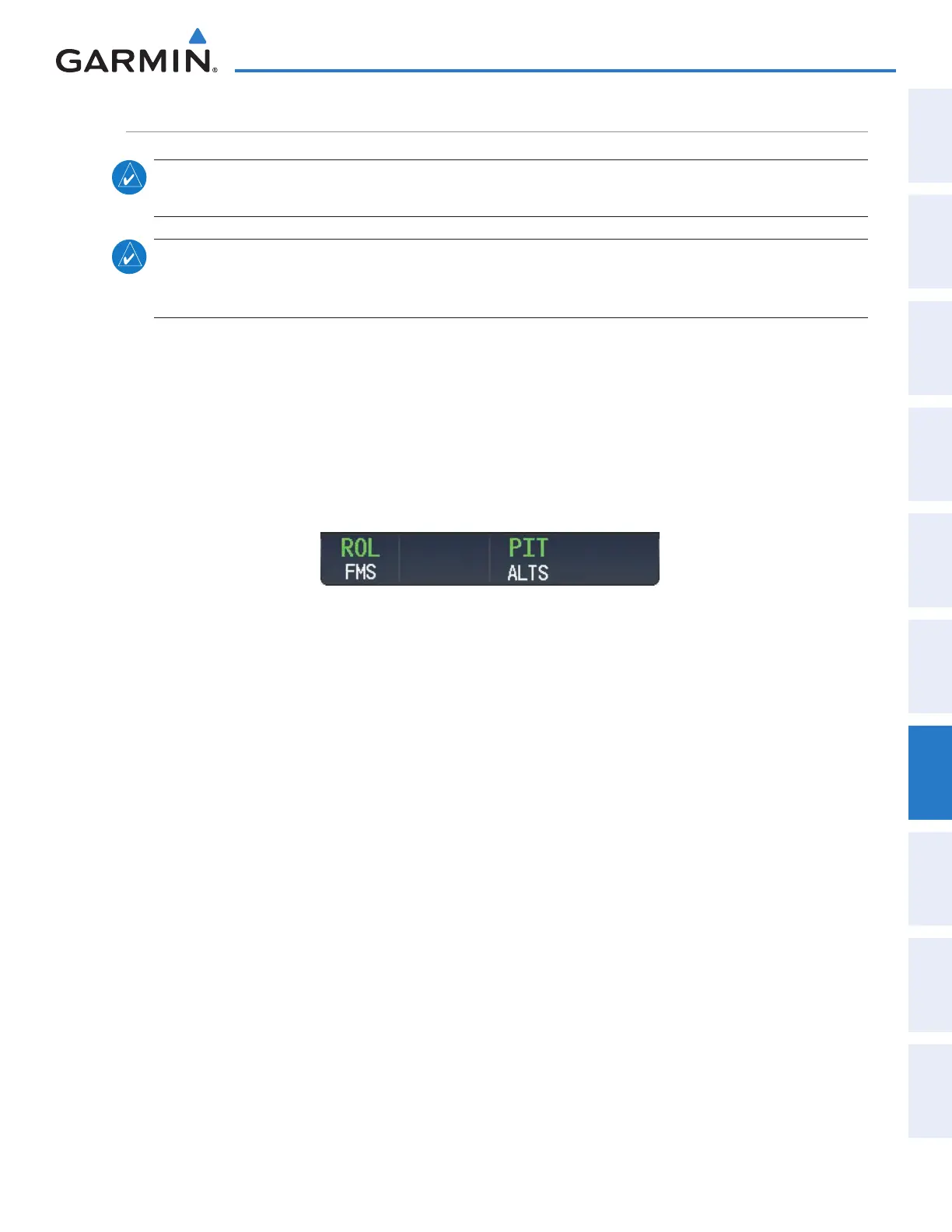
is pressed. The armed annunciation appears in white to the left of the active roll mode.
Figure 7-22 FMS Navigation Mode Armed
When the CDI has automatically switched from FMS to LOC during a LOC/ILS approach, FMS Navigation
Mode remains active, providing FMS steering guidance until the localizer signal is captured. LOC Navigation
Mode is armed when the automatic navigation source switch takes place. If the APR Key is pressed prior to the
automatic navigation source switch, LOC Navigation Mode is armed.
LOC Navigation Mode automatically reverts to Backcourse Mode if the localizer front course is greater
than 105° from the aircraft heading. Refer to the discussion (in this section) on Backcourse Mode for more
information on this topic.
If Navigation Mode is active and either of the following occur, the flight director reverts to Roll Hold Mode
(wings rolled level):
• Different VOR tuned while in VOR Navigation Mode (VOR Navigation Mode reverts to armed)
• Navigation source manually switched (with the Active Nav Softkey)
• During a LOC/ILS approach, the FAF is crossed while in FMS Navigation Mode after the automatic navigation
source switch from FMS to LOC
This manual downloaded from http://www.manualowl.com



 To Next Page