Garmin G2000 Pilot’s Guide for the Cessna T240
190-01263-01 Rev. A222
Flight ManageMent
SYSteM
OVeRVieW
Flight
inStRUMentS
eiS
aUDiO Panel
& CnS
Flight
ManageMent
haZaRD
aVOiDanCe
aFCS
aDDitiOnal
FeatUReS
aPPenDiCeSinDeX
uSer waypointS
The system can create and store up to 1,000 user-defined waypoints. User waypoints can be created from
any map pane (except PFD Inset Map, Trip Planning, or Procedure) by selecting a position on the map using
the Joystick, or from the User Waypoint Information Screen by referencing a bearing/distance from an existing
waypoint, bearings from two existing waypoints, or latitude and longitude. Once a waypoint has been created,
it can be renamed, deleted, or moved. Temporary user waypoints are erased upon system power down.
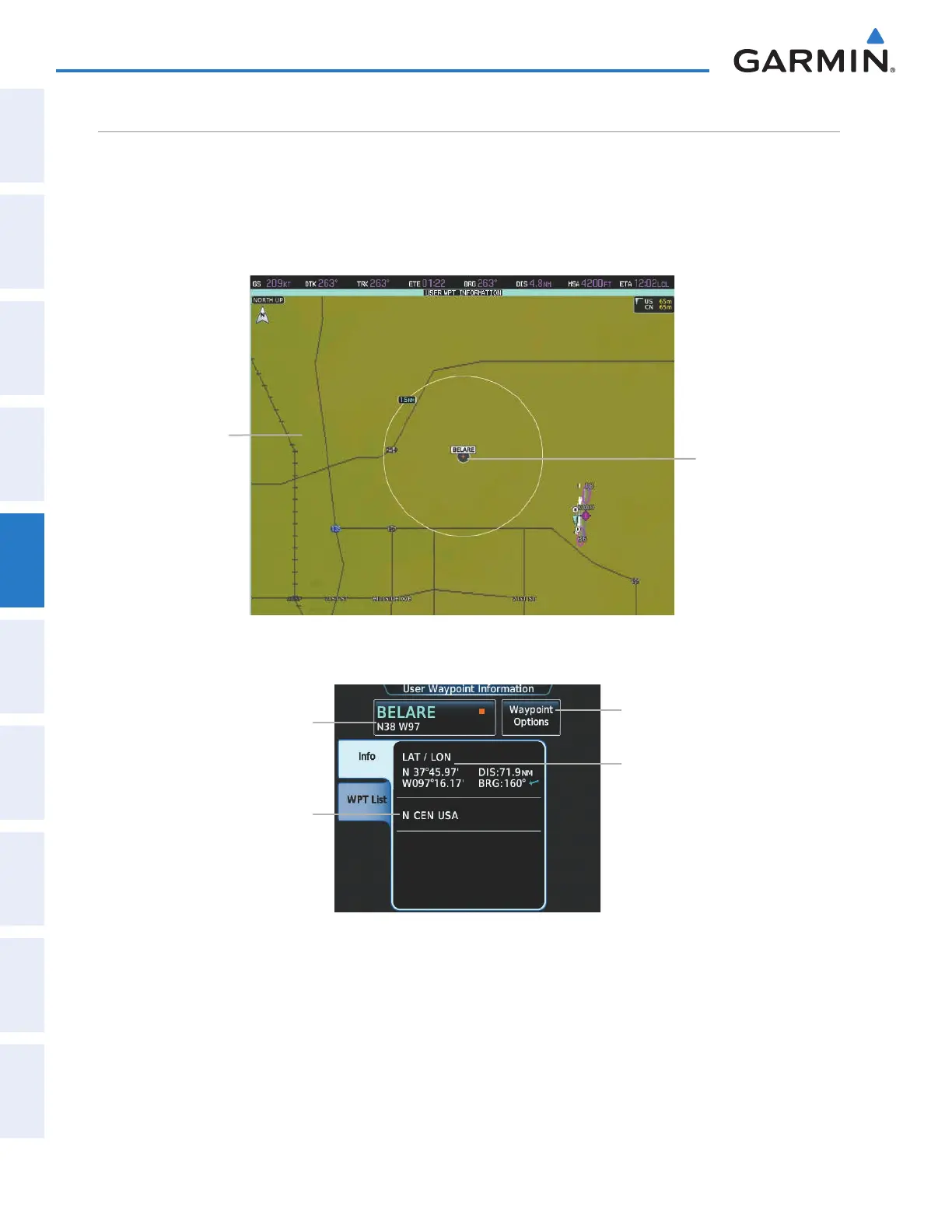
Figure 5-58 User Waypoint Information Pane
Navigation Map
Showing
Selected User
Waypoint
Selected User Waypoint
Figure 5-59 User Waypoint Information Screen (defined by latitude/longitude)
Selected User Waypoint Button
(Identifier, Name, Symbol)
Region
Waypoint Options Button
Direct To, Insert in Flight Plan, Edit,
Delete, Delete All, Show On Map
User Waypoint Definition
Location Type (LAT/LON)
Latitude/Longitude
Distance/Bearing from Aircraft
This manual downloaded from http://www.manualowl.com



 To Next Page