Garmin G2000 Pilot’s Guide for the Cessna T240
190-01263-01 Rev. A42
SyStem Overview
SyStem
Overview
FLiGHt
iNStrUmeNtS
eiS
AUDiO PANeL
& CNS
FLiGHt
mANAGemeNt
HAZArD
AvOiDANCe
AFCS
ADDitiONAL
FeAtUreS
APPeNDiCeSiNDeX
SyStem
Overview
FLiGHt
iNStrUmeNtS
eiS AUDiO & CNS
FLiGHt
mANAGemeNt
HAZArD
AvOiDANCe
AFCS
ADDitiONAL
FeAtUreS
APPeNDiCeSiNDeX
1.5 SYSTEM MANAGEMENT
The Touchscreen Controller allows management of various system parameters, in addition to providing status
and database information for the system.
AVIONICS SETTINGS
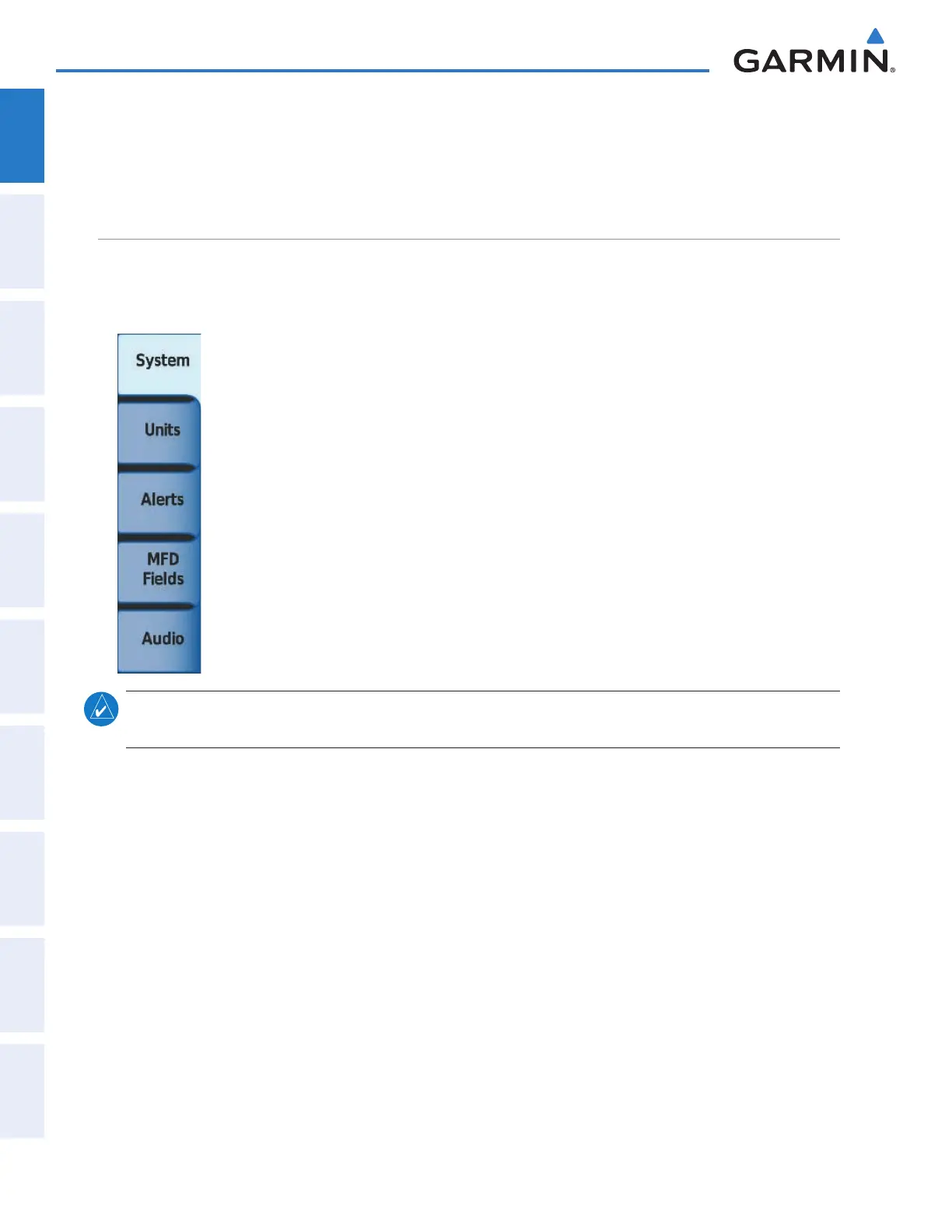
Avionics Settings are categorized into five Tabs (System, Units, Alerts, MFD Fields, and Audio):
SYSTEM SETTINGS
• Time display format (local 12 hour, local 24 hour or UTC )
• Time offset
• Flight Director Active Format (not pilot selectable)
• GPS CDI range
• COM transceiver channel spacing
• Stability & Protection (ESP)
• Nearest Airport Runway Surface
• Nearest Airport Minimum Length
NOTE:
The time offset is used to define current local time. UTC (also called GMT or Zulu) date and time are
calculated directly from the GPS satellite signals and cannot be changed.
Setting the Time Format:
1) From the Home, touch Utilities > Setup > Avionics Settings.
2) If necessary, touch the System tab.
3) Touch the Time Format Button (displays currently selected time format in light blue).
4) Touch a time format option button (Local 12hr, Local 24hr, or UTC).
Setting the Time Offset Value:
1) From the Home, touch Utilities > Setup > Avionics Settings.
2) If necessary, from the System Tab.
3) Touch the Time Offset button (currently selected time offset shown in light blue).
4) Input the desired value using the numeric keypad or the large and small right knobs and touch the ENTER
Button.
This manual downloaded from http://www.manualowl.com



 To Next Page