Garmin G2000 Pilot’s Guide for the Cessna T240
190-01263-01 Rev. A272
Flight ManageMent
SYSteM
OVeRVieW
Flight
inStRUMentS
eiS
aUDiO Panel
& CnS
Flight
ManageMent
haZaRD
aVOiDanCe
aFCS
aDDitiOnal
FeatUReS
aPPenDiCeSinDeX
If the active leg is not a track between two fixes (TF) or a course to a fix (DF) leg, the status
indicates that the system is unable to activate the parallel track because parallel track is not available for the
active leg type.
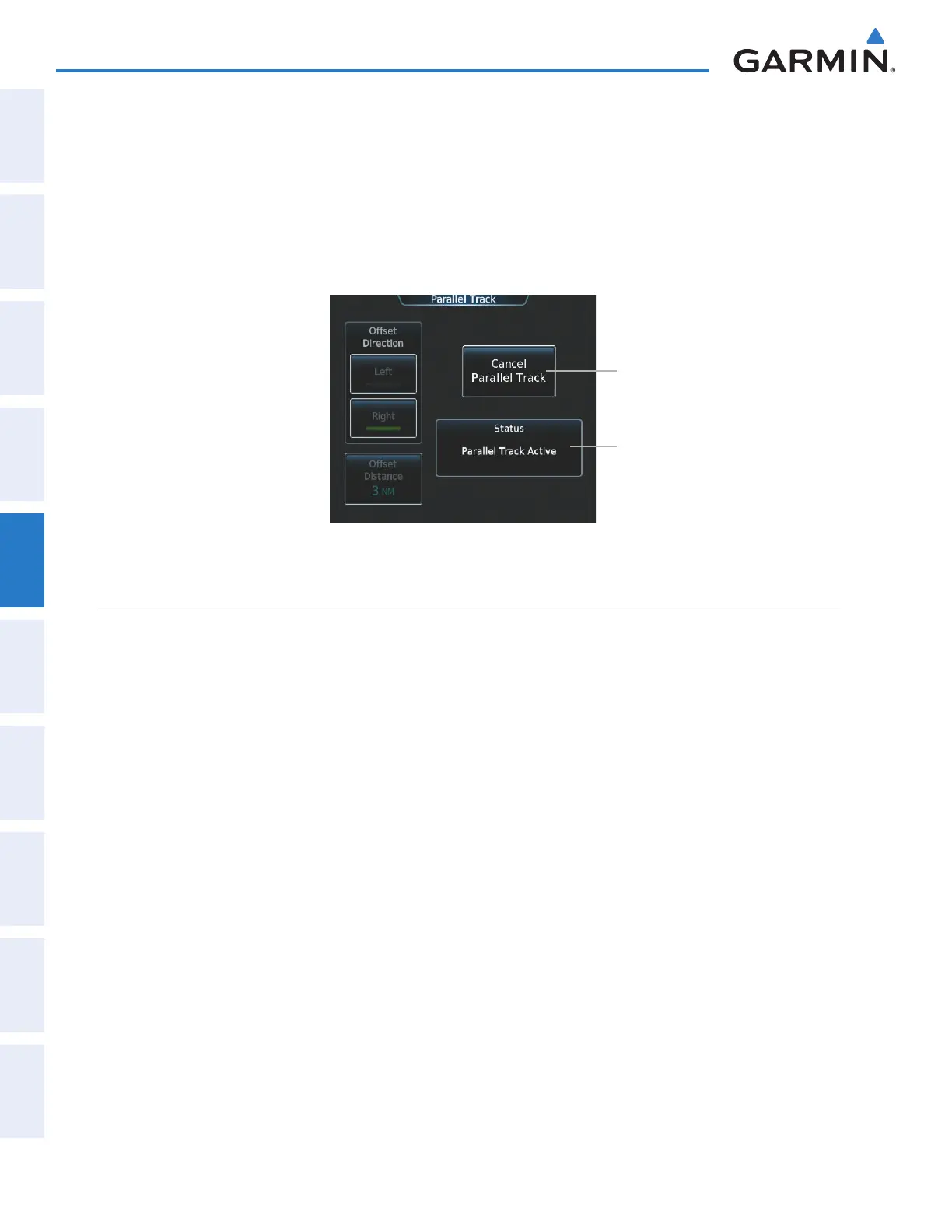
Cancelling parallel track:
1) From Home, touch Flight Plan > Flight Plan Options > Parallel Track
2) Touch the Cancel Parallel Track Button to cancel the parallel track function.
Figure 5-121 Parallel Track Screen - Cancelling Parallel Track
Cancel Parallel Track Button
Parallel Track Status
activating a Flight plan leg
The system allows selection of a highlighted leg as the “active leg” (the flight plan leg which is currently
used for navigation guidance).
Activating a flight plan leg:
1) From Home, touch Flight Plan
2) Scroll the list, if necessary, and touch the waypoint selection button to select the the destination waypoint for
the desired leg. The Waypoint Options Window is displayed.
3) Touch the Activate Leg to Waypoint Button.
4) Touch the OK Button in response to “Activate Leg?” The new active flight plan leg is activated. To cancel the
request, touch the Cancel Button.
This manual downloaded from http://www.manualowl.com



 To Next Page