190-01263-01 Rev. A
Garmin G2000 Pilot’s Guide for the Cessna T240
55
SyStem Overview
SyStem
Overview
FLiGHt
iNStrUmeNtS
eiS
AUDiO PANeL
& CNS
FLiGHt
mANAGemeNt
HAZArD
AvOiDANCe
AFCS
ADDitiONAL
FeAtUreS
APPeNDiCeS iNDeX
SYSTEM
OVERVIEW
FLIGHT
INSTRUMENTS
EIS AUDIO & CNS
FLIGHT
MANAGEMENT
HAZARD
AVOIDANCE
AFCS
ADDITIONAL
FEATURES
APPENDICES INDEX
1.6 UTILITIES
The Timer and Trip Statistics features provide a stopwatch-like generic timer, a total time in flight timer, and
a record of the time of departure as well as distance tracking—odometer, trip odometer, and average ground
speeds and maximum ground speeds.
TIMER
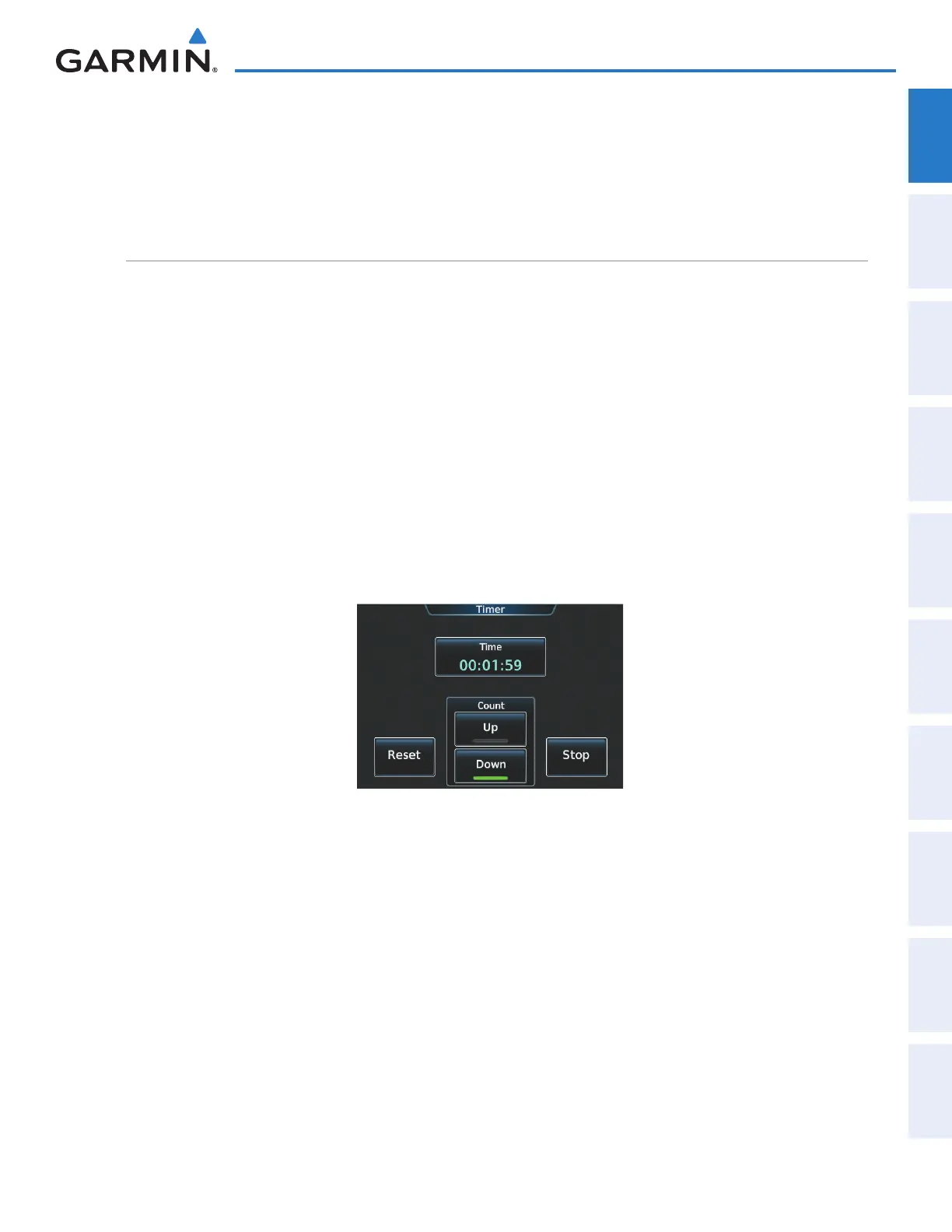
The generic timer can be set to count up or down from a specified time (HH:MM:SS). When the countdown
on the timer reaches zero the digits begin to count up from zero. If the timer is reset before reaching zero on a
countdown, the digits are reset to the initial value. If the timer is counting up when reset, the digits are zeroed.
Setting the generic timer:
1) From the Home, touch Utilities > Timer.
2) Touch the Time Button.
3) Input the desired time using the numeric keypad or the Large and Small Right Knobs, then touch the Enter
Button or press the Right Knob.
4) Touch the Start Button. The button changes to ‘Stop’.
5) To stop the timer, touch the Stop Button.
6) To reset the timer, touch the Reset Button.
Figure 1-38 Timer Screen
This manual downloaded from http://www.manualowl.com



 To Next Page