190-01263-01 Rev. A
Garmin G2000 Pilot’s Guide for the Cessna T240
403
Hazard avoidance
SYSTeM
overvieW
FLiGHT
inSTrUMenTS
eiS aUdio & cnS
FLiGHT
ManaGeMenT
Hazard
avoidance
aFcS
addiTionaL
FeaTUreS
aPPendiceS indeX
Potential Impact
Point Symbol
Alert Type Example PFD Annunciation
Warning
Caution
Table 6-13 Terrain SVT Potential Impact Point Symbols with Alert Types
The system shows Terrain SVT information on the Terrain SVT Pane, the Navigation Map Pane, and on the
PFD Inset Navigation Map.
Enabling/disabling relative terrain information (Navigation Map Pane):
1) From Home, touch Map > Map Settings.
2) If necessary, touch the Sensor Tab.
3) Touch the Relative Terrain Button to display/remove relative terrain information on the Navigation Map Pane.
Enabling/Disabling obstacle information (Navigation Maps)
1) From Home, touch Map > Map Settings.
2) If necessary, touch the Land Tab.
3) Touch the Obstacle Data Button to enable/disable obstacle data.
The system can overlay terrain and obstacle data on the PFD Inset Navigation Map. If the Inset Map is
currently displaying the traffic map (Traffic Map Softkey annunciator is green), the traffic map must first be
disabled in order to view the PFD Inset Navigation Map.
Displaying terrain information (PFD Inset Navigation Map)
1) Press the Inset Map Settings Softkey.
2) Press the Terrain Softkey. Softkey annunciator is green when terrain display is enabled, and gray when terrain
is disabled.
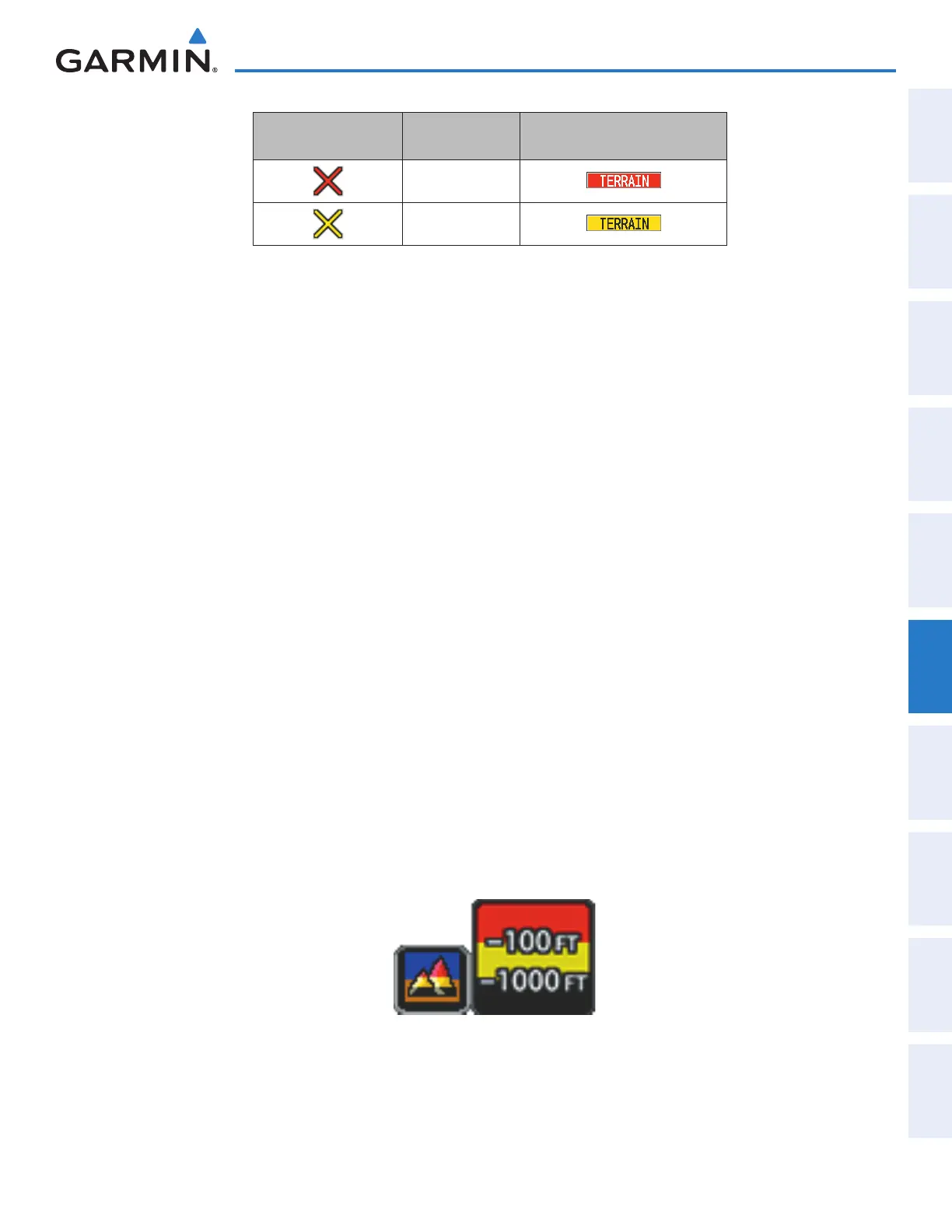
When the pilot enables Terrain SVT data on maps other than the Terrain SVT Pane, an icon indicates the
feature is enabled for display. A legend for Terrain SVT terrain colors accompanies the icon on the Navigation
Map Panes (Figure 6-83). The legend is shown without the terrain icon on the Terrain SVT Pane.
Figure 6-83 Terrain Icon and Legend
This manual downloaded from http://www.manualowl.com



 To Next Page